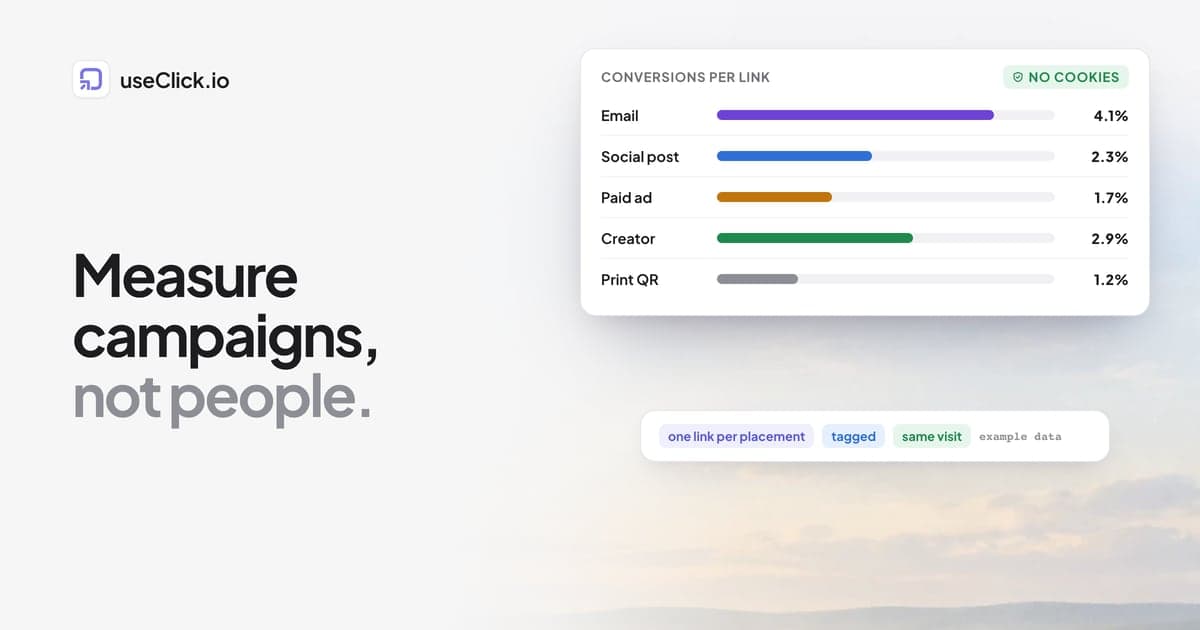
Quick answer: You can measure campaigns without cookies or personal profiles, as long as you measure at the level of the link and the campaign, not the person. Give every placement its own tagged short link, count clicks per link, connect each click to the visit and the conversion that follows within the same visit, and compare campaigns with each other. What you give up is recognizing the same individual across days and devices, which also means no retargeting lists and no long attribution chains. For most small and mid-sized teams, the questions that drive decisions survive this trade.
Key takeaways
- Cookie-free measurement answers "which link, channel and campaign worked?" It does not answer "what did this one person do over three weeks?"
- The unit of measurement is the link. One link per placement is the habit that makes everything else work.
- Direct traffic is the enemy. Many email, chat, QR and social clicks arrive without a referrer, so tags and separate links carry the attribution.
- Choose one conversion event per campaign and measure it the same way every time.
- Cookie-free does not mean obligation-free. Check your own setup and jurisdiction.
What you keep and what you lose
Privacy-first does not mean blind. It means a different, narrower kind of knowledge. Here is the honest comparison, using what a cookie-free setup like useClick records: no cookies, no stored IP addresses, a one-way daily hash to count unique visitors.
| You still know | You no longer know |
|---|---|
| How many clicks each link got, and when | Whether today's visitor is the same person as last Tuesday's |
| Which country, device, browser and source the clicks came from | Which person clicked, or anything about them |
| Which pages a visit viewed and for how long | The path one person took across several days |
| Which link led to a signup or sale within the same visit | Conversions that happen on another day or device |
| Which campaign, medium and creative performed best | Audiences you could retarget with ads |
| Trends over weeks and months, per channel | Long, multi-touch attribution chains |
Two details explain the right-hand column. First, unique visitors are counted with a hash that includes the date, so the same person is a new visitor each day. That is the privacy feature and the limitation in one. Second, browsers that send Do Not Track are not tracked by the useClick script. Cookieless website analytics explains how the counting works and what it can and cannot measure.
For most teams this is a good trade. The decisions you make weekly are about channels and links: where to post more, what to stop, which subject line won. Those are campaign-level questions, and a campaign-level measurement answers them.
The unit is the link
In a cookie-based world, the unit is the person: the cookie follows them around and you reconstruct a story afterwards. Without cookies, the unit is the link. If a click arrives through go.acme.com/winter-newsletter, you know it came from the newsletter. If it came through go.acme.com/winter-linkedin, you know it came from LinkedIn.
That makes the habit one link per placement the most important rule in this post. A placement is one specific spot: one email issue, one post, one creator, one flyer. Make it a separate link, grouped in a campaign, tagged with source, medium and campaign names from a naming convention.
How a conversion still gets attributed
If you only count clicks, you know who showed interest. To know who bought, the click and the visit need to connect. useClick does it with a small token: when someone arrives from one of your short links, the landing URL carries a short _uc token, and the script removes it from the address bar and keeps it in that browser tab's session storage. A signup or purchase later in the same visit can then be tied to the link that brought the visitor. There is no cookie and no profile, and it works within a visit, not across weeks. The full setup is in how to track which short link drove a sale.
Goals, which turn an event into a conversion with attribution and revenue, need the Growth plan. Custom events, such as signup, are recorded on every plan.
A measurement plan in four decisions
- What counts as success? One event per campaign: a signup, a purchase, a booked call. Name it the same way every time.
- What is the unit? Decide that every placement gets a link, and what a placement is.
- How are links named and tagged? Use your convention, and test links before they go out with a preflight checklist.
- When do you review? A fixed day each week, with a fixed set of questions: which links, which channels, what changed.
Everything else is detail.
Channel by channel
Set up: one link per call to action per issue, tagged utm_medium=email, with utm_campaign naming the issue or the flow, and utm_content naming the position, for example header-button.
Read: clicks per link, and conversions from those clicks. You can compare issues and positions.
Watch out: many email apps send clicks with no referrer, so without tags they land in Direct. This is the main reason email looks smaller than it is. Newsletter link tracking goes deeper.
Social posts and bio links
Set up: one link per post and per platform, plus one for the bio link of each profile. Every button on a useClick bio page is itself a tracked short link, so taps are counted. Read: clicks per post, the bio page's views and taps, and the conversions that follow. Watch out: in-app browsers can hide the referrer or load pages differently, so tags matter more than referrers. A strong post that sends many clicks and few conversions usually points at the landing page, not the post.
Paid ads
Set up: tag every ad with source, medium (cpc) and campaign, and use utm_content for the creative. Keep the ad platform's own reporting for spend and impressions.
Read: your own click and conversion counts per ad, next to the platform's numbers.
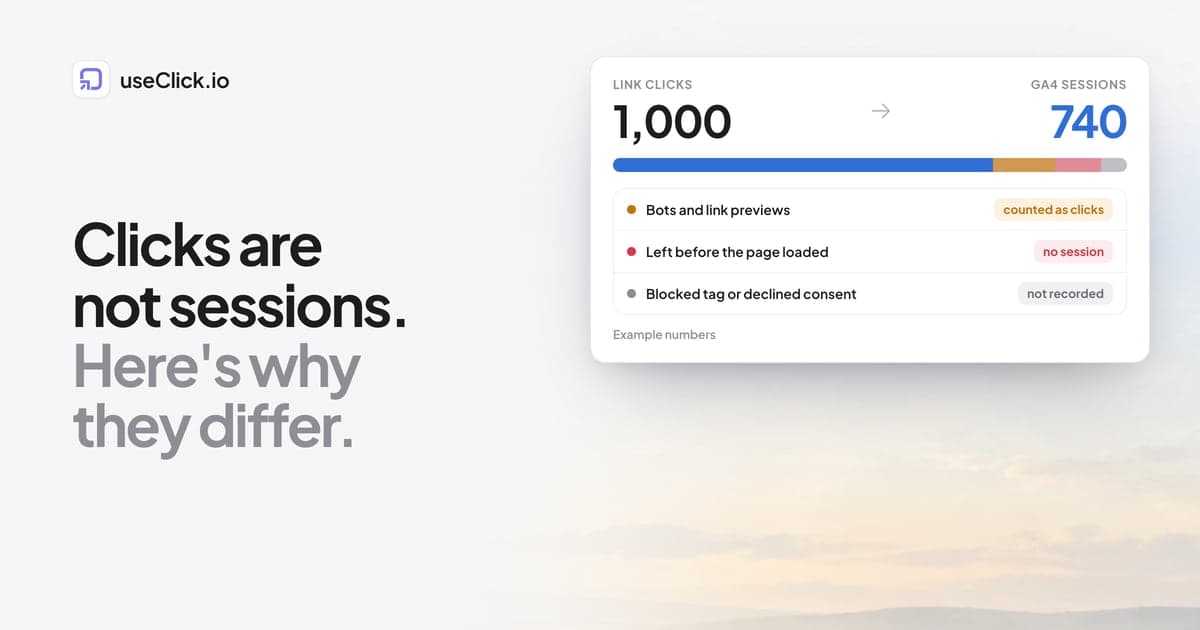
Watch out: the ad platform's clicks and your site sessions will not match. Why link clicks and sessions differ explains why, and what to compare instead.
Creators and affiliates
Set up: one link per creator or partner, never one shared link, so each gets their own numbers. Read: clicks and conversions per partner, which is what you need to compare and pay them fairly. Watch out: make the link easy to say or type, since many creators mention it in audio or video. How to track affiliate links covers the setup in detail.
Print, QR codes and events
Set up: one link, and one QR code, per placement: a flyer, a poster, a package, a booth. Read: scans per placement and the conversions that follow. Scans usually arrive without a referrer, so the separate link is the only attribution you have. Watch out: test a printed proof before the run. Offline conversion tracking and trackable QR codes cover it.
What to stop expecting
Some habits from the cookie era do not survive, and it is better to let them go than to look for a workaround:
- A single customer journey across weeks. Replace it with campaign comparisons: which channel performed best this month versus last.
- Last-click credit across devices. Within one visit, you can attribute. Beyond it, accept that some conversions will show as Direct and compare channel shares over time.
- Retargeting from click data. Without individual profiles, there are no lists to upload.
- Exact totals. Counts are estimates in the details, and clicks include some bot traffic. Look at trends and ratios.
In exchange, you get simpler data, fewer consent questions in many setups, and numbers you can explain to a client in one sentence.
A 30-minute setup
- Write your success event and send it from your site, for example
window.useclick('signup'). - Add the tracking script to the landing pages. It is one line in the head.
- Create the links for your next campaign, one per placement, tagged by your naming list.
- Test them with the checklist and a test click.
- Set a weekly review with three questions: which link got clicks, which led to the event, what changed since last week.
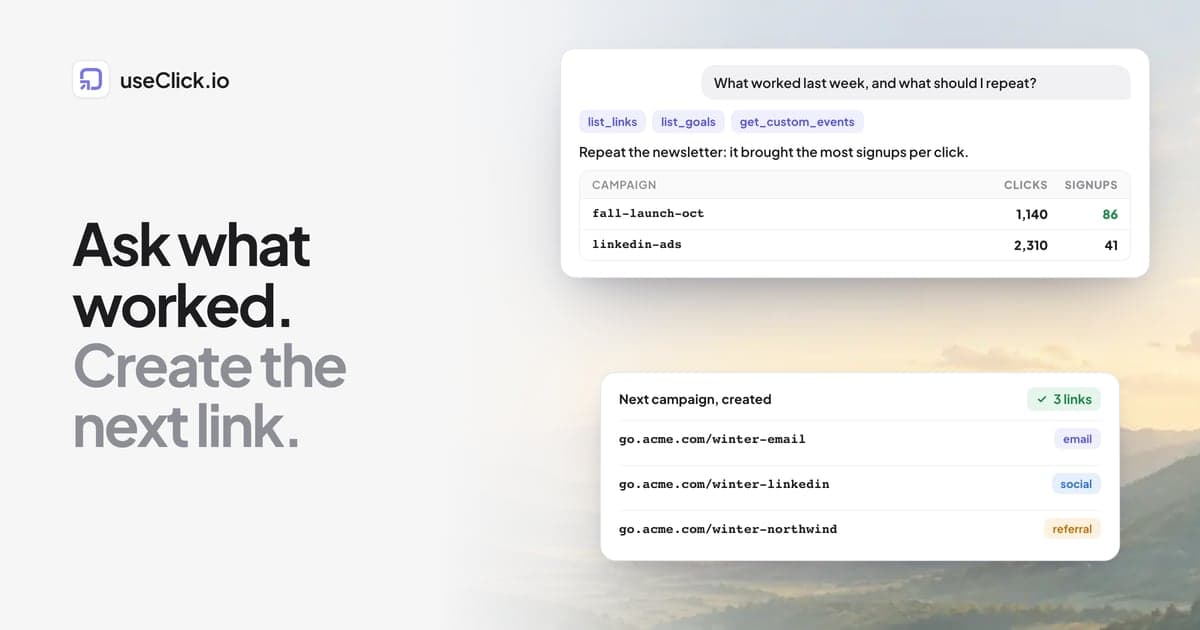
If you want an AI assistant to do the reading, a weekly review loop over MCP shows how.
A note on consent and law
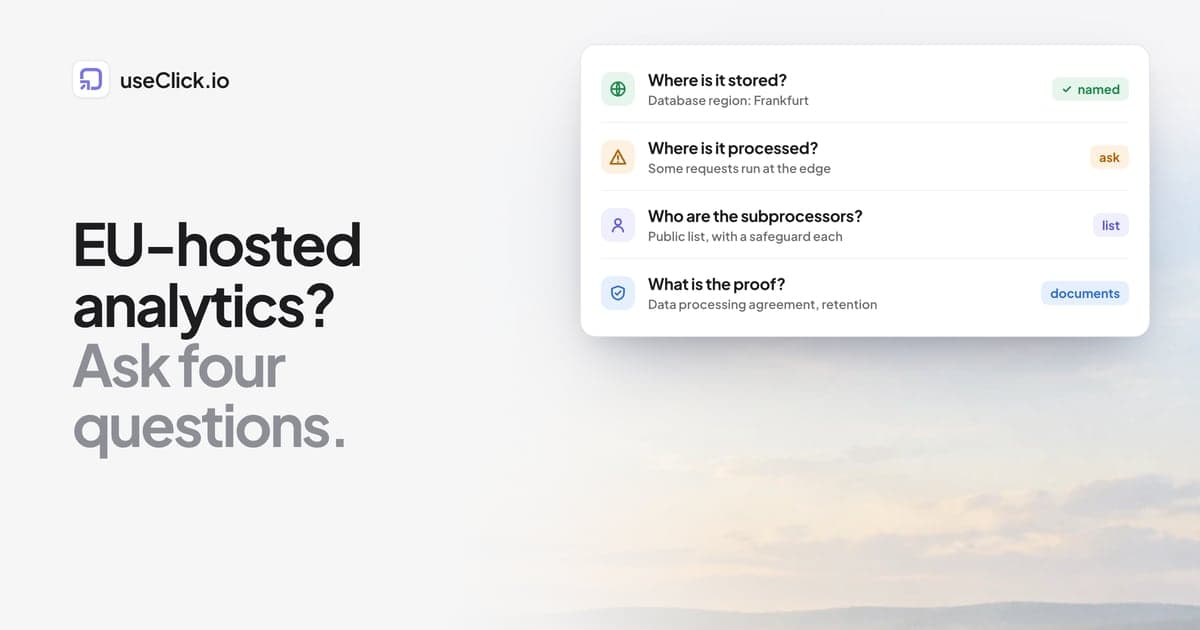
Measuring without cookies and personal identifiers reduces what you have to disclose and, in many setups, whether a consent banner is needed. It does not remove your obligations, which depend on the tools you use together, your jurisdiction and what you do with the data. See do you need a cookie consent banner? and the EU-hosted analytics checklist for the questions to ask, and ask your data protection contact for your case.
Frequently asked questions
Can I measure marketing campaigns without cookies?
Yes, at the level of links and campaigns. Use one tagged short link per placement, count clicks, connect clicks to the visit and conversion that follow, and compare campaigns. You cannot follow one individual across days or devices.
What do I lose without third-party cookies and profiles?
Cross-day and cross-device identity, retargeting audiences, long multi-touch attribution and exact per-person journeys. You keep clicks, sources, devices, countries, page views, conversions within a visit and trends over time.
How does conversion attribution work without cookies?
A short token on the landing URL connects the visit to the link click, and it is kept in the tab's session storage, so a conversion later in the same visit can be credited to that link. It does not follow the person afterwards.
Why is so much of my traffic Direct?
Many email apps, chat apps, QR scans and some social apps do not pass a referrer. Tagged links and one link per placement are how you recover the attribution.
Is cookie-free tracking automatically legal?
No. It lowers the amount of personal data involved, but your obligations depend on your full setup and your jurisdiction. Check the specifics for your case.
Which plan do I need?
Click tracking, link analytics and custom events work on every plan. Campaigns and UTM tags on links need Starter, and goals with attribution need Growth.
How accurate are the numbers?
Good enough to compare channels and trends. Unique visitors are estimates, and click totals include some bot traffic, so read ratios and changes more than exact totals.
The decision in one paragraph
Measure at the level where privacy and usefulness overlap: links and campaigns. Give every placement its own tagged link, send one clear conversion event, connect the click to the visit with a token that never becomes a profile, and review the same questions every week. You will not know what one person did over a month, but you will know which channel, link and message worked, and that is what moves a budget.