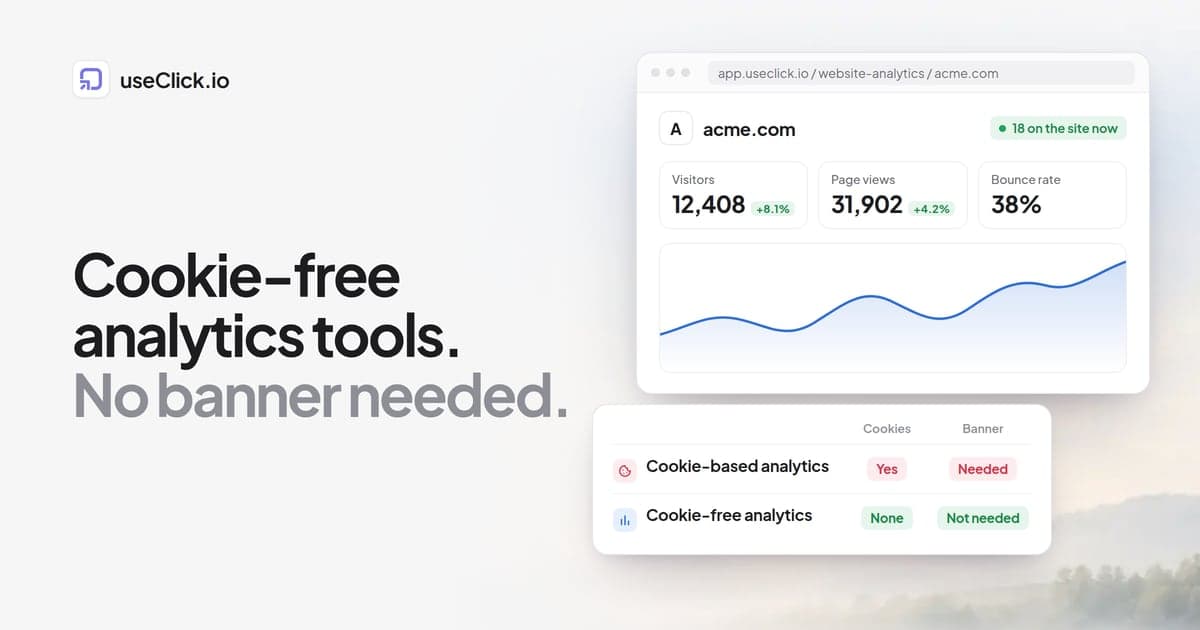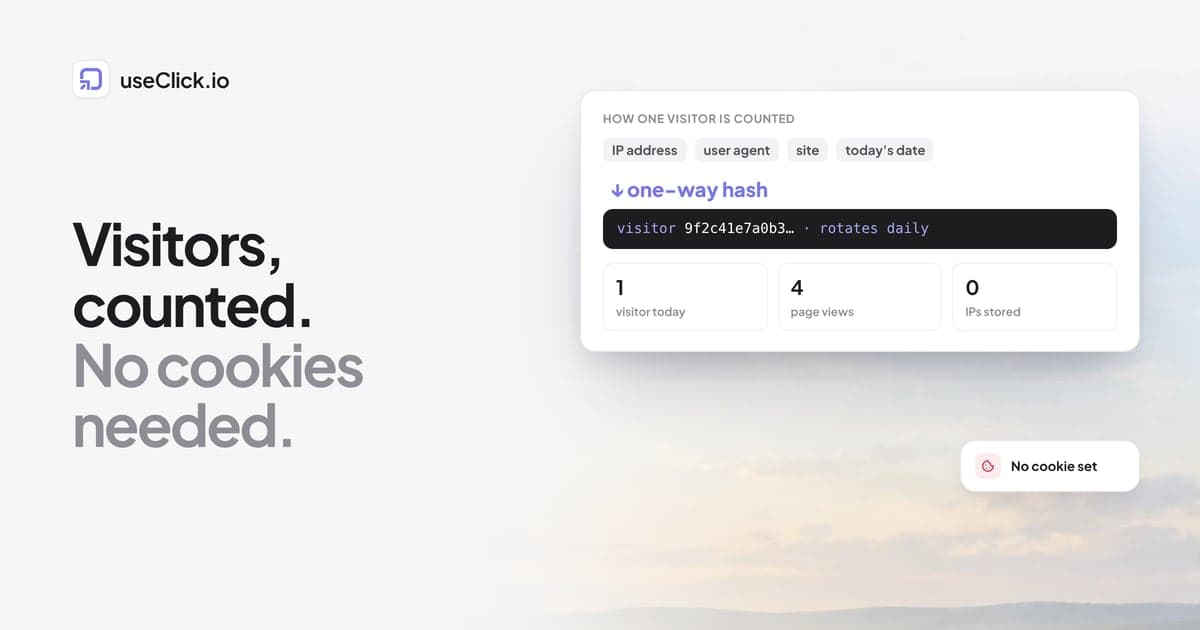
Quick answer: Cookieless analytics counts visits without storing anything on the visitor's device for tracking. Instead of a cookie with a long-lived ID, the server combines a few request details (IP address, browser user agent, the site and today's date) into a one-way hash, uses it to recognise repeat page views on the same day, and never stores the IP address itself. Because the date is part of the hash, the same person becomes a new visitor tomorrow. You get visitors, sources, pages and conversions; you give up long-term tracking of individuals, which is the point.
Key takeaways
- A cookie remembers a device for months. A daily hash recognises it for one day, then forgets.
- Page views, sources, UTM campaigns, countries, devices, pages and conversions all work without cookies.
- What you lose: returning-visitor counts over weeks, cross-device journeys and ad audiences.
- "Cookieless" is a technical claim. Whether you need a consent notice is a legal question that depends on your laws and setup.
Why analytics used cookies in the first place
Classic analytics answers "is this the same visitor as yesterday?" by giving each browser an ID in a cookie. The script reads it on every page view, so the tool can count unique visitors over a month, link sessions together and follow a visitor from an ad to a purchase weeks later.
The same ID is what makes the data personal. Under the EU's ePrivacy rules, storing or reading information on a visitor's device generally needs consent unless it is strictly necessary, which is why sites using cookie-based analytics show a banner. Visitors who decline disappear from the numbers, and in many markets that is a large share. Do you need a cookie consent banner? covers where the line sits.
Cookieless analytics starts from the other end: what can you measure if you never give a visitor a lasting ID?
How the counting works
Here is how useClick does it. Other privacy-first tools work in similar ways, with differences in detail.
- The script sends a page view. It contains the page path, the referrer, UTM tags, screen width and the site ID. No cookie is read or written.
- The server builds a hash. It combines the visitor's IP address, the browser's user agent, the site ID and the current date, and runs them through a one-way hash function.
- The hash counts the visitor. Page views with the same hash on the same day belong to the same visitor. That gives you unique visitors per day and visits with several pages.
- The raw inputs are dropped. The IP address is not stored. The full user agent is not stored either, only the parsed browser, operating system and device type. Location is kept at country, region and city level, derived from the connection.
- Tomorrow the hash changes. A new date means a new hash, so there is no ID that follows a person across days.
Two extra details make the data more useful without adding tracking:
- Time on page is measured while the page is visible and sent when the visitor leaves or switches tabs, so a one-page visit has a real duration instead of zero.
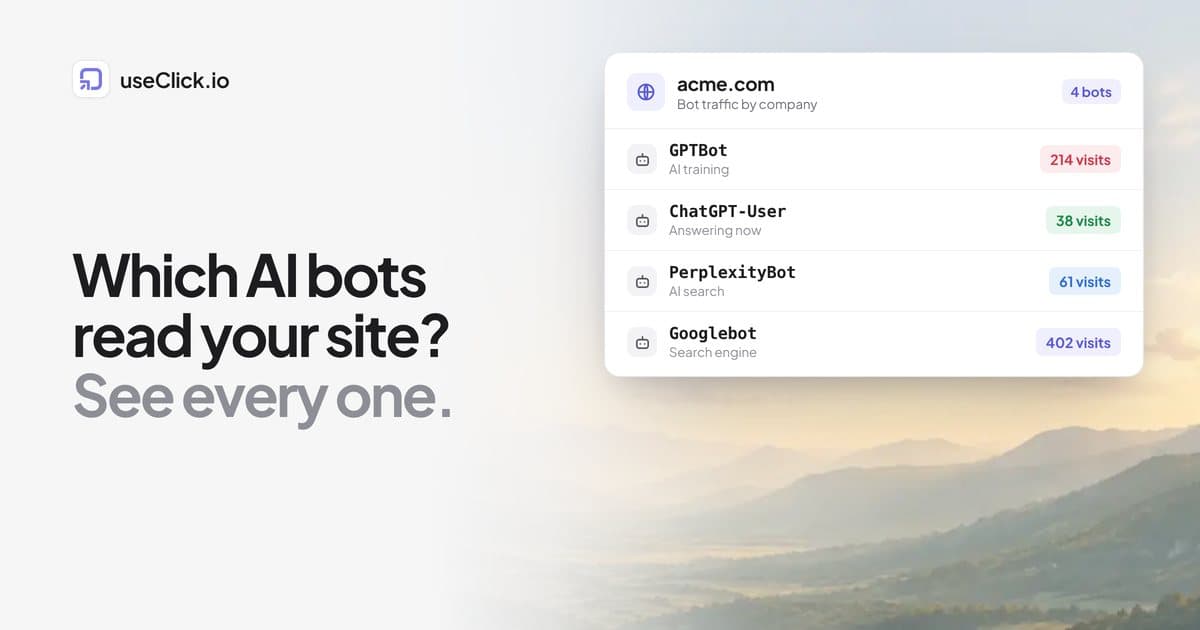
- Bots are labelled by their user agent and shown separately, so AI crawlers and search bots do not inflate your visitor count.
What you can measure
| Question | Cookieless? | How |
|---|---|---|
| How many visitors and page views? | Yes | Daily hash and page view count |
| Where did they come from? | Yes | Referrer and UTM tags on the landing URL |
| Which campaign brought them? | Yes | UTM tags, or the short link they clicked |
| Which pages do they read, and for how long? | Yes | Page path and visible time |
| Countries, devices, browsers? | Yes | Request headers, coarse location |
| Did they sign up or buy? | Yes | A custom event or a thank-you page goal |
| Which link drove the conversion? | Yes, within the visit | A short-lived token passed by the short link |
| Did the same person come back three weeks later? | No | No lasting ID by design |
| Same person on phone and laptop? | No | No cross-device identity |
| Retargeting audiences for ads? | No | Requires identifying individuals |
The link-to-conversion row deserves a word. When a visitor arrives through a useClick short link, the landing URL carries a short _uc token. The tracking script removes it from the address bar and keeps it in the tab's session storage, so a signup later in the same visit can be attributed to that link. Session storage disappears when the tab closes. Click to conversion attribution shows the full flow.
What you give up, honestly
Returning visitors over long periods. If you rely on "new vs returning visitors over 90 days", cookieless analytics will not give you that number. Daily uniques are accurate; monthly uniques are an approximation built from daily counts.
Long attribution windows. A buyer who clicks an ad on Monday and buys on Friday from a bookmark is a new, direct visitor on Friday. Cookie-based tools can sometimes connect the two, when the cookie survives and consent was given.
Ad platform features. Retargeting audiences and conversion APIs that match visitors to ad accounts need identifiers. If paid ads are your main channel, you may still run an ad platform's pixel with consent, next to cookieless analytics for everyone.
For most small and mid-sized sites the trade is worth it: complete numbers for everyone today, instead of detailed numbers for the share of visitors who clicked "accept".
How to check a vendor's claims
"Privacy-first" and "cookieless" are easy to write. Five questions get past the label:
- What is stored per page view? Ask for the field list. Look for IP addresses, full user agents and persistent IDs.
- How are unique visitors counted? A hash that includes the date rotates daily. A hash without the date is a lasting ID under another name.
- Does the script use any device storage? Cookies, local storage, session storage. Ask what each is for and how long it lives.
- Where is the data processed, and by whom? Subprocessors and hosting regions matter for GDPR.
- How long is data kept? A retention limit that deletes old data automatically is a good sign.
useClick answers these in its privacy approach and the website analytics docs: no cookies, no stored IP addresses, a daily rotating hash, Do Not Track respected, and data retention by plan, from 30 days on Free to three years on Pro and Business, deleted automatically.
Setting it up
Add one script tag to your site:
<script defer data-site="YOUR_SITE_ID" src="https://useclick.io/analytics.js"></script>
On WordPress, the useClick plugin adds it with one setting. On Shopify, paste it into your theme. Then open the site in useClick and wait for the first visit; the dashboard confirms when it arrives. Website analytics is on Starter and above, with a 14-day trial for one website on Free.
To count signups or purchases, call window.useclick('signup') after the action. Events are recorded on every plan; goals that tie them to sources and links are on Growth and above.
Frequently asked questions
How does cookieless analytics count unique visitors?
It builds a one-way hash from request details, such as IP address, user agent, site and the current date, and counts page views with the same hash on the same day as one visitor. The IP address is not stored, and the hash changes every day.
Is cookieless analytics GDPR compliant?
It removes the main reasons analytics needs consent: no cookies, no stored IP addresses and no lasting identifier. Whether you need a consent notice still depends on the laws that apply to your site and how you configure your tools. Check with your own advisers.
Is cookieless analytics accurate?
For page views, sources and daily visitors, it is often more complete than cookie-based analytics, because it counts visitors who would decline a banner. It is less precise for returning visitors over weeks and for long attribution windows.
Can I track conversions without cookies?
Yes. Send an event such as signup after the action, or use a thank-you page as the goal. With short links, a conversion in the same visit can be attributed to the link the visitor clicked.
Does cookieless analytics work with UTM parameters?
Yes. UTM tags are read from the landing URL on each visit, so campaign reports work the same way as in cookie-based tools.
Do I still need Google Analytics?
Not for most small sites. If you run large ad campaigns that rely on audiences and conversion matching, you may keep an ad pixel with consent and use cookieless analytics for the complete traffic picture.
The decision in one paragraph
Cookieless analytics swaps a lasting ID for a daily one. You keep everything that answers "what happened on my site today and where did it come from", including campaigns and conversions, and you drop the part that follows individuals across weeks. For most sites that is the right trade: complete numbers, no banner for analytics, and no personal data sitting in a database waiting to become a problem.