
Short Link Management
Create branded short links and track every click.
Short Link Management →Learn how to organize, optimize, and manage your short links effectively with UseClick's comprehensive link management system.
A short link is easy to create but hard to keep track of once you have a hundred of them. Which one belongs to which campaign? Which destination needs updating before the sale ends? UseClick's link management system solves that: create links with custom or auto-generated slugs, organize them with folders and campaigns, and edit or export them without ever breaking a link that's already been shared.
Whether you're managing a few dozen links or thousands of URLs across multiple campaigns, our link management tools help you stay organized and efficient while maintaining professional standards.
This guide covers all aspects of link management, from basic creation to advanced organization strategies.
Your link management hub provides a centralized view of all your short links with powerful filtering and organization tools:

UseClick offers multiple ways to create short links, each optimized for different use cases and requirements.
Long URL:
https://yourstore.com/products/summer-collection-2024?utm_campaign=email
Custom Short:
go.yourbrand.com/summer-sale
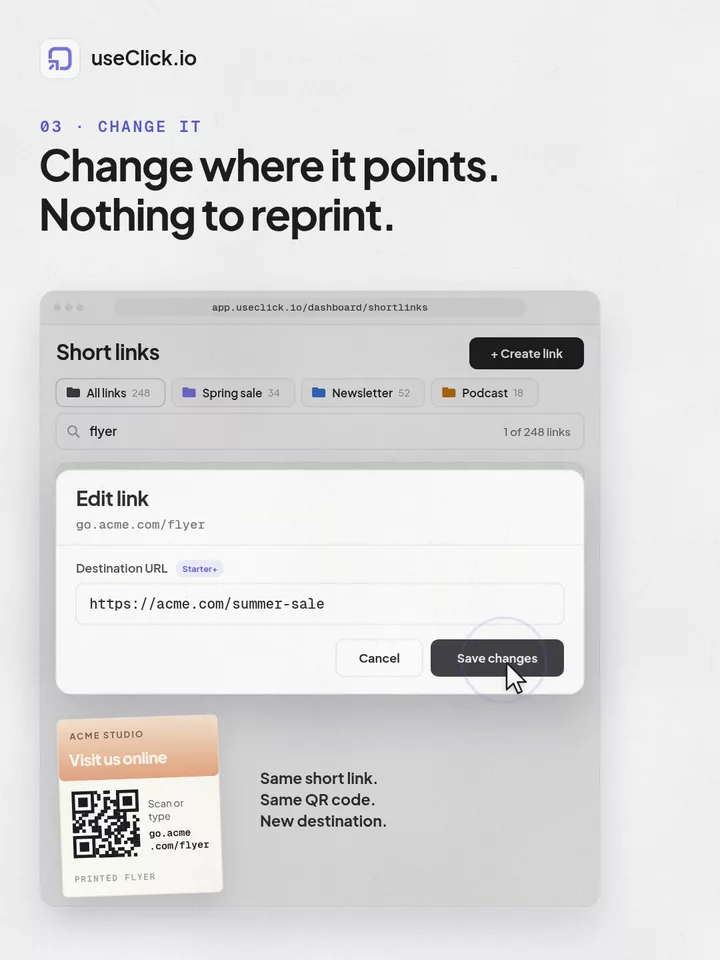
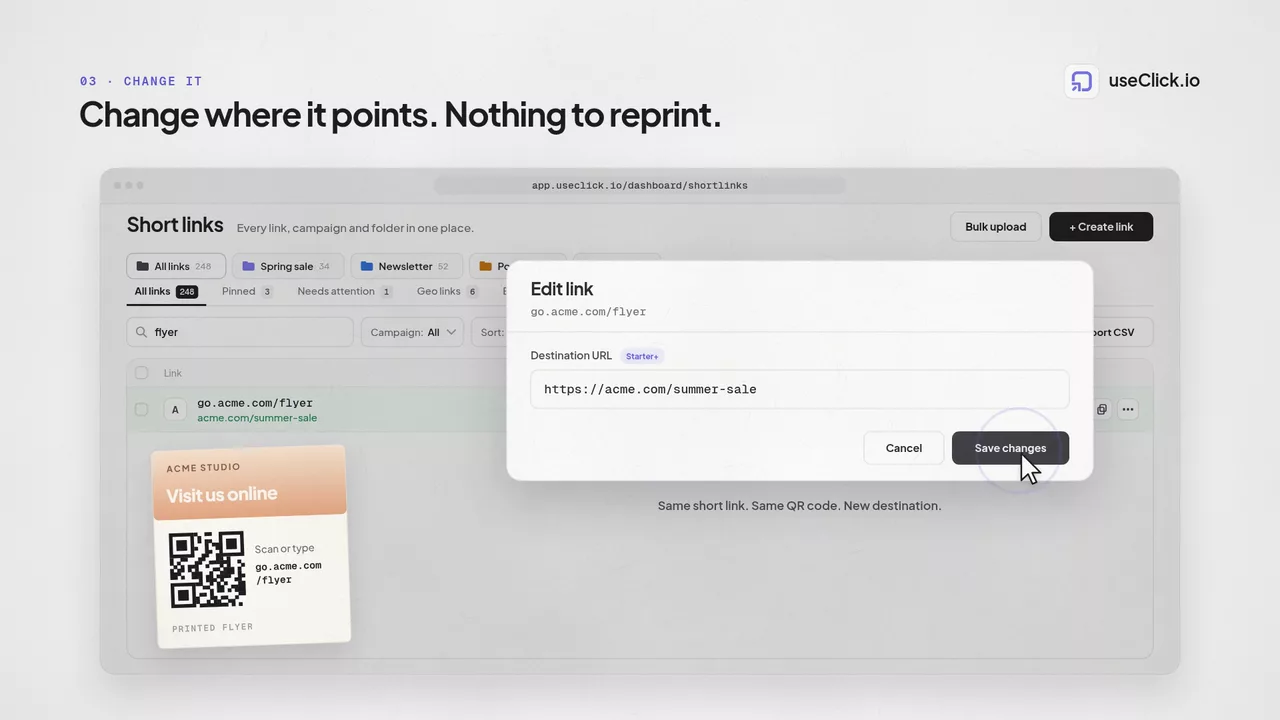
Update your destination URL anytime without breaking existing links in emails, social media, or print materials.
Editing a destination URL updates it for everyone, one version at a time. If you need to run multiple destinations at once and compare results, that's a separate, dedicated feature: A/B/C/D Testing which tags each variant and compares them side by side. It's available on Growth, Pro, and Business plans.
Keep your links organized with UseClick's campaign and tagging system, designed for teams and large-scale operations.

UseClick's approach to link management includes built-in SEO best practices that help your links perform better in search and social media.
To learn more about setting up and managing custom domains for your links, see our Custom Domains feature page, especially valuable for affiliate marketers looking to build trust and increase conversions. Custom Domains
Create meaningful short links that hint at the destination content:
Establish clear patterns for different content types:
For teams managing hundreds or thousands of links, UseClick provides bulk creation and data export tools, available on any paid plan (not on Free).

See the full breakdown on our Data Export feature page
Establish clear, consistent patterns for link creation:
For advanced link tracking, consider implementing UTM parameters to gain deeper insights into your marketing performance.
Explore the UTM BuilderStructure your campaigns for maximum efficiency:
Track the performance of your campaigns with our analytics features to identify which campaign strategies drive the best results.
Explore AnalyticsKeep your link library clean and functional:
For bulk maintenance operations, our bulk operations allow you to update multiple links simultaneously.
Explore Bulk UploadBuilt for teams managing large link libraries and active campaigns every day.
Group links by workflow, campaign, or client so teams can find and review links in one click.
Pin high-priority links to keep active offers, launches, and core assets visible at all times.
Change target URLs multiple times without replacing the shared short link in public channels.
Update campaign assignment and link context as strategy changes, while preserving tracking history across links and bio pages.
A link management platform handles organization, tracking, optimization, and scaling, not just shortening. UseClick.io adds campaigns, filters, tags, editing, bulk workflows, and analytics in one system.
Group links into campaigns and apply consistent tags. UseClick.io supports campaign organization, tagging, and advanced filtering so you can quickly find and analyze any link.
UseClick.io provides centralized link management with campaign grouping, filtering, and CSV bulk upload, so large portfolios remain editable, searchable, and measurable.
A shortener, a bio tool and an analytics script each see one piece of the story. useClick connects all three, so every visit comes with where it started and where it ended.
Create branded short links and track every click.
Short Link Management →One page for all your links, with per-link analytics built in.
Link in Bio →Cookie-free traffic, regions, and top pages, no consent banner.
Website Analytics →UseClick.io makes link management effortless. Create branded short links that are clean, memorable, and built to strengthen your brand identity.
