
Short Link Management
Create branded short links and track every click.
Short Link Management →Bridge the gap between offline and online marketing with useClick's QR code generation. Create trackable, editable QR codes for print materials, events, and physical marketing.
uclk.me/menu
QR codes connect physical marketing materials to digital experiences. useClick's QR code generator creates trackable codes that report into the same short link analytics and campaigns you already use.
Whether you're creating codes for business cards, event materials, product packaging, or restaurant menus, our QR code system keeps every scan tied back to the analytics and campaign tools you already use for your links.
This guide covers everything from generating your first code to organizing them by campaign and reading the scan data that comes back.
useClick's QR code generator creates professional, scannable codes with built-in analytics tracking:

A simple structure to move offline scans into measurable online performance.
Generate QR codes connected to editable short links for long-running campaigns.
Group QR-linked short links into a campaign to compare scan performance across placements.
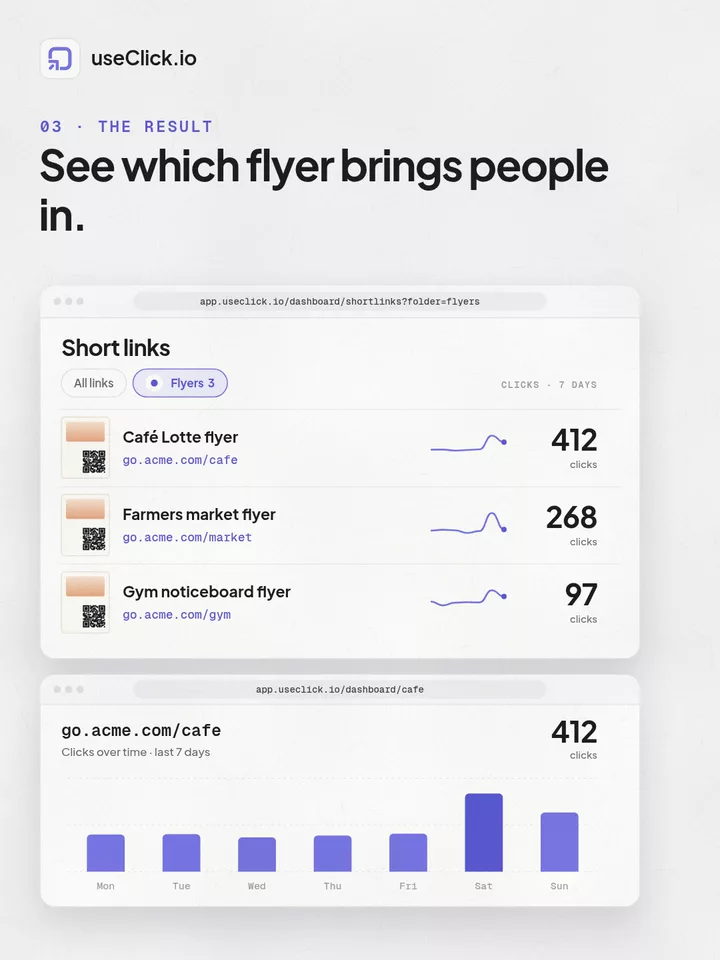
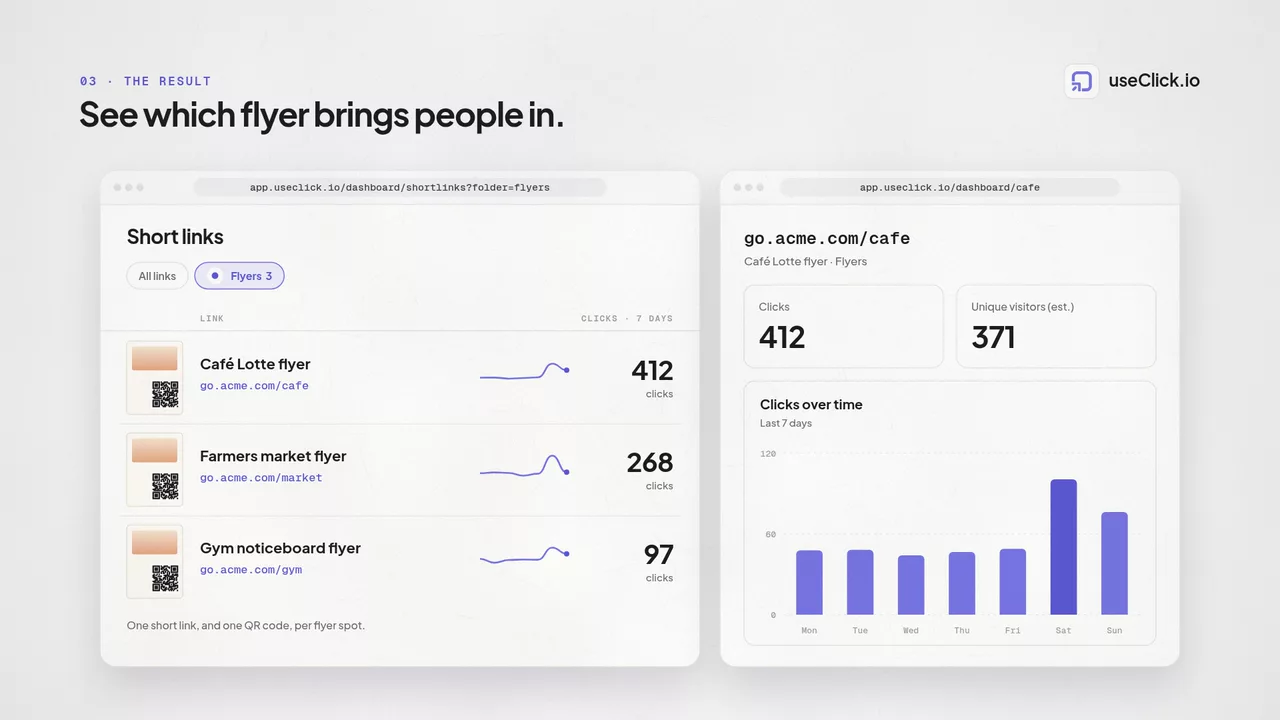
Measure scan volume, location, and device context across print placements.
Change destination pages anytime without reprinting physical assets.
Every QR code you generate points to one of your short links, not directly to the destination itself. That single detail is what makes it useful beyond a one-time print job:
Custom colors, logos, and additional size or file-format options aren't available yet, they're on our roadmap.
Update a menu, redirect a sold-out promotion, or fix a broken link without reprinting a single flyer or sign.
useClick QR codes scan reliably whether they're printed on a flyer or displayed on a screen.
Perfect for networking and lead generation:
Put a trackable QR code anywhere attendees look during the event:
Connect physical products to digital experiences:
Every QR code created with useClick includes comprehensive analytics to measure performance and user engagement.
Total number of QR code scans over time. Track daily, weekly, and monthly scan patterns.
Where your QR codes are being scanned. Useful for measuring event reach and regional campaign performance.
Device types and operating systems used for scanning. Optimize destination pages based on device preferences.
When people are most likely to scan your QR codes. Identify peak engagement times for future campaigns.
For advanced geographic targeting based on user location, explore our Geo Link Targeting feature to deliver location-specific content and maximize your affiliate marketing performance.
A few ways different industries build QR codes into their marketing.
Replace paper menus and forms with contactless QR codes:
Bridge offline and online shopping experiences:
Provide instant access to property information:
Link straight from a handout or slide to the exact resource students need:
Group the short links behind your QR codes into a campaign to compare scan performance across locations or verticals.
Always test your QR codes before distribution:
Make scanning worthwhile for your audience:
useClick tracks QR scans in real time with analytics for totals, geography, device type, and time-based trends, so offline campaigns become measurable.
Yes. Because useClick QR codes are dynamic, you can update the destination URL without reprinting the physical code.
useClick lets you generate customizable QR codes and export PNG, SVG, or PDF formats, with tracking built in for every scan.
A shortener, a bio tool and an analytics script each see one piece of the story. useClick runs all three in one account. When a short link brings someone to your site, the signup or sale they complete there is credited to that link.
Create branded short links and track every click.
Short Link Management →One page for all your links, with per-link analytics built in.
Link in Bio →Cookie-free traffic, regions, and top pages, no consent banner.
Website Analytics →useClick makes link management effortless. Create branded short links that are clean, memorable, and built to strengthen your brand identity.
