
Link Shortening

Fast Link Shortening

Create clean, memorable short links in seconds. Shorten any URL with automatic optimization or custom branded slugs.

useclick.io/dashboard/links

Long URL

https://yourstore.com/products/summer-collection-2024?utm_source=newsletter&utm_medium=email&utm_campaign=summer

Custom Short

go.yourbrand.com/summer-sale

A shortened link does more than trim a URL. A branded one builds reader trust, and every click on it becomes a data point in your analytics.

UseClick's link shortening works the same way whether you're one person posting on your own or a marketing team running dozens of campaigns.

This guide explains the key parts of professional link shortening and how to use UseClick's features for maximum impact.

See it in action

Link Shortening Workflow Blocks

A practical structure to create clean short links and keep them optimized over time.

  1. Step 01

    Create Branded Links

    Publish short, trustworthy links with custom domains and readable slugs.

  2. Step 02

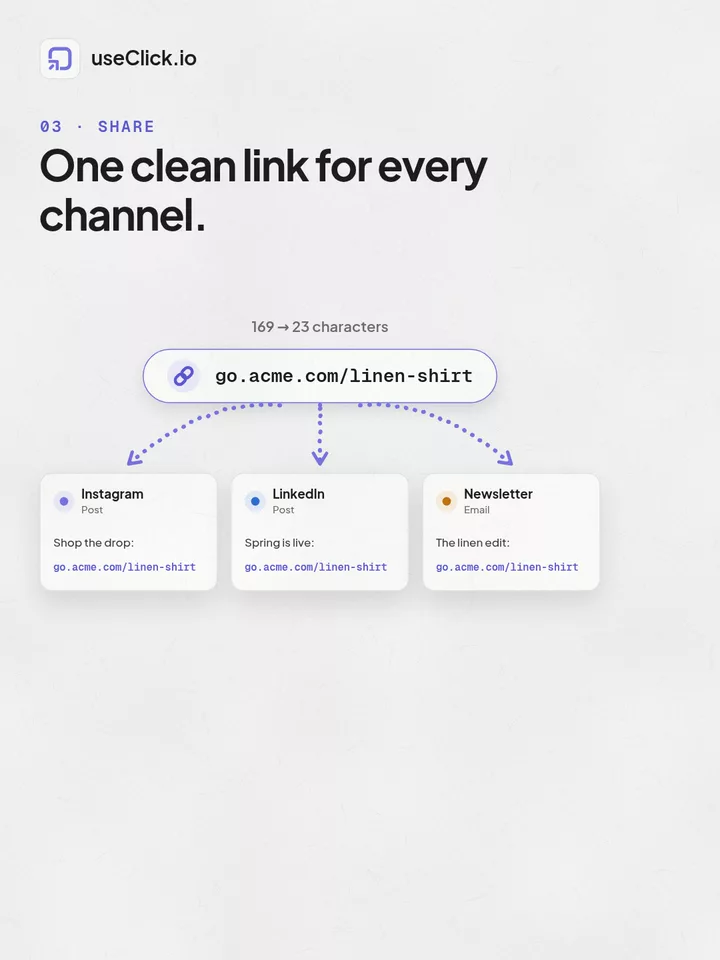
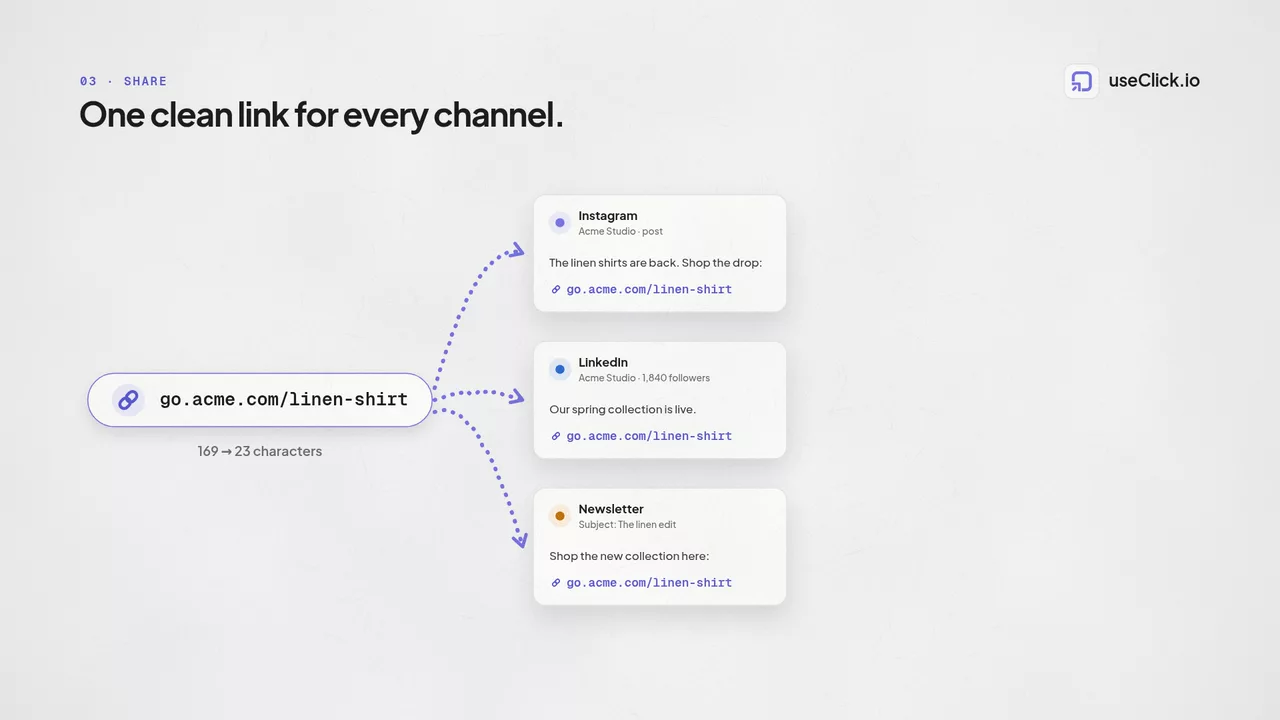
    Share Across Channels

    Use one consistent short link in social, email, and creator workflows.

  3. Step 03

    Track Performance

    Monitor click behavior, source quality, and engagement by audience segment.

  4. Step 04

    Update Destinations

    Edit target URLs anytime without changing the public short link.

Link Shortening Interface

UseClick's intuitive interface makes creating short links fast and efficient, whether you are creating one link or hundreds:

Link shortening interface showing URL input and slug customization
The interface provides instant shortening, custom slug creation, and campaign organization tools.

Custom Domains and Branded Links

A short link on your own domain looks like part of your site, not a random string from a third-party shortener.

Custom Domain Benefits

Brand Recognition

Use your own domain for all short links:

Trust and Click-Through Rates

Branded links see significantly higher engagement rates

  • 34% higher click-through rates on average
  • Reduced spam filter blocking
  • Improved social media performance
  • Enhanced email deliverability

SEO and Domain Authority

Maintain and build your domain's search engine authority

  • Link equity flows to your domain
  • Consistent brand presence in search results
  • Improved link profile quality
  • Better attribution in analytics tools
useclick.com/abc123
go.yourbrand.com/summer-sale

Advanced Link Customization

Write your own slug, or pick from a few auto-generated options that match your campaign and brand naming.

Custom Slug Creation

Create memorable, descriptive short links that reinforce your message:

Campaign-Specific Slugs

  • go.yourbrand.com/black-friday-2024
  • go.yourbrand.com/webinar-signup
  • go.yourbrand.com/product-demo

Content-Specific Slugs

  • go.yourbrand.com/pricing-guide
  • go.yourbrand.com/case-study-tech
  • go.yourbrand.com/download-whitepaper

Auto-Generated Options

For quick shortening, UseClick generates clean, professional short codes:

Short Codes

  • 8-character default length
  • Alphanumeric combinations
  • Collision-free generation
  • URL-safe characters only

Smart Generation

  • Avoids confusing characters (0, O, l, I)
  • No profanity or sensitive words
  • Optimized for readability
  • Consistent character distribution

Professional Link Management

Beyond shortening, UseClick gives you campaigns, tags, and search to keep a growing list of links organized.

Link Organization

  • Campaign Management

    Organize links by marketing campaigns, projects, or time periods. Group related links for easier management and performance comparison. Learn how to use campaign management to organize your links effectively.

  • Tagging System

    Apply multiple tags for flexible categorization and filtering. Examples: email, social, paid-ads, blog-post, landing-page. For advanced tracking and attribution, consider using UTM parameters to gain deeper insights into your marketing performance.

  • Search and Filtering

    Quickly find specific links in large portfolios. Filter by campaign, date created, performance metrics, or custom attributes. To understand how to interpret these metrics, explore our analytics features for comprehensive insights.

Performance and Reliability

UseClick's infrastructure ensures your short links are fast, reliable, and available 24/7 for your audience worldwide.

Global Performance

Speed Optimization

  • Global CDN for fastest redirects
  • Sub-100ms response times
  • Optimized for mobile networks
  • Minimal redirect overhead

Reliability Standards

  • 99.9% uptime guarantee
  • Redundant infrastructure
  • Automatic failover systems
  • Real-time monitoring

Security Features

Link Protection

Comprehensive security measures protect your links and users

  • Malicious URL detection and blocking
  • SSL encryption for all redirects
  • Spam and phishing protection
  • Regular security audits

Access Controls

Manage who can create and modify links in your organization

  • Team member permissions
  • Link creation controls
  • Edit and delete restrictions
  • Audit trail for all changes

Professional Use Cases

Discover how organizations use UseClick's link shortening for marketing and communication needs:

  • Email Marketing

    Clean, professional links that improve email performance:

    Newsletter Links
    Branded short links for all newsletter content
    Call-to-Action
    Memorable links for primary campaign actions
    Personalization
    Dynamic links based on subscriber segments
    Performance Tracking
    Detailed analytics for email engagement
  • Social Media Marketing

    Optimize social media posts with clean, trackable links:

    Character Optimization
    Maximize content space in character-limited posts
    Cross-Platform Consistency
    Same short link across all social platforms
    Campaign Attribution
    Track performance by social media channel
    Bio Links
    Professional links for social media profiles
  • Print and Offline Marketing

    Bridge offline marketing to digital experiences:

    Business Cards
    Professional short links instead of long URLs
    Print Advertising
    Easy-to-type links for magazine and newspaper ads
    Event Materials
    Trackable links for brochures and handouts
    Radio and TV
    Memorable links for audio and video advertising
  • Content Marketing

    Professional link management for content distribution:

    Blog Posts
    Clean external links that maintain reader trust
    Resource Downloads
    Trackable links for lead generation content
    Guest Content
    Branded links for external publication contributions
    Influencer Partnerships
    Professional links for collaboration tracking

Link Shortening Best Practices

  • Custom Slug Strategy

    Create meaningful, memorable short links:

    • Use descriptive words that hint at destination content
    • Keep slugs short but meaningful (2-4 words max)
    • Avoid special characters and numbers when possible
    • Maintain consistency across campaigns
  • Link Organization

    Maintain a clean, organized link portfolio:

    • Use consistent campaign naming conventions
    • Apply relevant tags for easy filtering
    • Regular cleanup of outdated or unused links
    • Document link purposes for team reference
    • For large numbers of links, consider using our bulk upload feature for efficient management.
  • Performance Optimization

    Maximize the impact of your short links:

    • Monitor click-through rates and optimize underperforming links
    • Test different slug variations for important campaigns
    • Use UTM parameters for detailed analytics integration
    • Regular review of destination URL accessibility
FAQ

Frequently Asked Questions

A URL shortener creates a compact redirect URL that sends users to your original destination. UseClick.io goes beyond basic shortening by giving you branded, trackable links with custom slugs, SEO-safe 301 redirects, and analytics.

No. Proper short links use 301 redirects that pass link equity to the destination page. UseClick.io uses SEO-safe 301 redirects by default while adding analytics, branded domains, and cleaner URLs.

Connect your custom domain and create a branded slug like yourbrand.com/offer. UseClick.io supports custom domains, custom slugs, and SSL provisioning so branded links are secure and professional.

Yes. UseClick.io lets you update the destination URL at any time without changing the short link itself, so published links in social posts, emails, and print materials keep working.

Why all three, together

Your audience moves between links, bio and website. Now you can follow them.

A shortener, a bio tool and an analytics script each see one piece of the story. useClick connects all three, so every visit comes with where it started and where it ended.

  • Know which channel really works
  • Stop stitching three tools together
  • Count everyone, skip the banner
  • Replace three subscriptions

Ready to track smarter?

UseClick.io makes link management effortless. Create branded short links that are clean, memorable, and built to strengthen your brand identity.
