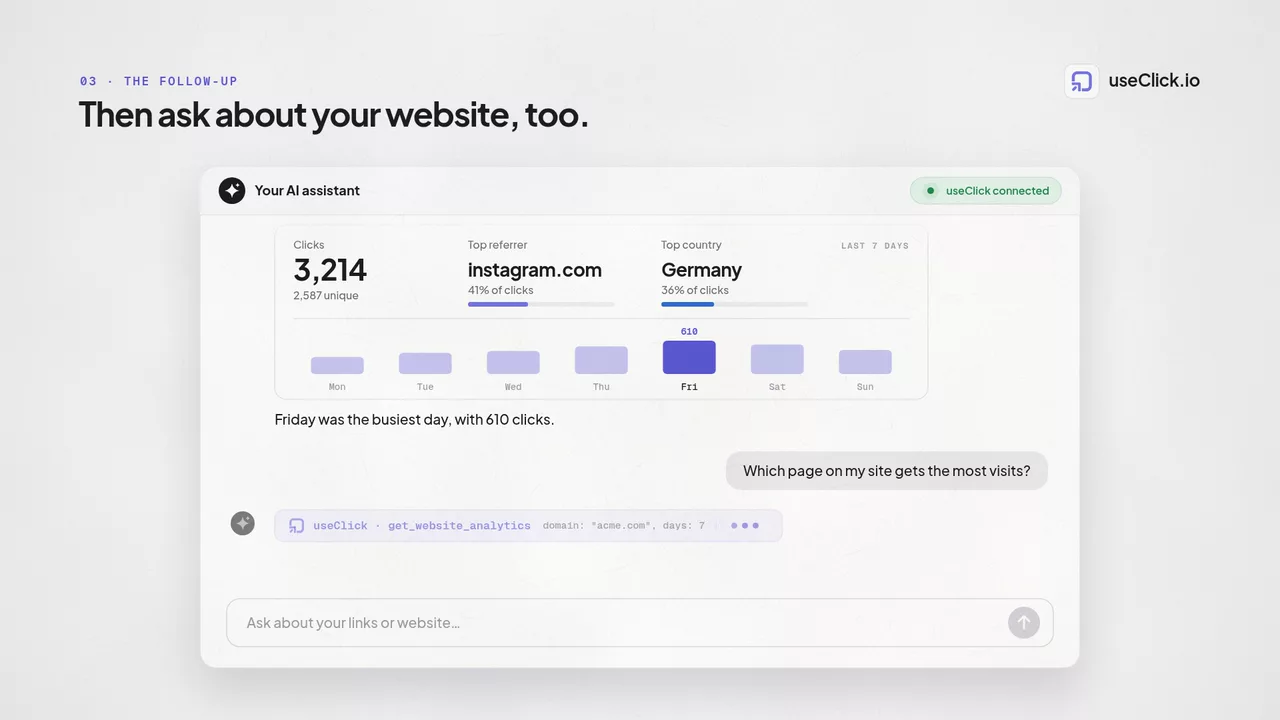
One MCP server for your links and your website traffic
The UseClick MCP server gives AI agents real tools for two jobs: creating and managing tracked short links, and querying cookie-free website analytics. Connect Claude, Cursor, VS Code or an AI harness like Hermes and OpenClaw in a minute and work in plain language.
One endpoint, every agent
The UseClick MCP server runs at a single remote endpoint over Streamable HTTP. Authenticate with an API key as a bearer token. There is nothing to install, host or update.
https://useclick.io/api/mcp
Two offerings, one server
Nine tools cover both products. Each offering has its own page with setup instructions, example prompts and answers to common questions.
URL Shortener MCP
Your agent creates branded short links, manages campaigns and answers click analytics questions in plain language.
- Create links with custom slugs, UTM parameters and expiration
- List, update and delete links and campaigns
- Click analytics: countries, devices, referrers and daily trends
- Included on every plan, Free included
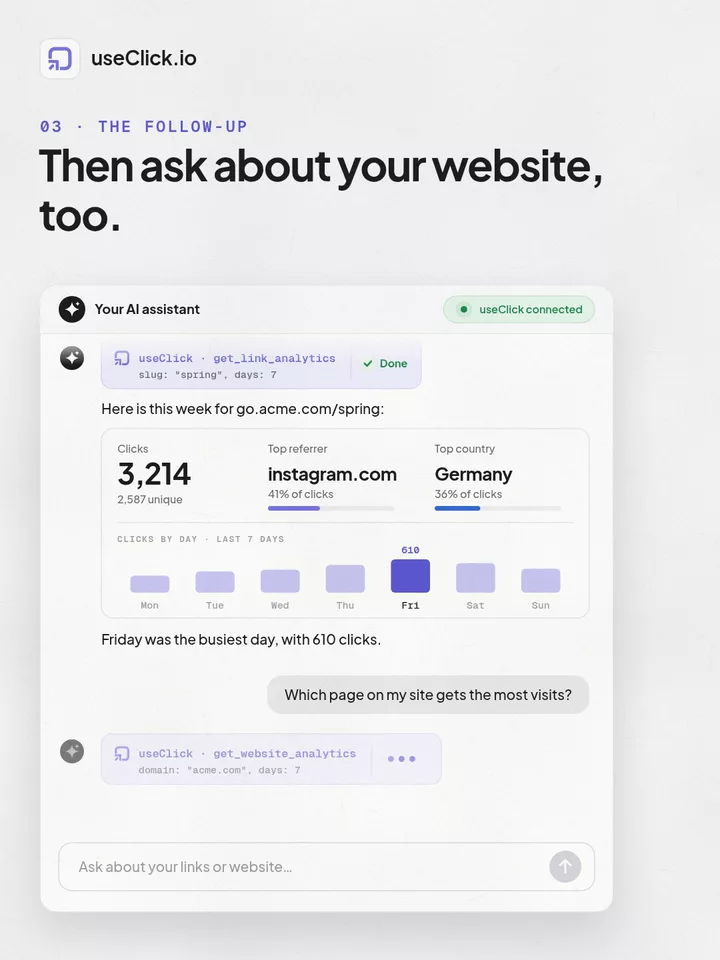
Website Analytics MCP
Your agent reads your cookie-free website analytics straight from the tracker: traffic, pages and sources.
- Visitors and page views for today or any period
- Top pages, referrers and UTM sources
- Country, device and browser breakdowns
- Available from the Starter plan
Connected in three steps
The MCP server uses the same API keys as the REST API, available on every plan including Free.
Get your API key
Sign in and create a key in your dashboard under API Keys. Keys look like uc_live_ and work for both the REST API and the MCP server.
Add the server to your client
Point your AI client at the endpoint with your key as a bearer token. Copy-paste configs for the most popular clients are below.
Ask your agent
Request a short link or your traffic numbers. The agent picks the right tool automatically, no commands to learn.
Setup for your client
Copy the config for your tool and replace uc_live_YOUR_API_KEY with your key.
Claude Code
One command in your terminal:
claude mcp add --transport http useclick https://useclick.io/api/mcp \ --header "Authorization: Bearer uc_live_YOUR_API_KEY"
Cursor
Add to .cursor/mcp.json in your project or ~/.cursor/mcp.json globally:
{
"mcpServers": {
"useclick": {
"url": "https://useclick.io/api/mcp",
"headers": {
"Authorization": "Bearer uc_live_YOUR_API_KEY"
}
}
}
}VS Code and other JSON clients
Most clients that support remote MCP servers accept this shape:
{
"mcpServers": {
"useclick": {
"type": "http",
"url": "https://useclick.io/api/mcp",
"headers": {
"Authorization": "Bearer uc_live_YOUR_API_KEY"
}
}
}
}Claude API (MCP connector)
Building your own agent? Pass the server directly in the Messages API:
{
"model": "claude-sonnet-5",
"max_tokens": 1024,
"messages": [{"role": "user", "content": "List my top links this week"}],
"mcp_servers": [
{
"type": "url",
"url": "https://useclick.io/api/mcp",
"name": "useclick",
"authorization_token": "uc_live_YOUR_API_KEY"
}
]
}Hermes, OpenClaw and other AI harnesses
Harnesses and agents that speak stdio MCP connect through the mcp-remote bridge:
{
"mcpServers": {
"useclick": {
"command": "npx",
"args": [
"-y",
"mcp-remote",
"https://useclick.io/api/mcp",
"--header",
"Authorization: Bearer uc_live_YOUR_API_KEY"
]
}
}
}Built for AI harnesses like Hermes and OpenClaw
AI harnesses run always-on agents with skills, scheduled jobs and reporting. Connect UseClick through the mcp-remote bridge and your Hermes agent or OpenClaw setup can shorten links, pull click and traffic data, and use the numbers in its skills and reports to you.
Claude Code
One CLI command
Claude API
MCP connector
Cursor
mcp.json
OpenAI Codex
config.toml
Windsurf
JSON config
VS Code
JSON config
Hermes
via mcp-remote
OpenClaw
via mcp-remote
n8n
MCP client node
Any MCP client
Streamable HTTP
Frequently Asked Questions
The UseClick MCP server is a remote Model Context Protocol server at useclick.io/api/mcp that exposes two products as tools for AI assistants: branded short links with click analytics, and cookie-free website analytics. Any MCP-compatible client can connect with a UseClick API key and work with both in plain language.
Nine tools cover two areas. For short links: create links with custom slugs, UTM parameters and expiration, list, update and delete links, and read aggregated click analytics. For website analytics: list tracked websites and query page views, unique visitors, top pages, referrers, UTM sources and daily trends.
The MCP server and the short link tools are included on every plan, including Free. Website Analytics requires a Starter plan or above, since tracked websites start at that tier. Rate limits scale with your plan, from 100 requests per minute on Free to 3,000 on Business. Analytics queries have a daily quota per plan, from 25 per day on Free to 5,000 on Business, with results cached for five minutes so repeated queries are free.
Every client that supports remote MCP servers over Streamable HTTP: Claude Code, Claude Desktop, Cursor, VS Code, Windsurf, OpenAI Codex CLI and the Claude API MCP connector. AI harnesses like Hermes and OpenClaw, and any other agent that only speaks stdio, connect through the mcp-remote bridge and can use your links and analytics in their skills, automations and reports.
Yes. Hermes, OpenClaw and other harness-style agents connect through the mcp-remote bridge, since they speak stdio MCP. Once connected, the harness can create short links, read click analytics and query website traffic, and use that data in its skills, scheduled automations and reports. The mcp-remote config block on this page works as a skill or connection definition.
Yes. Both products use privacy-first analytics: no IP addresses are stored, no cookies are set, location stays at country level and no personal data is collected. Your agent queries aggregated numbers, not visitor profiles.
Give your AI agent real tools
Create a free account, generate an API key and your agent manages links and reads traffic in under a minute.
Explore Other Features
View all FeaturesAnalytics & Tracking
Privacy-first click insights by source, device, and location.
Link Management
Organize links with folders, pinning, and quick edits.
Campaign Management
Group links by campaign and compare performance faster.
A/B Testing
Split traffic across variants and optimize conversions.
Smart Deep Linking
Route mobile users directly into native apps.
UTM Builder
Create consistent UTM tags for cleaner attribution.