Quick answer: A QR code stores a link, not the content. Instagram, LinkedIn and Spotify have a built-in code for your profile or content (free, no scan data). Facebook, Google Forms, Google reviews and PDFs have none, so you copy the link and generate a code from it. For anything printed, build the code on a short link instead: you get scan counts by location and device, and you can repoint the code after printing.
Key Takeaways
- Built-in codes (Instagram, LinkedIn, Spotify) are free but record no scans.
- A QR code never contains a file. A PDF code points to a link to a hosted PDF.
- A code built on a short link is dynamic: you can change the destination without reprinting, and each scan is counted.
- Use the built-in code for a quick screen share, a trackable one for anything on paper.
Built-in code or trackable code?
| Built-in platform code | Code built on a short link | |
|---|---|---|
| Cost | Free | Free to generate |
| Scan analytics | None | Total and unique scans, location, device, time |
| Destination can change after printing | No | Yes |
| Branding (colours, logo) | Limited | Yes |
| Best for | Screens, chats, quick shares | Print, packaging, events, signage |
The rule: if the code is on a screen for a few seconds, use the platform's own. If it lives on paper, make it trackable. Printing 500 flyers with a static code leaves you unable to tell whether five people scanned or five hundred.
How to make a trackable code (works for every platform below)
- Copy the destination link (steps per platform below).
- Create a short link for it.
- Generate the QR code for that short link with the free QR code generator, add colours and a logo, and download a PNG or SVG.
- Print it, then read the scans in your link's analytics. See QR code analytics for what is recorded.
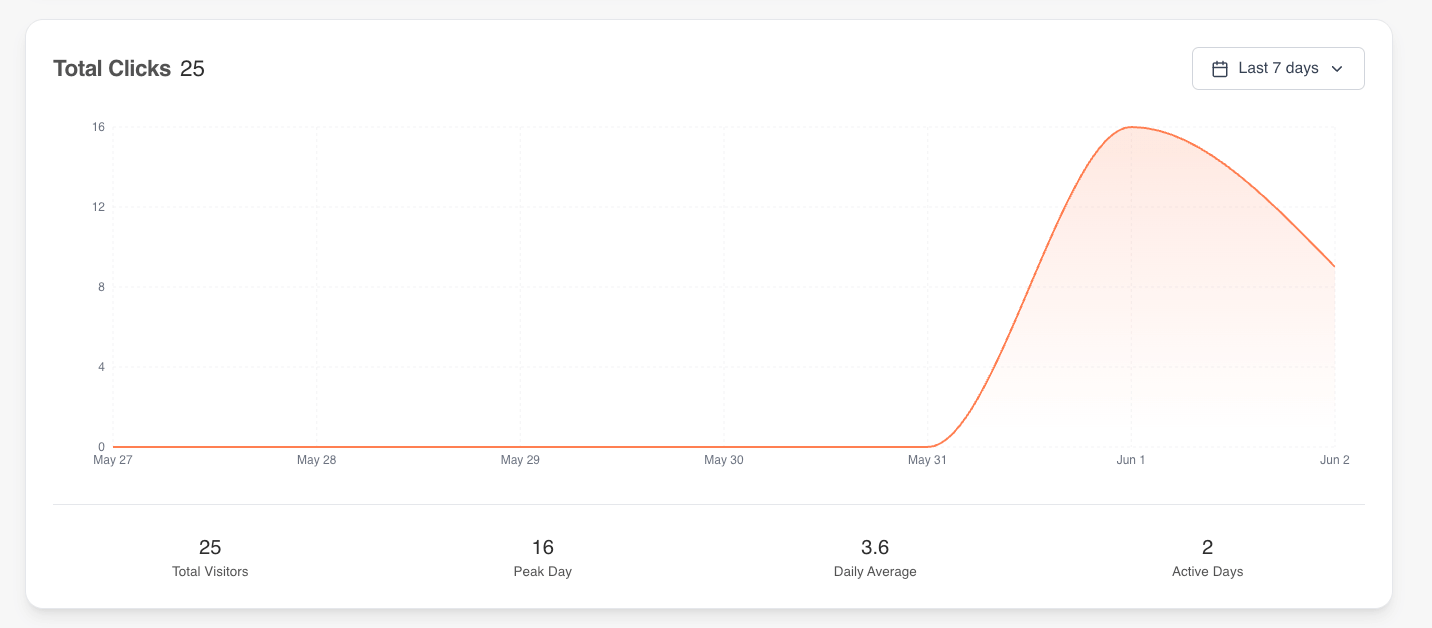
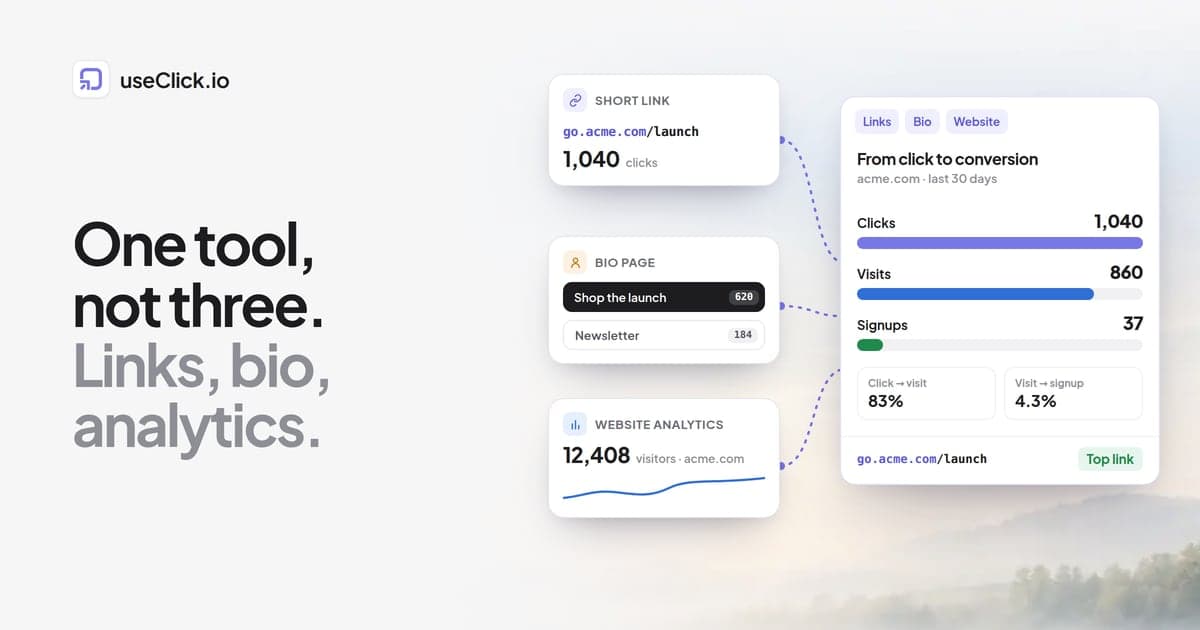
The same analytics view covers link clicks and QR scans for a link: scans over time, peak day and daily average.
Test every printed code with two different phones before the print run, at the size it will actually be printed.
Built-in: profile, menu (☰), QR code, then change the style and share or screenshot it. Scanning opens your profile. It is static and gives no data.
Trackable: build a short link to instagram.com/yourhandle, or better to your link-in-bio page so one code leads everywhere, then follow the steps above. Use the built-in code for Stories and chats, the trackable one for flyers, packaging, shop windows and event banners.
Facebook surfaces QR codes in a few places such as Ads Manager and business tools, but a code built from your page link works anywhere. Copy your page or profile URL (on mobile: ⋯ menu, then Copy link), shorten it, and generate the code. Good placements: storefront window ("Follow us on Facebook"), receipts and packaging, event signage. Groups also have a public URL you can use.
Built-in: tap the search bar, tap the QR icon, open My code, then share or save. The same screen scans other people's codes. No analytics.
Trackable: short link to linkedin.com/in/yourname (or your link-in-bio page), then generate. Worth it for conference badges, business cards and booth banners, where scans tell you which handout started conversations.
Spotify
Built-in: tap the ⋯ menu on a track, album, playlist, artist or podcast and the Spotify Code appears in the share sheet. To scan, open Search and tap the camera icon. No analytics.
Trackable: copy the Spotify link (⋯, Share, Copy link), shorten it and generate the code. You can repoint it to your next single or episode later. Useful for gig posters, merch and album packaging, where scan data tells you which city or print run drove plays.
Google Forms
Google Forms has no QR generator. Open the form, click Send, choose the link tab (🔗), copy the URL (tick Shorten URL for a forms.gle link) and build the code from it. The code keeps working when you edit questions, because the form's URL does not change. It breaks only if you delete the form or replace it with a new one.
Scan counts matter here because responses understate scans: plenty of people scan, glance and never submit. Comparing scans with submissions per placement (event, classroom, till) shows where the form is losing people.
Google reviews
- In your Google Business Profile, open Ask for reviews and copy the review link (a
g.page/r/...URL that opens the review form directly). - If you cannot access the profile, build the link from your Place ID:
https://search.google.com/local/writereview?placeid=YOUR_PLACE_ID. - Shorten it, generate the code, add a prompt such as "Leave us a review", and place it on receipts, table tents, thank-you cards and checkout signage.
With several locations, a separate trackable code per location and placement shows whether the counter sign outperforms the receipt.
PDFs
A QR code cannot contain a PDF. It stores a link to a hosted copy:
- Host the file (Google Drive with "Anyone with the link", your website, Dropbox or OneDrive) and copy the link.
- Create a short link to it and generate the code.
The short link matters most here. If you re-upload the PDF and the file link changes, every code you already printed silently breaks. With a short link you point it at the new file and the printed code keeps working. Typical uses: menus, product manuals and packaging, brochures and real-estate flyers.
Design and printing checklist
- Keep high contrast (dark code on a light background) and leave a clear margin around the code.
- Do not shrink it below a size a phone can read from the intended distance. Test it.
- Add a short call to action next to it ("Scan to review us"), so people know why to scan.
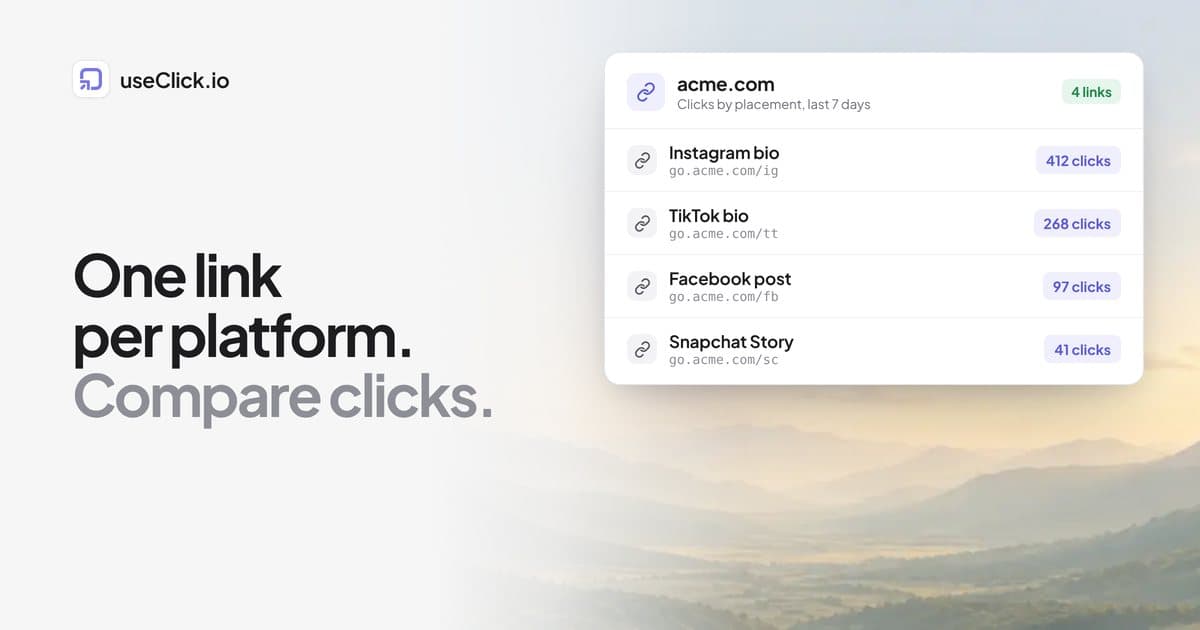
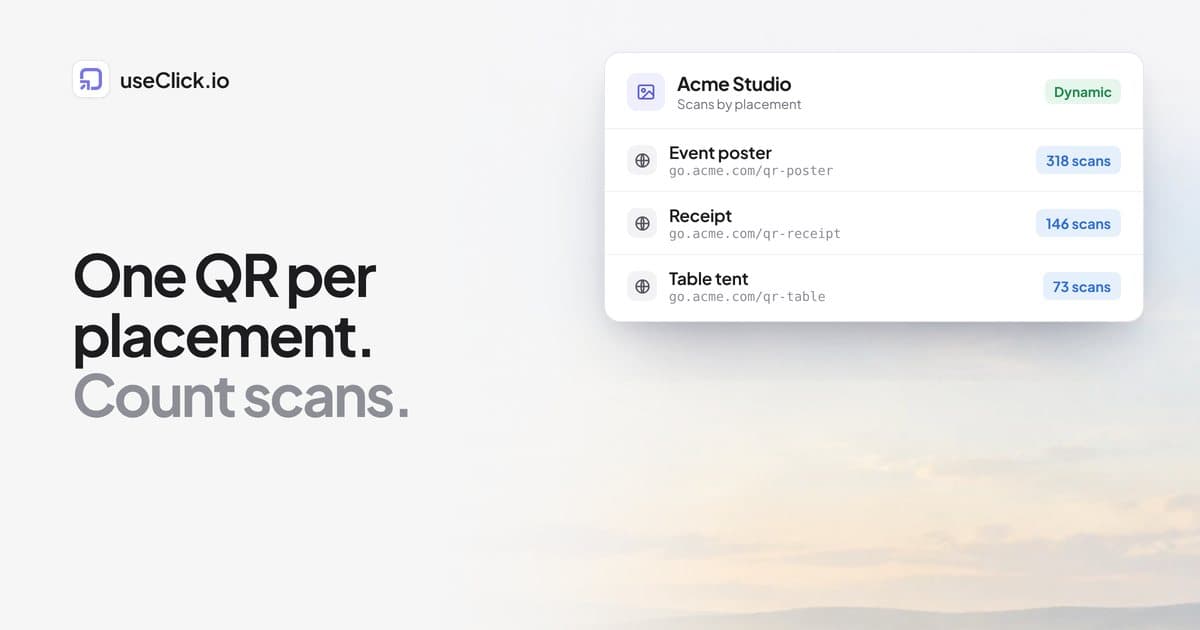
- Use a separate short link per placement. One link on every flyer tells you nothing about which flyer worked.
Frequently Asked Questions
Does Instagram have a QR code?
Yes. Profile, menu (☰), QR code. It opens your profile when scanned and records no scan data.
Can I track scans on a built-in Instagram, LinkedIn or Spotify code?
No. They have no analytics. Build a code on a short link to your profile or content and you get total and unique scans, location, device and time.
Can I change where a QR code points after printing it?
Only if it is a dynamic code built on a short link. A code generated straight from a raw URL is fixed once printed.
Does a QR code stop working if I edit my Google Form or PDF?
Editing a Google Form does not change its URL, so the code keeps working. For a PDF, re-uploading can change the file link. A short link lets you repoint without reprinting.
Is it free?
Generating a QR code is free. Check the current pricing for scan analytics limits on your plan.