Quick answer: Each platform allows links in different places. Instagram: bio and Story link sticker (captions are not clickable). TikTok: the Website field on a Business account. Facebook: paste the URL, let the preview card load, then delete the URL text. Snapchat: the paperclip tool on the Snap editing screen. None of them show you what happens after the tap, so put a trackable short link or a link-in-bio page in each slot.
Key Takeaways
- Where a link can go depends on the platform: bio, Story sticker, post preview card or attachment.
- Instagram feed-post and Reel captions do not make URLs clickable.
- Native insights give you at most an aggregate tap count. Click location, device and unique visitors need a link you control.
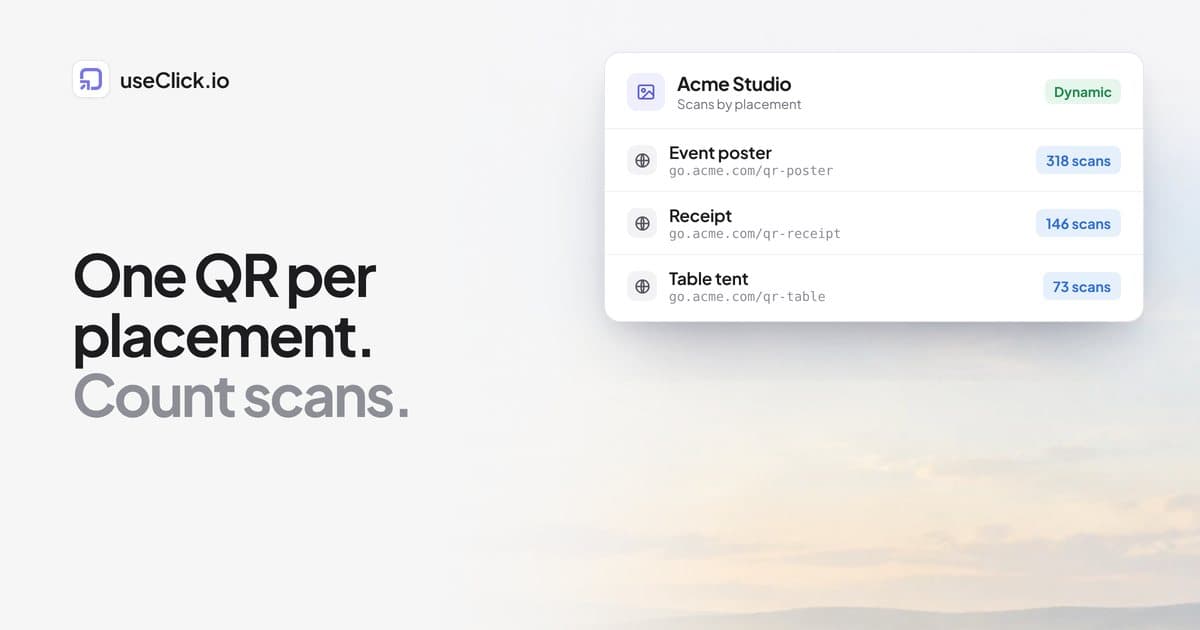
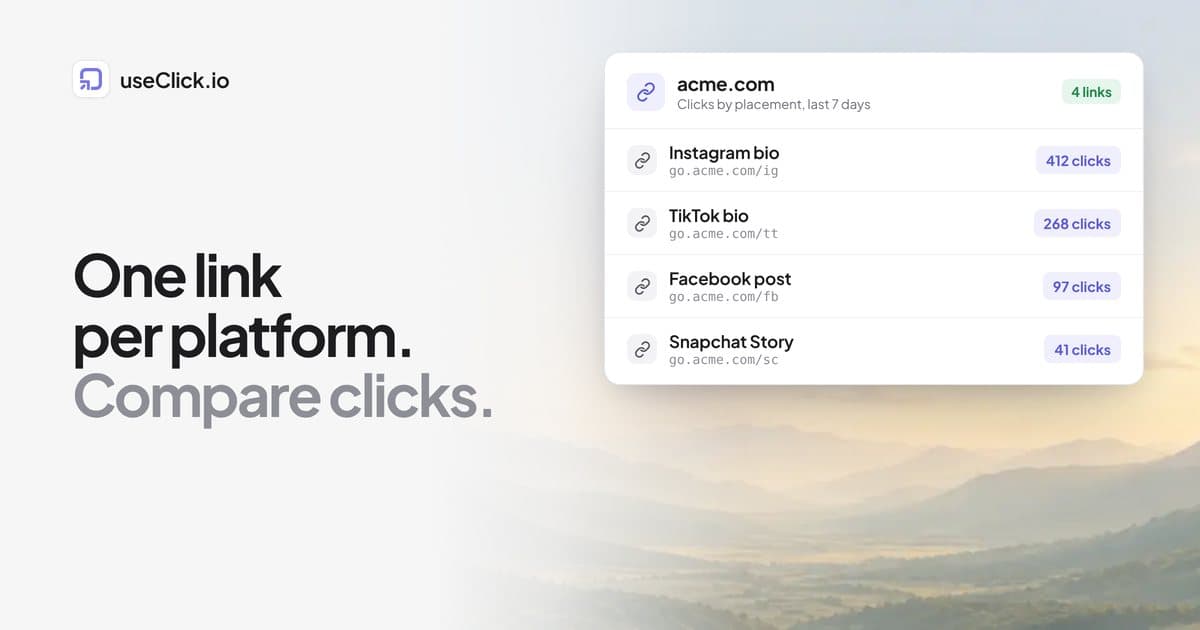
- Use one short link per placement, so you can compare placements instead of guessing.
Where each platform allows a clickable link
| Platform | Clickable link spot | Needs | Native click data |
|---|---|---|---|
| Bio, Story link sticker, Reel link sticker | Any account | Aggregate "external link taps" for Stories | |
| TikTok | Website field in your profile | Business account (free) | None for the link itself |
| Link preview card in a post | Any profile or page | Reactions and reach, not link clicks per post | |
| Snapchat | Paperclip attachment on a Snap | Any account | Views, not link opens |
Platform menus change often. If a button is missing, update the app first: that is the most common cause on every platform below.
Add a link to your Instagram bio
- Go to your profile and tap Edit profile.
- Tap Links (older app versions show a single Website field).
- Tap Add external link, paste your URL and optionally add a title.
- Tap Done.
The link appears under your bio text, above the post grid. Instagram now allows a few links, but a single link-in-bio page lets you change destinations without editing your profile and shows which one people tap. For a fuller explainer, see what "link in bio" means and how a link-in-bio with analytics shows what is working.
Add a link to an Instagram Story
- Create your Story (photo, video or upload).
- Tap the sticker icon at the top and choose the Link sticker.
- Paste the URL, then tap Customize sticker text and replace the raw URL with a call to action such as "Shop now".
- Place the sticker and publish.
Link stickers work on every account. The old 10,000-follower requirement was removed in 2021. Instagram reports an aggregate "external link taps" count in Story insights, but it never shows who tapped, and it often differs from your website analytics because of in-app browsers and blockers. For the full walkthrough of measuring Story links, read how to see who clicked your link on Instagram.
Add a link to an Instagram post
You cannot. Feed-post captions show a pasted URL as plain text. What works instead:
- Bio link: write "link in bio" in the caption and point the bio at a link-in-bio page.
- Story link sticker: reshare the post to your Story with a sticker pointing to the destination.
- Reel link stickers: attach a link to the Reel where the feature is available to your account.
- DMs: reply to comments with the link, or run a "comment LINK and I will send it" prompt.
Where is the link in bio on someone else's Instagram profile?
Directly under the bio text and above the post grid, as blue or underlined text. If there is none, the account has not set one.
TikTok: add a link to your bio
- Profile, then the menu (☰), then Settings and privacy, then Account.
- Tap Switch to Business Account and choose a category. It is free and does not change how your content looks.
- Back on your profile, tap Edit profile, then the Website field, and enter your URL.
TikTok gives you one slot, so point it at a link-in-bio page. On a profile you are viewing, the link sits just under the bio text next to a small link icon. TikTok has changed who gets bio links over time (follower thresholds, account types), so if the field is missing, update the app and check your account type.
Facebook: add a link to a post
- Start a post on your profile or page and paste the URL.
- Wait for the link preview card (image, title, description) to load.
- Delete the pasted URL text. The card stays clickable.
- Add your caption and publish.
If no preview appears, the destination is usually missing Open Graph tags, or Facebook cached an old version. Check the page with the social media preview tool before posting. Facebook's insights show reactions and reach but not how many people clicked a particular link, so use a short link per post.
Snapchat: add a link to a Story
- Capture a photo or video.
- On the editing screen, tap the paperclip icon in the right-hand toolbar.
- Paste or type the URL and tap Attach to Snap.
- Send it to My Story, Spotlight or friends.
Viewers see a prompt and the link opens in Snapchat's in-app browser. There is no follower minimum. The paperclip is only on the editing screen, not the camera screen.
Make every placement measurable
A platform tells you how many people saw your content. It does not tell you how many continued to your site, from where, or on which device. The fix is one short link per placement.
- Create a short link for the destination. Add a branded domain if you have one, because a short, recognisable link is easier to trust than a long raw URL.
- Use a different link (or UTM parameters) for each placement: Instagram bio, Instagram Story, TikTok bio, Facebook post, Snapchat Story.
- Open the link's analytics to compare total clicks, unique clicks, countries and devices across placements.
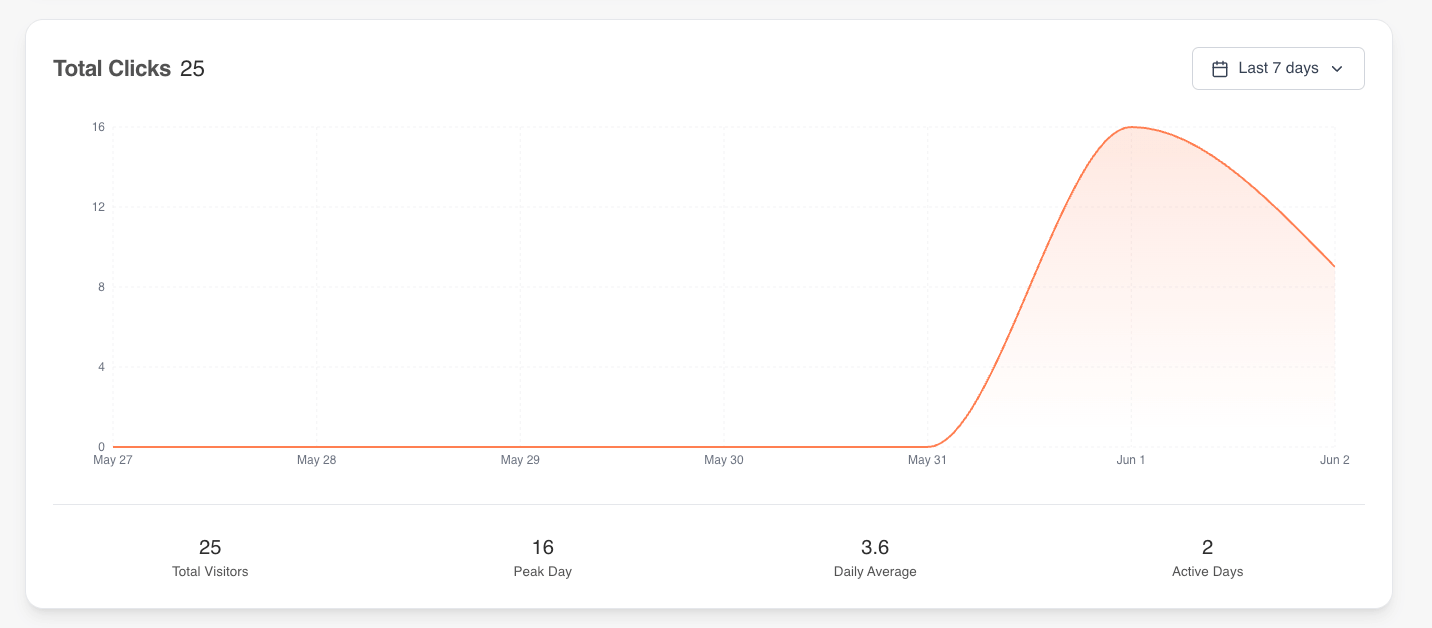
Link analytics in the useClick dashboard: clicks over time, peak day and daily average for one link.
Using a link-in-bio page instead of a single link
If you promote more than one thing, use a link-in-bio page as the destination for every bio slot. It records views and taps on each button, so you learn which destination your Instagram audience wants compared with your TikTok audience.
What to do after the click
A click is only the start. Check that the destination loads quickly on a phone (most social traffic is mobile), that the preview card looks right, and that each placement has a clear call to action in the caption or sticker. Then compare placements after a week and keep the ones that send visitors, not just views.
Frequently Asked Questions
Can I see who clicked my Instagram or TikTok link?
No platform shows individual people. Instagram gives an aggregate tap count and TikTok gives nothing for the link itself. A trackable short link or link-in-bio page gives you total and unique clicks, country and device, without identifying anyone.
Why is the link option missing in my app?
The most common cause is an outdated app. After that: the wrong screen (Snapchat's paperclip is on the editing screen), the wrong account type (TikTok needs a Business account for the Website field), or trying to link from a feed-post caption, which Instagram does not allow.
Do I need a certain number of followers to add a link?
Not for the placements in this guide. Instagram Story link stickers and Snapchat link attachments are open to all accounts. Platforms do change eligibility rules, so check the app's current help page if a feature is missing.
Should I use a raw URL or a short link?
Use a short link. It is easier to read, you can change the destination later, and it records clicks. A raw URL records nothing on your side beyond what your website analytics happen to capture.
Is a link-in-bio page better than a single link?
If you have more than one destination, yes: one slot can then lead to everything, and you see which button gets tapped. With a single destination, a short link is enough.