Quick answer: To see which channel brought the sale, you need four things working together: one conversion event on your site (a signup or an order), the tracking script on the pages involved, one separately tagged short link per channel and placement, and one test click that you follow all the way to the conversion. That is about 30 minutes of setup. Afterwards each channel shows its clicks, the visits it brought and the conversions that followed, so you can compare channels instead of guessing.
Key takeaways
- "I can see clicks, but I can't tell which ones became customers" is a setup problem, not a missing tool. The click and the sale have to be connected on purpose.
- Decide one conversion first. Everything else hangs on it.
- One link per channel is the minimum. One link per placement is better.
- The test is the setup. If your own test click does not arrive as a conversion, nothing else will.
- Attribution tells you which link a conversion arrived through. It does not prove the link caused it.
Why clicks and customers stay apart
A link tool counts clicks. A website tool counts visits. Your shop or signup form records the sale. Three systems, three numbers, and nothing joins them unless you build the join.
The usual symptoms:
- The click report shows 1,000 clicks and you cannot say how many people bought.
- The website report shows signups, but most of them are labelled Direct.
- Email, chat apps, QR scans and some social apps send no referrer, so a lot of real traffic arrives as Direct.
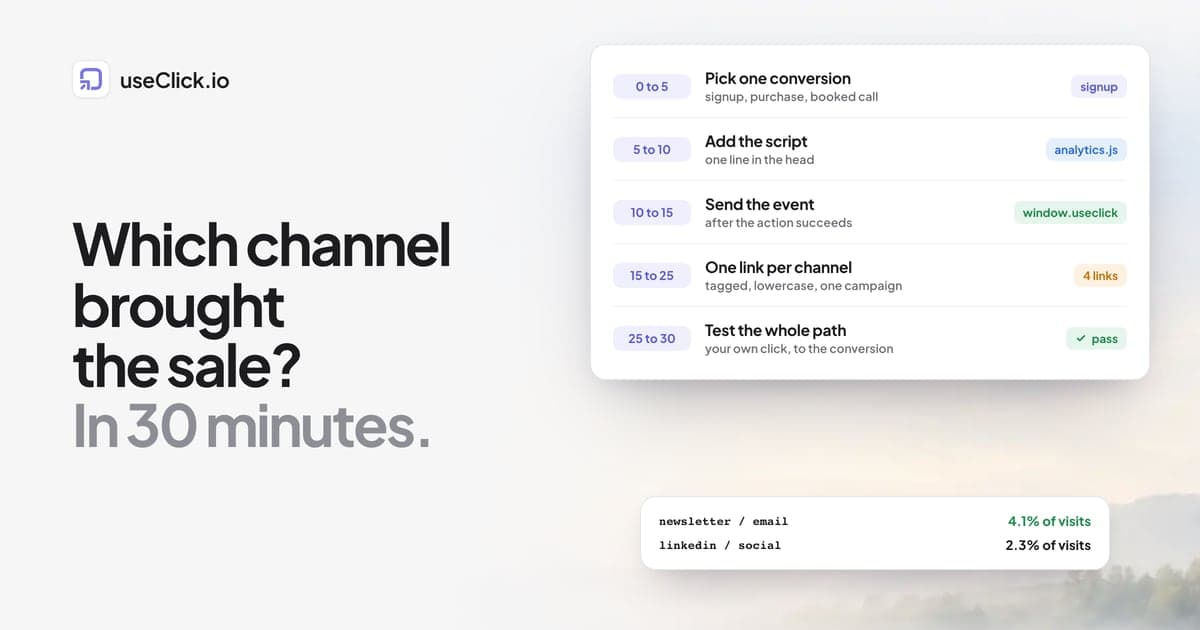
The fix is boring and repeatable: give each channel its own link, make the link carry its identity to the page, and send a conversion event that the page can match to it. Here it is in order, with minutes.
Minute 0 to 5: pick one conversion
Choose the single outcome that matters for the next month. A signup, a purchase, a booked call, a download. One event, named once.
Write it as a short lowercase name with underscores, for example signup or purchase, and never rename it later. A name that changes in the middle of a month splits your numbers in two.
Minute 5 to 10: add the tracking script
Add the website analytics script to the pages involved, inside the <head>:
<script defer data-site="YOUR-SITE-ID" src="https://useclick.io/analytics.js"></script>
Your site ID is shown when you add the website in useClick, and the setup guide has the exact spot for WordPress, Shopify, Webflow and Next.js. The script sets no cookies and stores no IP addresses. Whether you need a notice still depends on your other tools and the rules that apply to you.
Minute 10 to 15: send the conversion event
After the action succeeds, call the event once:
window.useclick('signup')
On a page that only appears after the action, such as a thank-you page, you can call it on load. Events are recorded on every plan. You can add properties, for example window.useclick('signup', {plan: 'pro'}), and you should not put personal data such as email addresses in them.
To turn an event into a conversion with attribution, create a goal for it. Goals are on the Growth plan and above. Without a goal you still see the event counts and their sources, and with one you also get the per-link view in the last step.
Minute 15 to 25: one tagged link per channel
This is where most setups fail, so slow down. Create a separate short link for every channel, and ideally for every placement:
| Placement | Short link | utm_source | utm_medium | utm_campaign |
|---|---|---|---|---|
| Newsletter, header button | go.acme.com/nl-header | newsletter | winter-sale | |
| LinkedIn post | go.acme.com/li-winter | social | winter-sale | |
| Instagram bio | go.acme.com/ig-bio | social | winter-sale | |
| Partner blog | go.acme.com/northwind | northwind | referral | winter-sale |
Every link points at the same landing page or a page on the same site. The tags carry the channel into your reports, and the separate link carries it into the click counts.
A few rules keep the table readable a month later:
- Lowercase everywhere.
LinkedInandlinkedinare two sources. - One value per platform and per channel type. Use a short list and stick to it. UTM naming conventions for small marketing teams gives you a rulebook.
- One campaign name per effort, not per link.
- Use your own domain for the short links so they look like yours. Custom domains are on every plan.
UTM tags and campaigns on links need the Starter plan or above. On Free you can still create one plain link per channel and compare clicks, which already answers a lot.
Minute 25 to 30: test the whole path
Before you share anything, follow one link yourself:
- Open the tagged short link in a private window, on your phone if the audience is on phones.
- Check that the final page still carries the
utm_tags. - Complete the conversion yourself, or trigger the event on the thank-you page.
- Open your link analytics and your website analytics and find your click and your visit.
If your conversion does not show up, fix it now. The campaign link QA checklist lists the usual causes: a redirect that drops the tags, a page without the script, an event name that differs from the goal.
Reading it after a week
What you can see depends on the plan, and it is worth knowing before you start:
| You have | You can see |
|---|---|
| Free | Clicks per link, website visits and sources, event counts |
| Starter | Plus UTM tags and campaigns on links, so sources are labelled |
| Growth and above | Plus goals and the From click to conversion view: clicks, visits and conversions per link |
On Growth and above, a short token carries the click through to the visit and the conversion in the same visit, with no cookies. How to track which short link drove a sale explains how that join works.
Read three numbers per channel, over the same dates:
- Clicks tell you reach and interest.
- Visits tell you how many arrived.
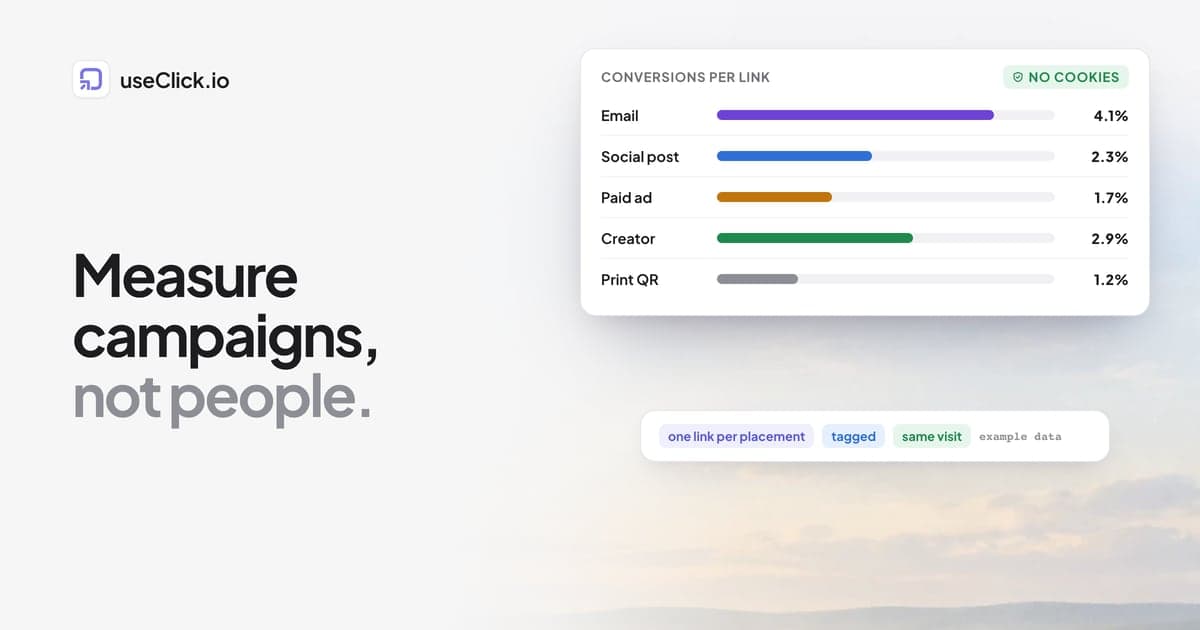
- Conversions per visit tell you whether the channel brought customers or only curiosity.
A channel with fewer clicks and a higher conversion rate usually deserves more of your effort than the loudest one. Wait for enough numbers before you decide: a few clicks prove nothing.
What this cannot tell you
Be honest with yourself about the limits:
- It shows the link a conversion arrived through, not why the person bought. Someone may have seen a post on Monday and typed your address on Friday. That conversion shows up as Direct.
- It works within a visit. There is no cross-device or multi-week journey, because there is no lasting ID by design. Privacy-first campaign measurement explains the trade.
- Clicks and sessions will not match. Why link clicks and GA4 sessions differ covers why, and what to compare instead.
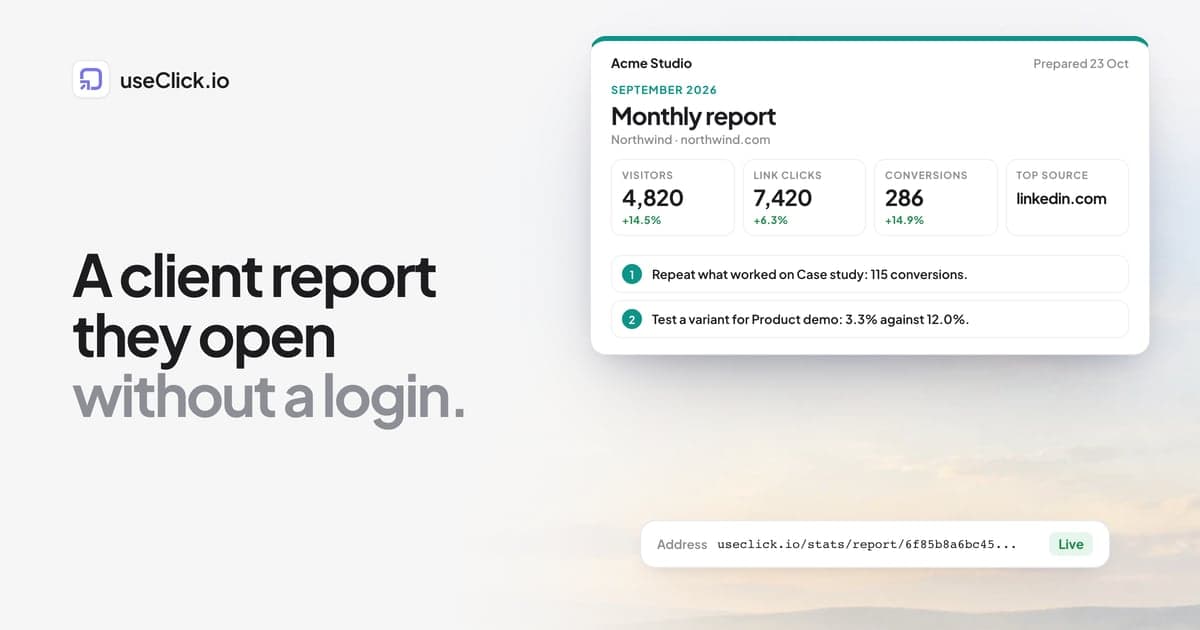
If you report to a client, a branded client report turns this table into one page they open without a login.
Frequently asked questions
How do I see which marketing channel brought a sale?
Give each channel its own tagged short link, install the tracking script on your site, send a conversion event after the sale or signup, and test the whole path once. Then compare clicks, visits and conversions per link over the same dates.
Why is so much of my traffic Direct?
Many email apps, chat apps, QR scans and some social apps do not pass a referrer. A separate link per placement, with UTM tags, is how you recover the source.
Do I need Google Analytics for this?
No. A link tool, a cookie-free website analytics script and a conversion event cover it. If you use GA4 as well, expect the numbers to differ, because a click and a session are different things.
Which plan do I need?
Click counts and event counts work on every plan. UTM tags and campaigns on links need Starter. Goals and the per-link click-to-conversion view need Growth.
What is a good conversion rate?
It depends on the channel, the offer and the page, so compare your own channels with each other and your own months with each other instead of with a general number.
How long before I can trust the numbers?
Check the test first. After that, wait until each channel has enough clicks to compare, and judge a channel over weeks, not days.
Does this work for an online shop?
Yes. Send a purchase event on the order confirmation page, and make sure your shop keeps the UTM values with the order. Shopify link tracking shows where the values appear.
The decision in one paragraph
Pick one conversion, add the script, send the event, create one tagged link per channel and test the whole path with your own click. It takes about half an hour, and it turns "I can see clicks" into "this channel brought these customers". Keep the names stable, read the numbers over the same dates, and treat attribution as a guide to where to put your next effort, not as proof of what caused a sale.