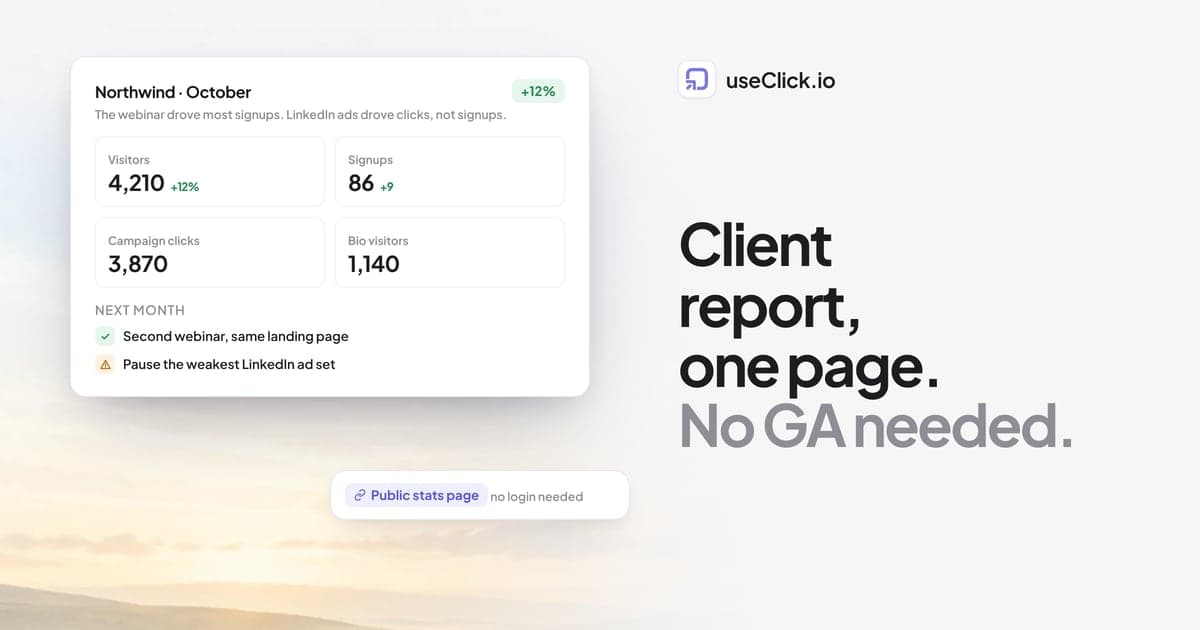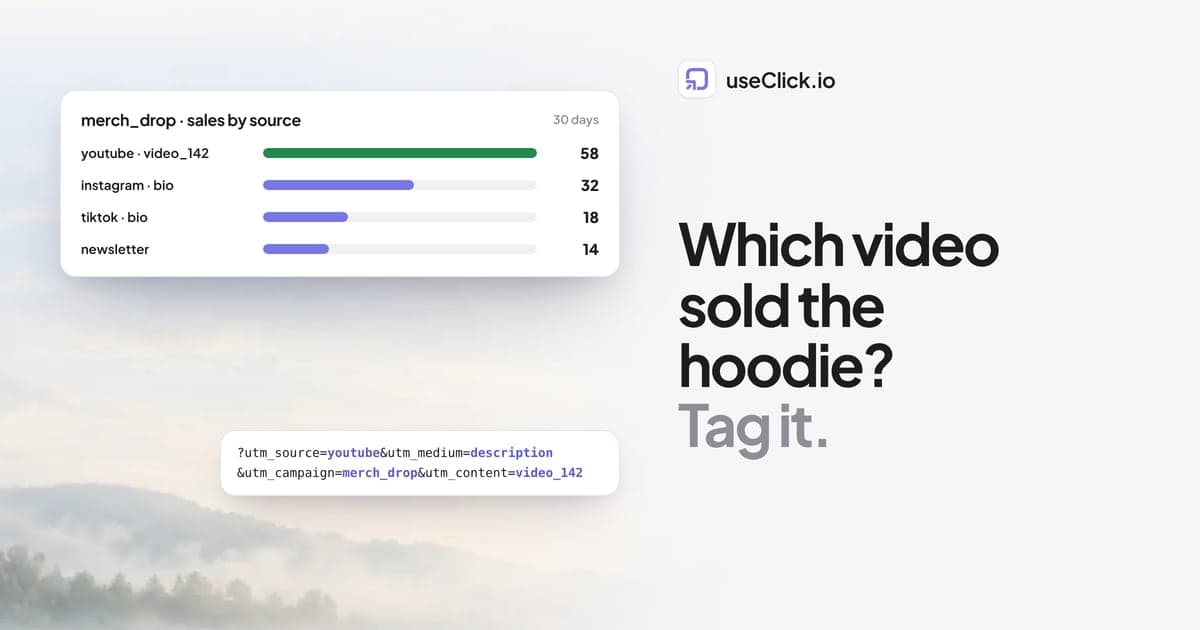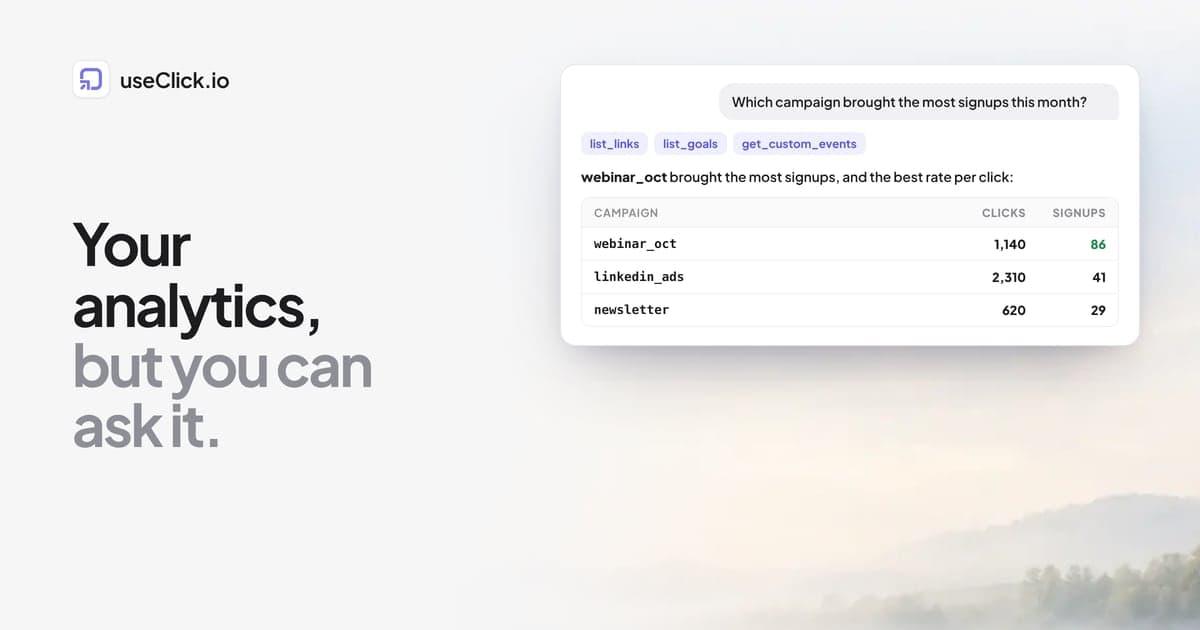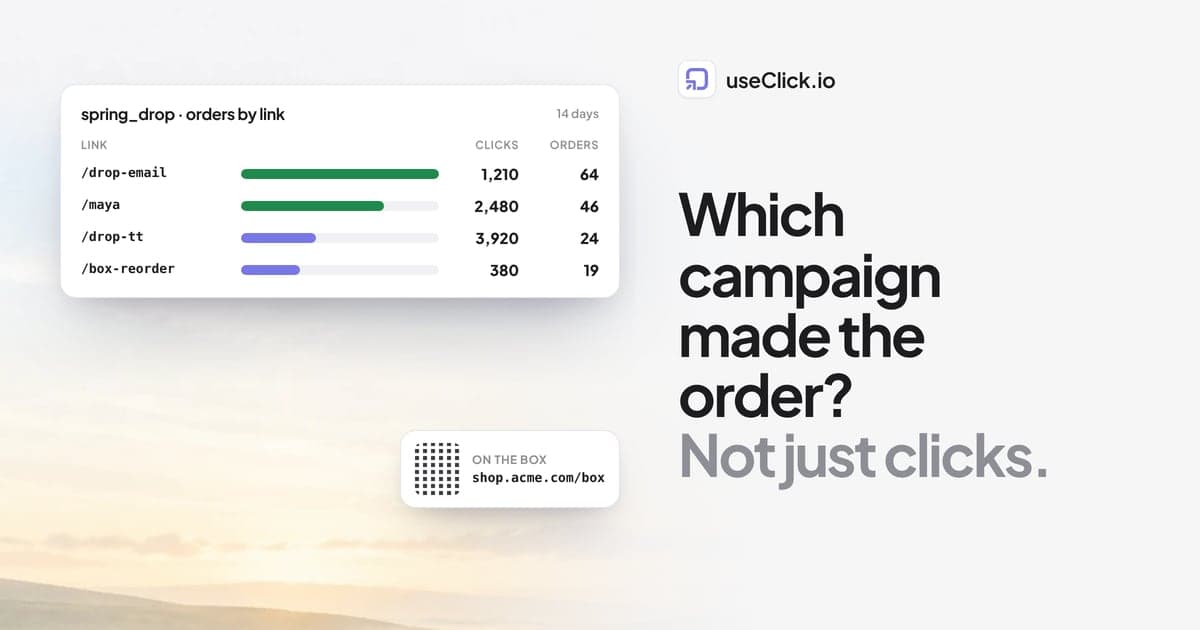
Quick answer: Give every campaign its own short link with UTM tags: one per influencer, one per email, one per QR code, one per ad. The short link counts clicks and scans from apps where no analytics script runs, and the UTM tags travel to your store, where Shopify's marketing reports attribute sessions and sales to each utm_campaign. Put the two side by side and you see which TikTok, Instagram post, email or packaging insert created orders, not just traffic.
Key takeaways
- Shopify can attribute orders to campaigns, but only if every link that brings people to the store carries consistent UTM tags.
- Short links add what UTM tags cannot: clicks from in-app browsers and QR scans, counted before the store page loads.
- One link per creator, per channel and per printed item. Shared links make attribution impossible.
- Compare channels by orders and revenue per click, not by clicks.
Why store owners need a different report
A store owner rarely asks "how many people clicked?". The question is "the creator I paid last month: did she sell anything?" or "is the QR code on the box worth printing again?".
Shopify answers part of this. Its analytics count sessions by referrer and attribute sales to marketing campaigns using UTM parameters. The weak spots are before the store: TikTok and Instagram open links in their own in-app browsers, QR codes have no referrer at all, and a creator who pastes your plain store URL into her bio sends traffic that looks like everyone else's.
The fix is boring and reliable: every place that sends people to your store gets its own link, and every link carries the same tag scheme.
The setup
1. Agree on one tag scheme
| Tag | Use it for | Examples |
|---|---|---|
| utm_source | The platform or partner | tiktok, instagram, newsletter, creator_maya, packaging |
| utm_medium | The type of channel | social, influencer, email, qr, paid_social |
| utm_campaign | The campaign | spring_drop, bfcm_2026, restock_oct |
| utm_content | The variant | bio, story_2, insert_card, shipping_box |
Lowercase, underscores, one value per channel. Write it into a shared doc before the campaign starts. The free UTM builder uses the same fields.
2. Create one short link per placement
In useClick, create a short link for each placement, pointing at the product or collection page, with the tags above. Put the links of one campaign into one campaign folder so they sit together. Use your own domain, such as shop.acme.com/maya, so the link looks like your brand in a bio or on a box. Custom domains are on every plan; UTM tags and campaigns are on Starter and above.
3. Share the links, not the store URL
Send each creator her own link. Put the QR code of the packaging link on the insert card. Use the email link in the email. If anyone pastes the plain store URL, that traffic falls into the "direct" bucket and the campaign looks weaker than it is.
4. Read both sides
- In useClick: clicks and scans per link, with countries, devices and referrers. This is where the QR code and the in-app traffic show up reliably.
- In Shopify: sessions and sales by
utm_campaignandutm_sourcein the marketing reports.
If you also track your storefront with useClick's cookie-free website analytics (add the tracking snippet to your theme), you see visits per source and the pages people read on the store, next to the clicks.
Four campaign templates
Template 1: Product launch
One product, several channels, one launch week.
| Link | utm_source | utm_medium | utm_content |
|---|---|---|---|
| shop.acme.com/drop-email | newsletter | hero_button | |
| shop.acme.com/drop-ig | social | bio | |
| shop.acme.com/drop-tt | tiktok | social | bio |
| shop.acme.com/drop-sms | sms | sms | launch_text |
All with utm_campaign=spring_drop. After the launch, compare orders per channel against clicks per channel. A channel with many clicks and few orders usually means the message promised something the product page does not show.
Template 2: Influencer links
One link per creator, never a shared code page.
| Link | utm_source | utm_medium | utm_campaign |
|---|---|---|---|
| shop.acme.com/maya | creator_maya | influencer | creators_q4 |
| shop.acme.com/jon | creator_jon | influencer | creators_q4 |
| shop.acme.com/lea | creator_lea | influencer | creators_q4 |
This answers "which influencer drove sales" directly. Pair each link with the creator's discount code if you use codes: codes catch buyers who type the URL later, links catch everyone who taps. Use both and compare.
If a creator's audience sits in another country, geo-targeting (Starter and above) can send visitors from that country to your regional store while everyone else lands on the main one.
Template 3: QR codes on packaging
The box is the one marketing channel every customer sees. Most stores leave it untracked.
| Link | Printed on | utm_source | utm_medium | utm_content |
|---|---|---|---|---|
| shop.acme.com/box-reorder | Shipping box flap | packaging | qr | shipping_box |
| shop.acme.com/card-review | Insert card | packaging | qr | insert_card |
| shop.acme.com/tag-care | Product tag | packaging | qr | care_tag |
Each QR code points at the short link, not at the store URL. That has a second benefit: when the destination changes, you edit the link and the printed code keeps working. Editing a link's destination is on Starter and above. How to make a trackable QR code covers sizes and contrast for print.
A simple way to write this up as a case study for your own team: one QR code per packaging item, one month, then a table of scans, store visits and orders per item. The item with the most reorders per scan earns the print space next season.
Template 4: Seasonal sale
A sale has an end date, and a link that keeps sending people to an expired offer costs trust.
- Create the sale links with an expiration date (Starter and above). After it, visitors see an expired page instead of a dead offer, or you change the destination to the regular collection.
- Use one
utm_campaignper sale (bfcm_2026), so next year's sale is a clean comparison. - For SMS, use a short branded link; why generic short links hurt SMS deliverability explains why the domain matters there.
Reading the result
Put the numbers for one campaign into one table:
| Channel | Clicks or scans (useClick) | Orders (Shopify) | Orders per 100 clicks |
|---|---|---|---|
| TikTok | |||
| Creator: Maya | |||
| Packaging QR |
The last column is the one that decides budgets. TikTok often brings the most clicks and a lower rate; email often the reverse. Neither is wrong, but you should know which is which before paying for more of it.
Two cautions. Attribution is never perfect: a buyer who saw the TikTok, then searched for your brand a week later, counts as search. And small numbers swing: ten orders against six is not a trend. Look at a full campaign, and at several campaigns, before moving money.
No cut of your sales
One more point when you compare tools. Some link-in-bio and storefront tools take a percentage of the sales that pass through them. useClick does not: your links point at your Shopify store, or at your Stripe or Ko-fi checkout for digital products, and the payment goes straight to you. You pay a flat plan, and the order is yours.
Frequently asked questions
Does Shopify track UTM parameters?
Yes. Shopify reads UTM parameters on the landing URL and uses them in its marketing and sessions reports, so orders can be attributed to a utm_campaign and utm_source. Consistent tags on every link are what make those reports useful.
How do I know which influencer drove sales?
Give each influencer a separate tracked link with their name in utm_source, and ideally their own discount code. Compare orders per link in Shopify's marketing reports and redemptions per code in your discounts.
How do I track QR codes on product packaging?
Point each QR code at its own short link instead of the store URL, with utm_medium=qr and utm_content naming the item. Scans show up as clicks in useClick, and the store visits carry the tags into Shopify.
Do in-app browsers break tracking?
They can lose referrer information, which is why UTM tags and short links matter. The short link counts the tap before the store loads, and the UTM tags survive the in-app browser.
Can I change where a printed QR code goes?
Yes, if the code points at a short link. Edit the link's destination and the printed code goes to the new page. Changing a destination is on Starter and above.
Does useClick take a share of my sales?
No. useClick charges a flat monthly plan. Your links send people to your own store or checkout, and payments go directly to you.
The decision in one paragraph
You cannot fix attribution after the campaign, only before it. Before the next launch, write down one tag scheme, create one short link per creator, channel and printed item, and share only those links. Then the question "which campaign created orders?" is answered by two reports you already have, instead of a guess.