Quick answer: A client report needs four numbers and three sentences: visitors, top sources, clicks per campaign and conversions, plus what worked, what did not and what you will change next month. You can build all of it without Google Analytics from branded short links per client, cookie-free website analytics on the client's site and a public stats page you share instead of a login. One page, the same layout every month, ready in under an hour.
Key takeaways
- Clients read the first screen. Lead with results and a sentence of interpretation, not a dashboard export.
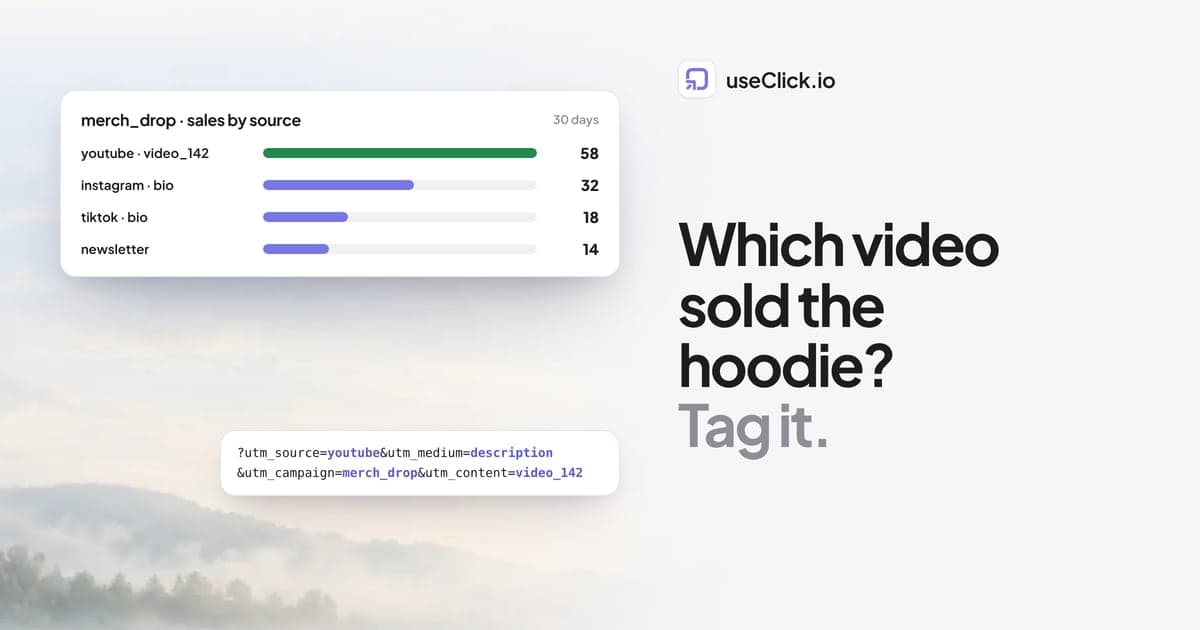
- Tracked links per campaign answer "what did our money do?" better than sitewide traffic charts.
- Cookie-free analytics counts the visitors a consent banner would lose, which makes month-over-month comparisons steadier.
- Share read-only stats pages, not logins.
Why agencies drop Google Analytics for client reports
Google Analytics 4 is powerful and a poor fit for many small-client reports:
- Consent gaps. In the EU, visitors who decline cookies are missing, so the client's traffic looks lower than it is, and the share that declines changes month to month.
- Setup time per client. Properties, data streams, events and conversions per client, plus a reporting layer on top.
- Questions the report cannot answer. GA4 sees visits with UTM tags; it does not see clicks from apps, QR scans or a bio page tap unless the visit loads its script.
None of this means you must stop using it. It means a report built from links and cookie-free analytics is often simpler, more complete and faster to produce.
The one-page template
Use the same layout for every client, every month.
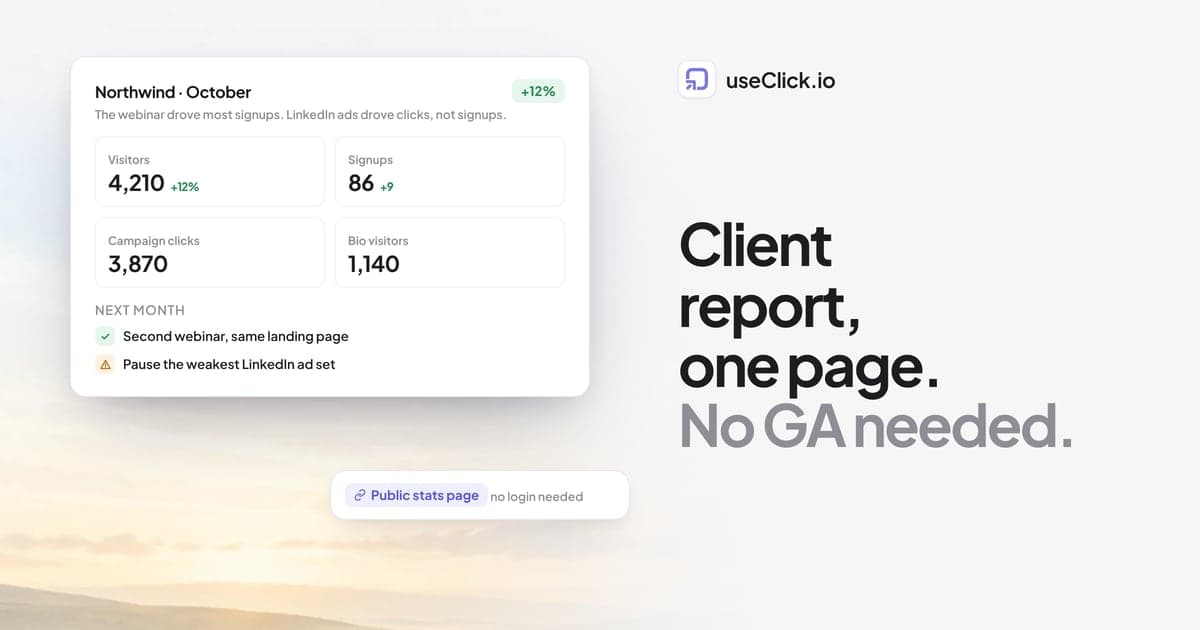
1. Headline (two sentences). "October brought 4,210 visitors, up 12%, and 86 signups. The webinar campaign drove most of the signups; the LinkedIn ads drove clicks but few signups."
2. Four numbers, with last month next to them.
| Metric | This month | Last month |
|---|---|---|
| Website visitors | ||
| Signups or orders | ||
| Clicks on campaign links | ||
| Bio page visitors |
3. Campaigns.
| Campaign | Clicks | Visits | Conversions |
|---|---|---|---|
| webinar_oct | |||
| linkedin_ads | |||
| newsletter |
4. Top sources and top pages. Five rows each, straight from the website report.
5. What we will change next month. Three bullets. This is the part clients actually discuss.
Where each number comes from
Website visitors, sources and pages. Cookie-free website analytics on the client's site. One script tag, or the WordPress plugin for WordPress sites. Bots and AI crawlers are labelled separately, so a crawler spike does not look like a campaign success.
Clicks per campaign. Branded short links per client, grouped into campaigns, with UTM tags. Each campaign link counts every click, including from email clients and apps. Use the client's own domain (go.client.com) so the links look like the client, not like you. Custom domains are on every useClick plan.
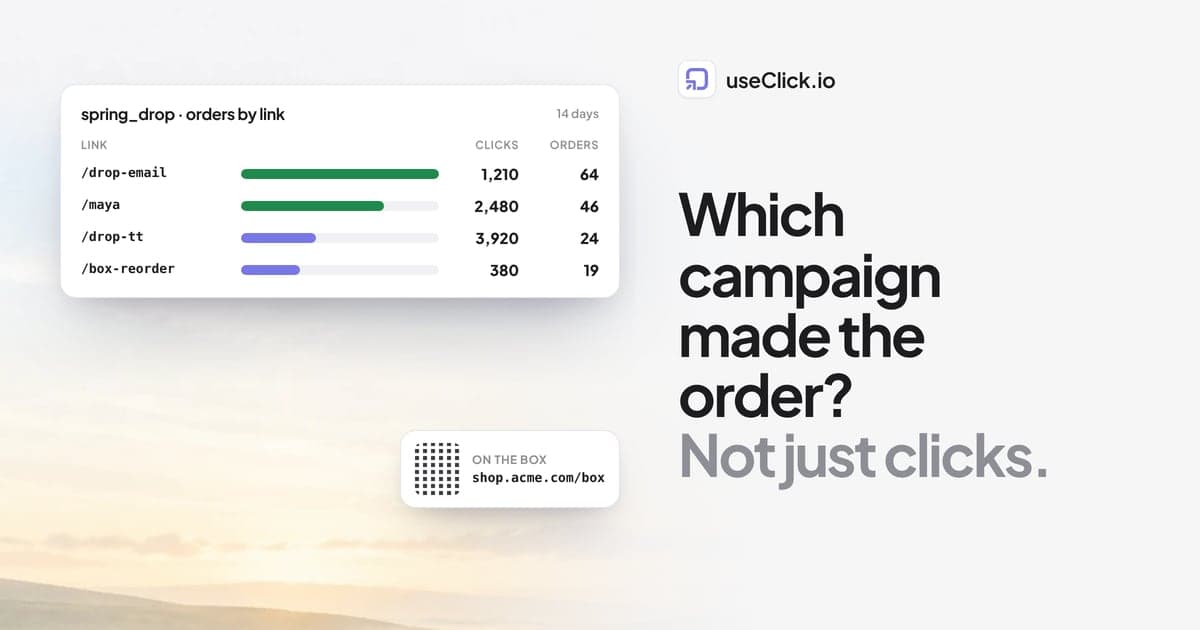
Visits and conversions per campaign. On Growth and above, goals on the client's site connect conversions to the short link that brought the visitor. The From click to conversion card shows clicks, visits and conversions per link, which is section 3 of the template almost as is.
Bio page visitors. If you run the client's link-in-bio page, its analytics show views, visitors and taps per button.
Share without logins
Clients rarely want a login. They want a link they can open on a phone.
- Public stats pages. Turn on a public page for a website or a campaign link and send the address. The client sees the numbers and charts without an account and cannot change anything. Goals, conversions and revenue stay off the public website page, so put those in your one-pager.
- CSV export. On Starter and above, export page views, events or clicks for clients who want the raw data in their own sheet.
- Team workspaces. On Pro and Business, invite colleagues so the whole team works in one account with roles.
How to share link and website stats with clients walks through the sharing options, and the public dashboards guide lists exactly what viewers see.
Organising many clients
A structure that scales past ten clients:
- One branded domain per client for their short links.
- One campaign per client initiative, named
client_initiative_month(acme_webinar_oct), so the campaign filter is the report. - One website per client site, with the name hidden when you share your screen (each site has an eye button that blurs its name in the dashboard).
- A naming document you give every new team member. Link organisation: naming conventions and folders has a starting point.
Plan sizes matter here: Starter covers 5 websites, Growth 15, Pro 30 and Business 100, with 5 and 10 team members on Pro and Business.
Let an AI write the first draft
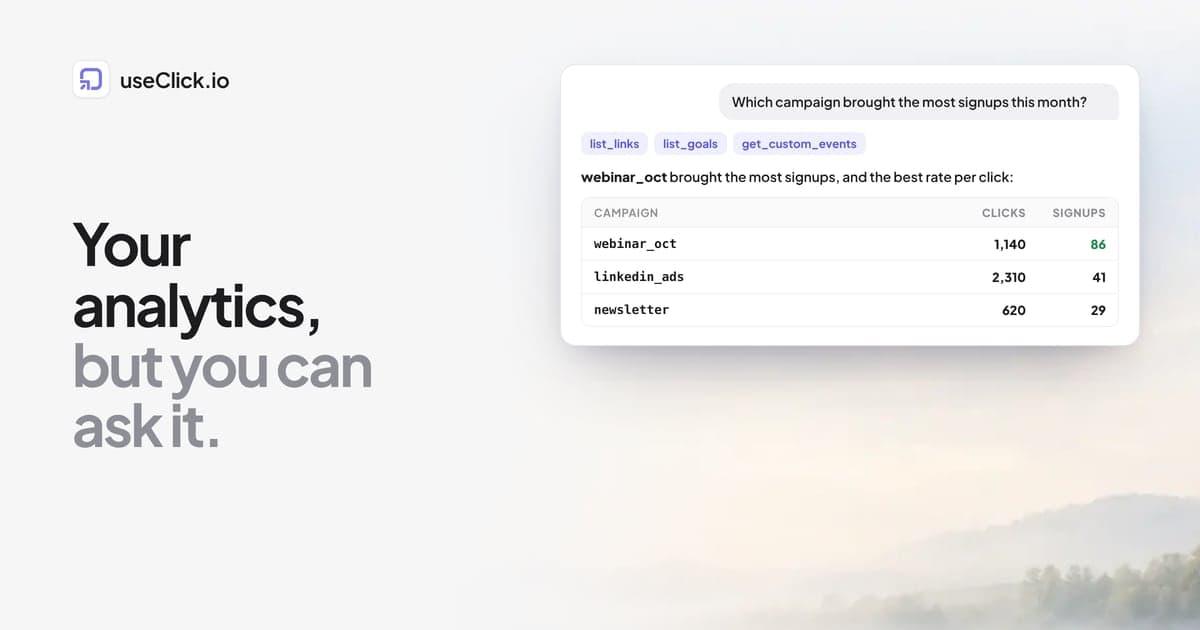
If you use Claude, Cursor or n8n, the useClick MCP server can pull the numbers for you. A prompt like "Write the October report for client.com: visitors vs September, top 5 sources, top 5 pages, signups, and clicks per campaign in acme_ campaigns. Show the numbers." gives you a draft to check and edit. Ask Claude which campaign brought the most signups shows the setup.
Frequently asked questions
What should a monthly marketing report for clients include?
A two-sentence summary, four headline numbers with last month for comparison, results per campaign, top sources and pages, and three concrete changes for next month. Keep it to one page.
Can I make client reports without Google Analytics?
Yes. Cookie-free website analytics covers visitors, sources, pages and conversions, and tracked short links cover campaign clicks, including clicks from apps and QR codes that Google Analytics does not see.
How do I share analytics with a client without giving them a login?
Use a public stats page: a read-only address for a website or a link that the client can open without an account. You can switch it off at any time.
Is this white-label?
Short links use the client's own domain, so the links carry the client's brand. Public stats pages are hosted on useclick.io. For a fully branded report, export the numbers or paste them into your own template.
How long does a report take each month?
With the template fixed and the links and goals set up, most of the time goes into the three sentences of interpretation. The numbers take minutes.
Which plan does an agency need?
It depends on the number of client sites and colleagues. Starter has 5 websites, Growth 15 with goals and funnels, Pro 30 with 5 team members, and Business 100 with 10 team members.
The decision in one paragraph
A good client report is short, the same every month and honest about what did not work. Build it from tracked links on the client's own domain, cookie-free analytics on their site and goals that connect the two, share a read-only page instead of a login, and spend your time on the three sentences that tell the client what to do next.