Quick answer: Choose a subdomain you do not use yet, such as go.yourbrand.com. Add it under Custom domains in useClick, create one CNAME record at your DNS provider (name go, target cname.vercel-dns.com) and click Verify DNS setup. When the record is found, HTTPS is issued automatically and your links work as go.yourbrand.com/abc123. Every plan includes custom domains.
Key Takeaways
- Use a subdomain, not your main domain. It leaves your website and email untouched.
- One CNAME record is all DNS needs. A root domain uses an A record instead.
- You never upload a certificate: HTTPS is issued and renewed for you once DNS verifies.
- If you cannot change DNS, a file-upload method works on any hosting.
What a custom domain changes
By default your short links live on uclk.me. A custom domain swaps that for an address you own, so uclk.me/spring becomes go.yourbrand.com/spring. The redirect works the same. What changes is what people see before they click: your name instead of a generic shortener. That is the whole idea behind branded short links, and it also helps with trust, because a link on your own domain is harder to confuse with a stranger's (why that matters for phishing).
It has a practical side too. Links on your own domain skip the preview page that Free-plan links on uclk.me can show, and the domain stays yours if you ever change tools.
Choose the domain first
Spend two minutes on this, because printed links are hard to change.
- Use a subdomain.
go.,link.,s.orto.in front of a domain you already own. It does not touch your website or email. - Keep it short. The link should be shorter than the page it points to.
- Make sure it is unused. If
go.yourbrand.comalready has a DNS record, remove it or pick another name. - A separate short domain is fine. If you own something like
yourbrand.link, you can use the root domain, with a different record (below).
The names useclick.io, uclk.me and uclick.bio cannot be added.
How many domains you get
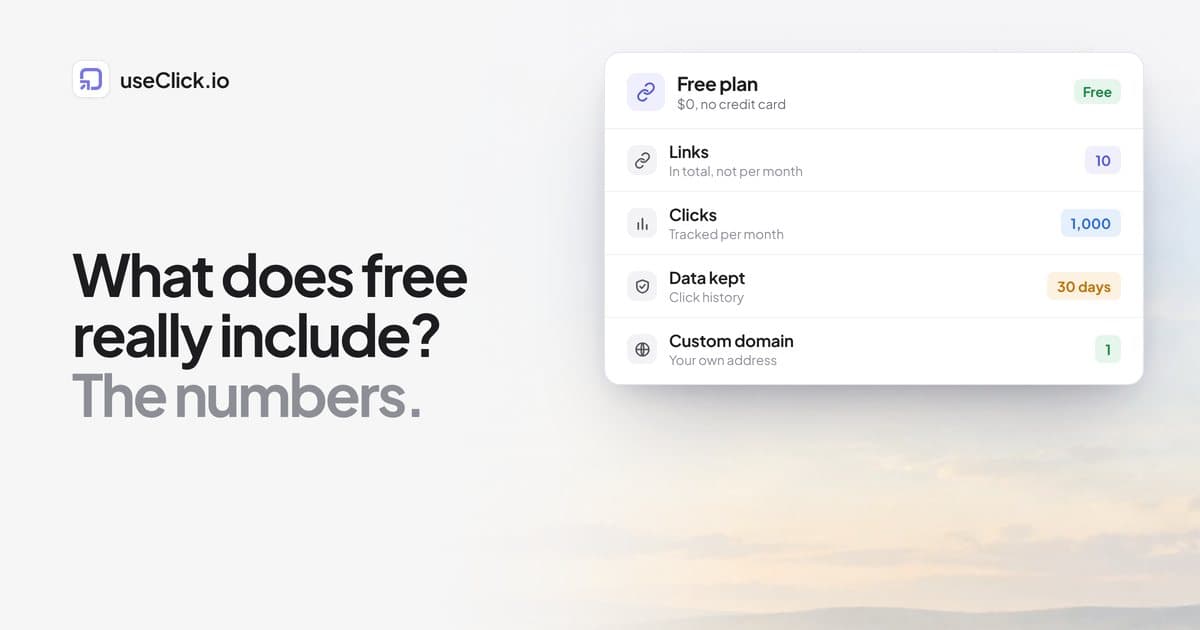
| Plan | Custom domains |
|---|---|
| Free | 1 |
| Starter | 5 |
| Growth | 10 |
| Pro | 20 |
| Business | Unlimited |
Use more than one when you have separate brands, regions or products. For example go.yourbrand.com for marketing and shop.yourbrand.com for product links.
Step by step: the DNS method
This is called Professional in the dashboard and is the right choice for almost everyone.
- Open Custom domains and click + Add domain.
- Type the domain without
http://orwww., for examplego.yourbrand.com, and click Continue setup. - Choose Professional. The domain is added with the status Waiting for DNS and a setup guide opens.
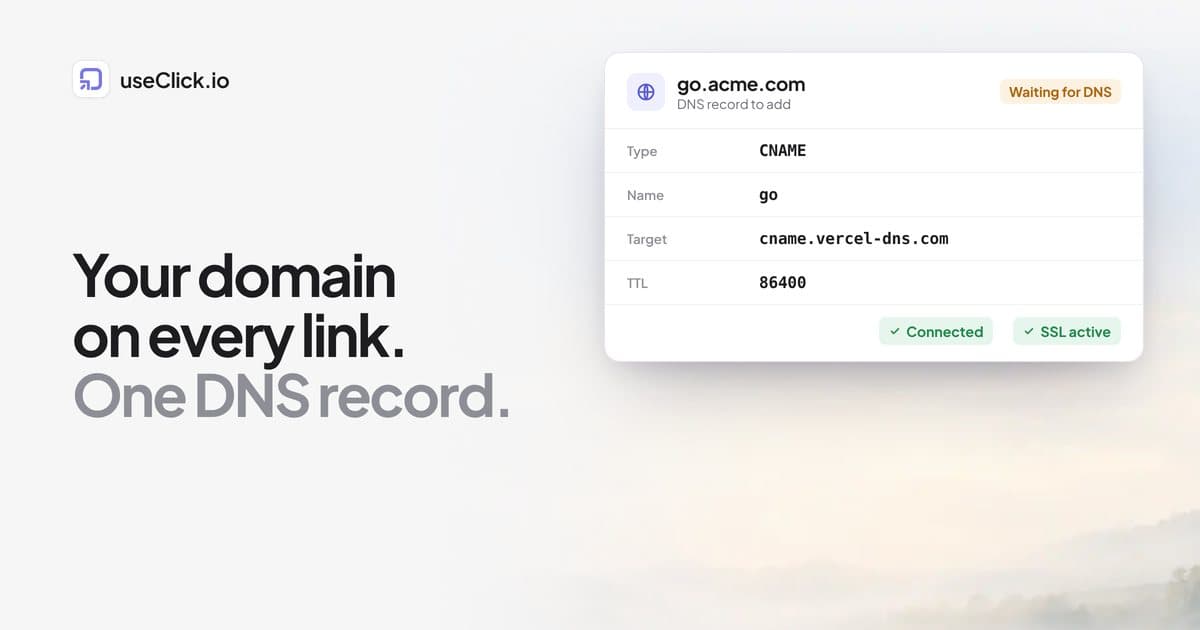
- At your DNS provider (usually where you bought the domain), create the record the guide shows:
| Field | Value |
|---|---|
| Type | CNAME |
| Name / host | go |
| Value / target | cname.vercel-dns.com |
| TTL | 86400, or Auto |
- Back in useClick, click Verify DNS setup. When the record is found, the domain shows Connected and the certificate moves from Issuing to Active.
- Create a link and pick your domain under Short link.
The deeper reference, including every status message, is the DNS setup guide, and the custom domains overview covers limits and managing domains.
If you use a root domain
If you enter a root domain such as yourbrand.link, useClick asks for an A record instead: name @ (or blank), value 76.76.21.21. Use a root domain only when the whole domain is dedicated to short links. Otherwise a subdomain is safer.
Three DNS mistakes that cost the most time
- Doubling the domain. Most providers want only the subdomain part (
go) in the name field. Some add your domain automatically, so typinggo.yourbrand.comthere createsgo.yourbrand.com.yourbrand.com. - Cloudflare proxying. On Cloudflare, set the record to DNS only (the grey cloud). A proxied record hides the CNAME and the check cannot find it.
- A conflicting record. A subdomain cannot have a CNAME and another record at the same name. Remove any old A, AAAA or CNAME record for
gofirst.
A trailing dot on the target (cname.vercel-dns.com.) is the same value. If the check says "No CNAME record found", wait a few minutes and check again. Most providers publish within 5 to 30 minutes, and some take an hour or more.
No access to DNS? Use the file method
If you can upload files to your hosting but cannot edit DNS, choose Quick setup instead. You download one index.html redirect file and upload it to the root of the domain. Links then look like yourbrand.com/?s=abc123. HTTPS depends on your hosting, and the file replaces whatever page is at the root of that domain, so use a domain or subdomain that does not serve your home page.
| Professional (DNS) | Quick setup (file) | |
|---|---|---|
| Link format | go.yourbrand.com/abc123 |
yourbrand.com/?s=abc123 |
| What you do | Add one DNS record | Upload one file |
| HTTPS | Issued and renewed automatically | Your hosting's |
| Best for | Most people | No DNS access |
What works on the domain, and what does not
On a DNS-based domain only short-link addresses work. Opening the bare domain, or any path with more than one segment, sends the visitor to useclick.io. That is deliberate: it stops search engines from seeing duplicate pages on your domain, and it means a short-link domain cannot accidentally expose anything else.
Clicks on your custom domain are tracked in link analytics exactly like clicks on uclk.me. Custom domains currently apply to short links. Bio pages are served at uclick.bio/yourname, but a short link on your domain, such as go.yourbrand.com/bio, can point at your bio page.
Moving existing links to the new domain
- New links: pick the domain when you create them.
- Existing links: open Edit link and change Domain. The old address stops working, so only do this for links that have not been shared widely.
- Links from another tool on the same domain: import them first so the back-halves are kept, then point DNS at useClick.
- Bulk and API: bulk upload has its own domain menu, and the API accepts a
branded_domainfield.
Deleting a domain stops every link on it, so move important links first and update anything you have printed.
Frequently asked questions
Do I need to buy a new domain?
No. A subdomain of a domain you already own is enough and usually the best option.
How long does verification take?
Usually 5 to 30 minutes after you save the DNS record. Some providers take longer. The domain row shows when it was last checked and any error.
Is HTTPS included?
Yes for the DNS method. Once DNS is verified, useClick issues and renews the certificate. Do not share links on the domain until SSL shows Active, or visitors may see a warning.
Can I use the same domain for my bio page?
Not at the moment. Custom domains work for short links. Bio pages are served at uclick.bio/yourname. A short link on your domain can redirect to your bio page, so the address you share is still yours.
Will it affect my website or email?
Not if you use a subdomain with its own record. A subdomain's CNAME record does not change your root domain's website or MX records.
What happens if I remove the DNS record?
Links on that domain stop working. Keep the record in place for as long as printed or published links use the domain.
Can I change a link from uclk.me to my domain later?
Yes, with Edit link, but the old address stops working. For links already in circulation, create a new link on your domain instead.
The decision in one paragraph
Pick a subdomain nobody uses, add one CNAME record, verify it and let HTTPS issue itself. It takes about ten minutes, it is included on every plan, and it means every link you share carries your name. If you cannot touch DNS, the file method gets you most of the way. Start with the custom domains guide, or compare plans if you need more than one domain.