Quick answer: On Instagram, the link in bio sits directly under someone's bio text, right above their post grid, shown as blue or underlined text. On TikTok, it appears just below the bio, next to a small link icon. If you're looking for your own link in bio to edit it, go to Edit profile → Links (Instagram) or Edit profile → website/bio link (TikTok).
Key Takeaways
- Instagram's link in bio sits between the bio text and the post grid.
- TikTok's link in bio sits below the bio, marked with a small link icon.
- Instagram has 3 billion monthly users (Backlinko, 2026), which is why that one bio spot gets fought over so hard.
Where Is the Link in Bio on Instagram?
Open any profile and look right below the bio text, above the grid of posts. If the account has added a link, it shows up as clickable text, sometimes with a small link icon, and tapping it opens the destination without leaving the app's in-app browser.
If you don't see one, the account either hasn't added a link or only added one to their Story highlights instead. Not every profile uses the bio link field, especially smaller or personal accounts.
Where Is the Link in Bio on TikTok?
Same idea, different spot. On TikTok, the link sits just under the bio text, usually shown with a small link or globe icon next to it. Tap it and TikTok opens the page in its built-in browser.
TikTok rolled out bio links more gradually than Instagram and for a while gated the feature behind follower counts or business accounts. If a profile's bio looks like it's missing one, an older app version or an unverified feature rollout is often why.
How to Find (and Edit) Your Own Link in Bio
If you're trying to find your own link to change it, rather than looking at someone else's:
- Instagram: go to your profile, tap Edit profile, tap Links (or Website), then edit or add your link there.
- TikTok: go to your profile, tap Edit profile, and look for the bio link field near the top.
Both apps only give you one bio link slot on the free tier, so whatever's there is doing a lot of work.
Why That One Spot Gets So Much Attention
Instagram alone has 3 billion monthly active users (Backlinko, 2026), and the bio link is one of the only ways to send any of them off the app to a website, shop, or newsletter. That's why so many creators and brands stop using a single raw URL there and switch to a link-in-bio page instead, one link that opens a menu of destinations rather than just one.
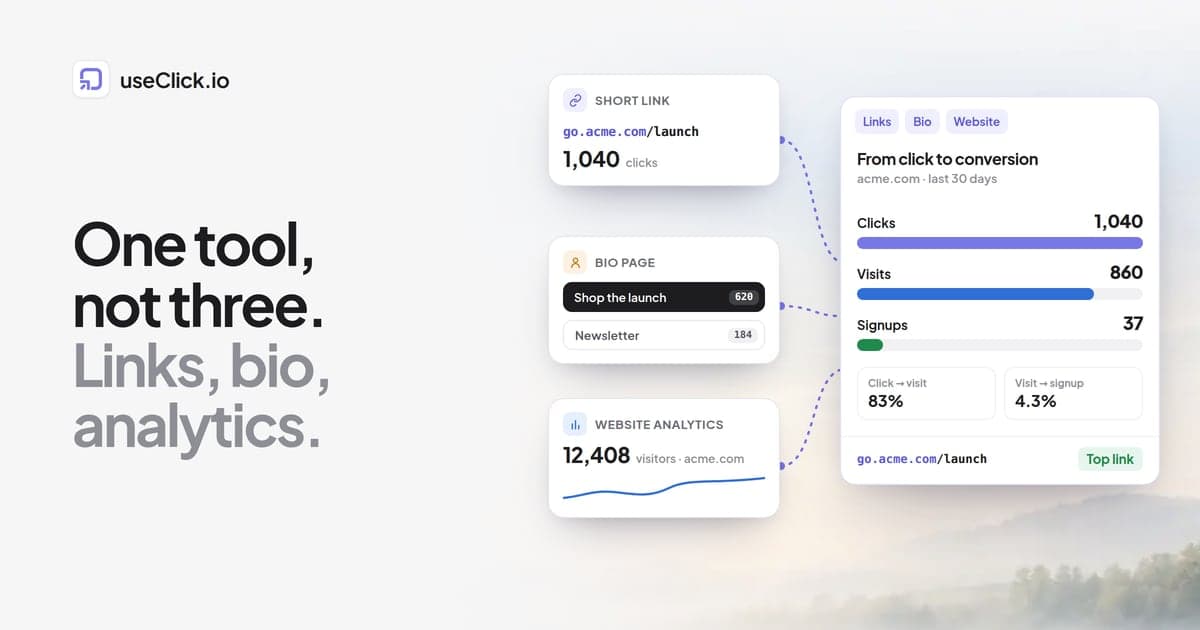
It also solves a problem neither Instagram nor TikTok's native bio link addresses: neither platform tells you who tapped your link, or where they went next. A link-in-bio page with analytics shows clicks by link, country, and device, so you're not just hoping the bio link works.
Frequently Asked Questions
Why can't I find a link in bio on someone's Instagram profile?
Not every account adds one. It's optional, and some creators only link out through Story highlights instead of the bio field. If the profile has no clickable text under the bio, they simply haven't set one up.
Why doesn't my TikTok show a link in bio field?
Older app versions and some account types rolled out bio links later than others. Update the TikTok app and check Edit profile again; if it's still missing, the feature may not yet be available for your account type.
Can I see who clicked the link in my Instagram or TikTok bio?
Neither app shows individual clickers, and Instagram only gives an aggregate tap count, not a breakdown. A link-in-bio page with analytics or a trackable short link shows total and unique clicks, by country and device, instead.
Find It, Then Make It Count
Now that you know exactly where the link in bio lives on Instagram and TikTok, the next question is what to put there. A link-in-bio page turns that one spot into a tracked menu of everything you want people to find.