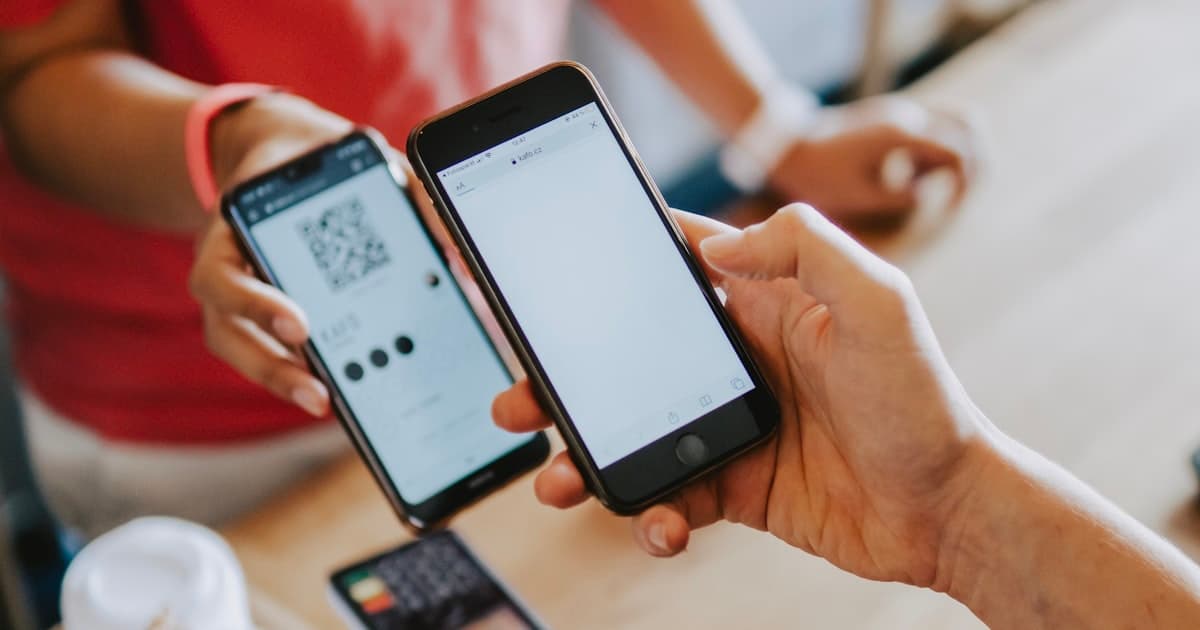
Quick answer: Spotify has a built-in Spotify Code for every track, album, playlist, artist, and podcast. Tap the ⋯ menu on what you want to share, and the scannable code appears in the share sheet. It's free, but it gives you no scan data. To know how many people scanned your code on a poster, merch, or flyer, make a custom trackable QR code that points to your Spotify link. Here's both.
Key Takeaways
- Spotify's built-in Spotify Code is free but has no scan analytics.
- A custom trackable QR code shows scans by location and device, great for posters and merch.
- QR is mainstream: global scans surpassed 1 trillion in 2025 (Wave Connect, 2026).
How Do You Get the Built-In Spotify Code?
Spotify Codes are baked into the app:
- Open Spotify and find the track, album, playlist, artist, or podcast.
- Tap the ⋯ (three-dot) menu.
- The Spotify Code (the bars under the cover art) appears. Use Share to save or send it.
Anyone can scan it inside the Spotify app (tap Search, then the camera icon) and it opens instantly. That's ideal for sharing on a screen. The catch is the same one every native code has: Spotify won't tell you how many scans it got, so a poster carrying that code is a dead end for data.
How to Make a Trackable Spotify QR Code
Putting your code on a gig poster, merch, album packaging, business card, or flyer? Then you want scan numbers, which means building a custom QR code on a short link:
- Copy the Spotify link (⋯ menu, then Share, then Copy link) for your track, playlist, or show.
- Create a short link to it, then generate a QR code from that link, and add your colors and logo.
- Download as a PNG or SVG and print anywhere.
- Track total and unique scans, location, and device in your dashboard. Because it's dynamic, you can repoint it to a new single or episode later without reprinting.
For musicians, that scan data is the missing link between a stack of posters and actual plays. With global QR scans passing 1 trillion in 2025 (Wave Connect, 2026), fans clearly will scan. The question is which poster, city, or merch run drove it.
Where Does a Spotify QR Code Shine?
- Gig posters and flyers: let fans save your music on the spot.
- Merch and album packaging: connect the physical product to streaming.
- Podcast promo: put a scannable code on slides, ads, and cards.
Frequently Asked Questions
How do I get a QR code for Spotify?
Use the built-in Spotify Code. Tap the ⋯ menu on any track, playlist, artist, or podcast, and the code is in the share sheet. To scan one, open Search in Spotify and tap the camera icon. It's free and works for every piece of content on the platform.
Can I track scans on a Spotify Code?
No. Spotify Codes have no analytics. To measure scans, create a custom QR code on a short link pointing to your Spotify URL, and you'll record total and unique scans, location, and device for each one.
What can a Spotify QR code link to?
Any Spotify URL: a track, album, playlist, artist profile, or podcast episode. Copy it via the ⋯ menu, then Share, then Copy link, and build your QR code from that. The trackable version works with all of them too.
Turn Posters Into Plays
Use the built-in Spotify Code for quick shares. For anything printed, use a free trackable QR code, so every poster and piece of merch tells you how many scans it drove.