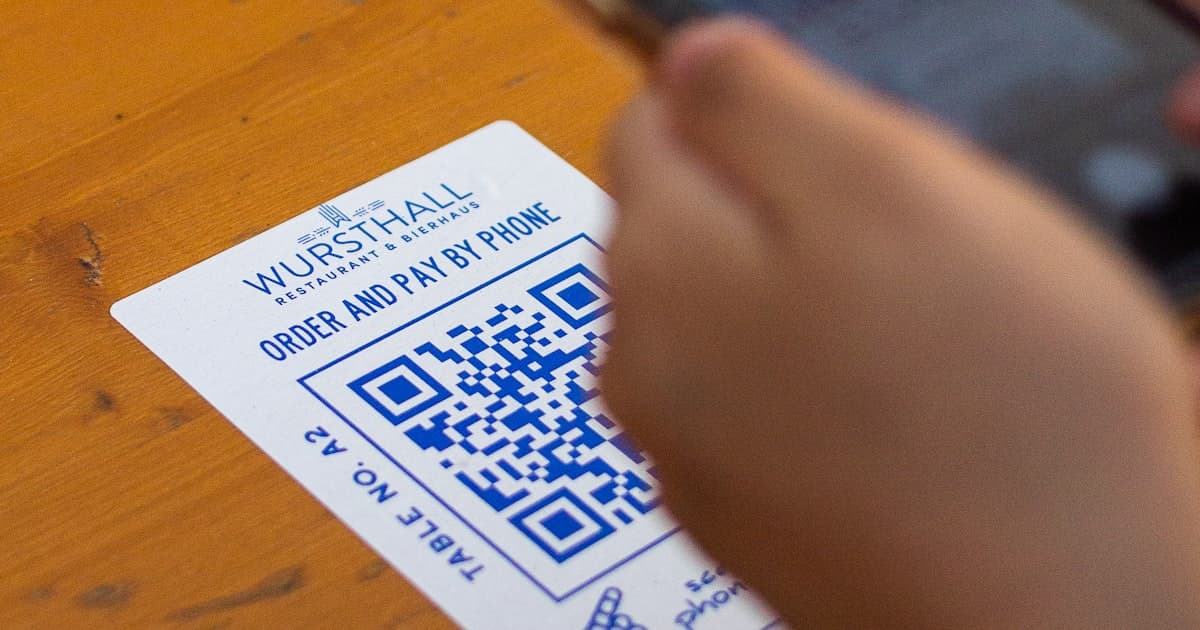
Quick answer: The simplest way to get a QR code for Facebook is to build one from your page or profile link. Copy your Facebook URL, paste it into a QR code generator, and download the code. Want to know how many people scan it on a flyer, storefront, or receipt? Use a trackable QR code instead of a static one. Here's how to do both.
Key Takeaways
- Make a Facebook QR code from your page or profile link in any QR generator.
- A trackable version shows scans by location and device, and stays editable after printing.
- 72% of consumers scanned a QR code in the past month (Wave Connect, 2026).
How Do You Create a QR Code for a Facebook Page?
Four quick steps:
- Copy your Facebook link. On your profile or page, copy the URL from the address bar (for example
facebook.com/yourpage). On mobile, tap the ⋯ menu, then Copy link. - Generate the code. Paste the link into a QR code generator.
- Customize and download. Add your brand colors and logo, then save as a high-resolution PNG or SVG.
- Print and place it on flyers, packaging, your storefront, or event signage. Scanning opens your Facebook page.
One note: Facebook Ads Manager and some Business tools surface QR codes in specific spots, but a code built from your page link works everywhere and isn't tied to an ad.
Why Make It Trackable?
A static code gets people to your page, but it leaves you guessing. Did the window decal bring in 3 followers or 300? You can't tell, and that's a problem when shops, packaging, and product labels lead QR adoption and roughly 72% of consumers scanned a code in the past month (Wave Connect, 2026). The scanning is happening. The measurement is what's usually missing.
A trackable QR code closes that gap by routing each scan through a short link first, so you capture total and unique scans, location, device, and time. To make one, create a short link to your Facebook page, generate the QR code from that link, and watch the scans in your dashboard. It's dynamic too, so you can repoint it (page, event, offer) later without reprinting.
Where Does a Facebook QR Code Work Best?
- Storefront window: a "Follow us on Facebook" code for passers-by.
- Receipts and packaging: invite buyers to your page or reviews after purchase.
- Event signage and flyers: grow your page from offline foot traffic.
The pattern across all three is the same. You're spending real money or real shelf space to display the code, so it's worth knowing which placement actually pays off.
Frequently Asked Questions
How do I create a QR code for my Facebook page?
Copy your page URL, paste it into a QR code generator, and download the image. Scanning the code opens your Facebook page. The same method works for a personal profile or a group, since each has its own public URL you can copy.
Can I track how many people scan my Facebook QR code?
Yes, if it's built on a trackable short link. A static code has no analytics at all, while a link-based QR code records total and unique scans, location, and device, so you can compare one flyer or storefront against another.
Can I change where my Facebook QR code points later?
Only with a dynamic, link-based QR code. Then you can update the destination anytime (page, event, current offer) without reprinting a single flyer. A code generated straight from a raw URL is fixed for good once it's printed.
Turn Offline Attention Into Facebook Followers
Generate a free trackable QR code for your Facebook page, so every flyer, receipt, and window decal tells you how many people it actually brought in.