Introduction
Most link dashboards throw dozens of numbers at you, and only a handful actually change what you do next. Here are the seven link metrics worth watching, what each one tells you, and the noise you can safely tune out.
1. Click-through rate (CTR)
CTR indicates how appealing your link or call-to-action is to your audience. A higher CTR typically means your messaging resonates and drives action effectively. What you can ignore here: raw views or impressions on their own. Without clicks attached, they tell you almost nothing.
2. Conversion rate
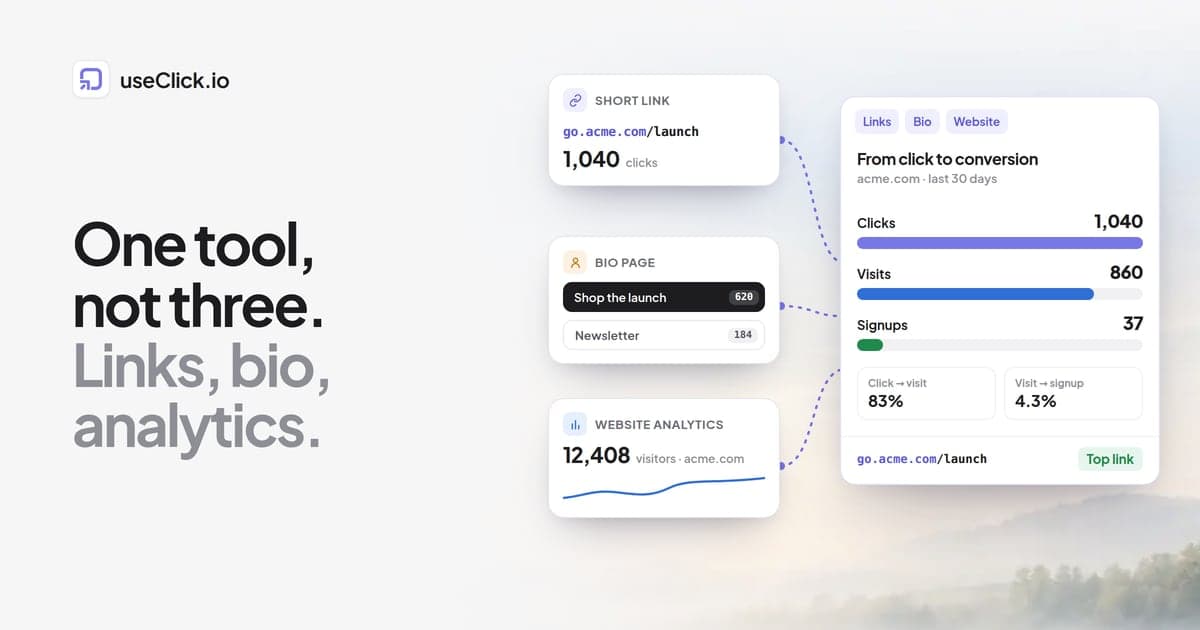
Conversion rate tracks the percentage of people who complete a specific action, such as signing up, purchasing, or downloading content, after clicking your link. It measures your link's success at the goal that actually matters. Ignore clicks without that context: a link with high clicks and low conversions usually means a mismatch between what the link promised and what the destination delivered.
3. Referral source
Knowing where your clicks come from tells you which channels (social media, email, ads) drive the most traffic and conversions, so you can put resources where they work. A total click count with no source breakdown doesn't tell you which of those channels earned the credit, so it's not worth much on its own.
4. Geolocation data
Geolocation lets you target audiences by region, tune localized campaigns, or spot new markets worth pursuing. Skip the temptation to go granular here. Precise IP addresses or overly specific locations raise privacy concerns without adding much benefit over country- or city-level data.
5. Device type and browser
Knowing which devices and browsers your audience uses helps you make sure your website and links actually work for the people using them. Stick to broad, actionable categories (mobile, desktop, tablet) rather than tracking every individual device or browser version, which just adds noise.
6. UTM parameters
UTM parameters let you track campaign performance precisely, so you can see which specific campaigns, mediums, or content pieces are driving results. The mistake is building UTM setups so long and complex that nobody can read them. Simpler tagging gives you cleaner data and faster analysis.
7. Click timing
Knowing when people click your links, by day and time, shapes your content schedule and can meaningfully boost engagement when you post around peak activity. You don't need timestamps down to the second. General patterns, like "most clicks land between 6 and 9pm," are enough to act on.
Metrics you can generally ignore
- Raw impression counts. Without context or engagement attached, these numbers don't tell you whether anything worked.
- Overly detailed user information. Collecting more personal data than you need adds privacy risk without adding insight.
- Bounce rate on individual links. It's a useful signal at the website level, but it's often misleading applied to a single standalone link.
How UseClick.io helps you focus on the right metrics
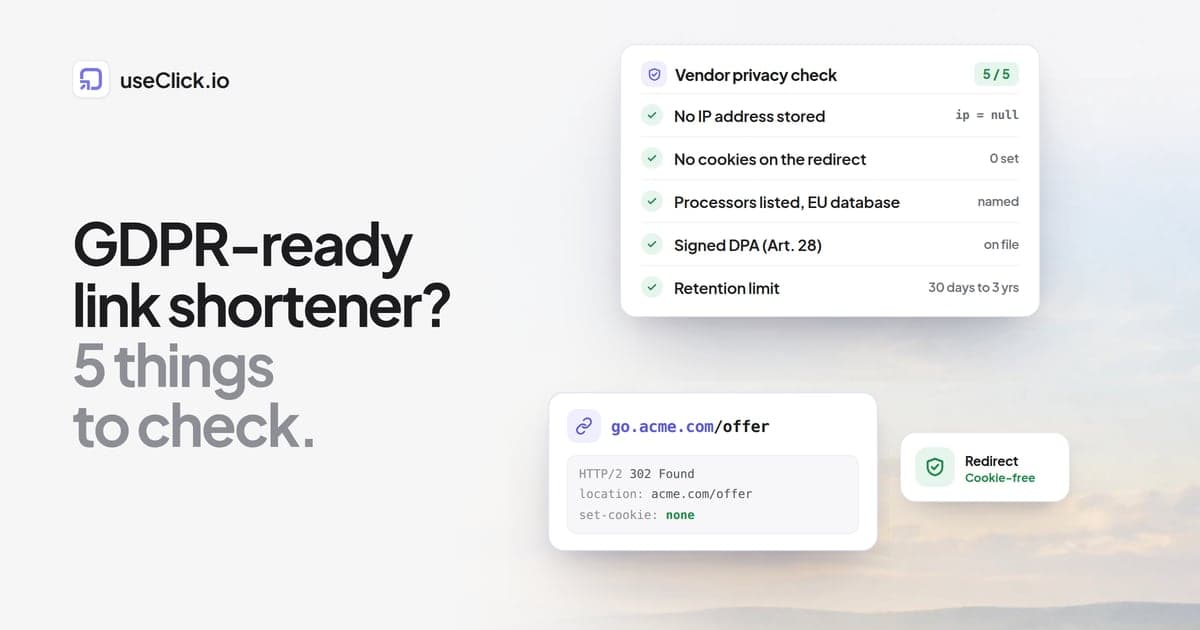
UseClick.io's analytics dashboard is built around the metrics above instead of burying them in noise. Tracking is privacy-compliant by default, so you get the insight without the compliance overhead. The dashboard surfaces CTR, conversions, and referral sources without digging through menus, and reporting stays simplified so you see what matters instead of wading through data clutter.
The takeaway
Track these seven metrics and you'll actually know why a campaign worked or didn't. Track everything your dashboard offers and you'll mostly just have more numbers to ignore.