You're juggling fifteen clients, each with their own social accounts, newsletters, and campaign links. Every time you paste a URL, you wonder: did they click? Did the link even work? Managing multiple clients' digital presence means dealing with hundreds of links weekly, and traditional URL shorteners weren't built for this chaos.
Virtual assistants need more than link compression. You need a system that keeps clients organized, proves your value with real data, and doesn't embarrass you with spammy-looking URLs. The right link management approach transforms scattered tasks into a streamlined workflow that clients actually notice.
Working smarter matters more here than finding another free tool. What you want are links that track results, look professional, and give you the reporting ammunition you need during client reviews.
The Problem with Standard Tools
Generic link shorteners create more problems than they solve for virtual assistants managing multiple accounts. Here's the reality you've probably experienced.
First, there's the branding disaster. When you send a client their weekly report and every link shows a random string from a free shortener, it looks unprofessional. Worse, some of those links get flagged as spam by social platforms. You've done the work, but the presentation undermines your credibility.
Then there's the analytics black hole. Free tools give you click counts. Maybe. But when a client asks which campaign drove results last quarter, you're stuck exporting CSVs from three different platforms, trying to piece together data that doesn't quite match. Client reporting shouldn't require a spreadsheet PhD.
Organization falls apart quickly too. When you're managing links for a SaaS startup, two e-commerce brands, and a coaching business simultaneously, keeping everything separated becomes impossible. Generic tools dump all links into one endless list. Finding that specific product link from six weeks ago? Good luck.
Cookie-based tracking in most shorteners also creates compliance headaches. Your European clients care about GDPR. Even your US clients increasingly ask about privacy. Explaining that your link tool plants cookies everywhere isn't a conversation you want to have.
How useClick Solves This
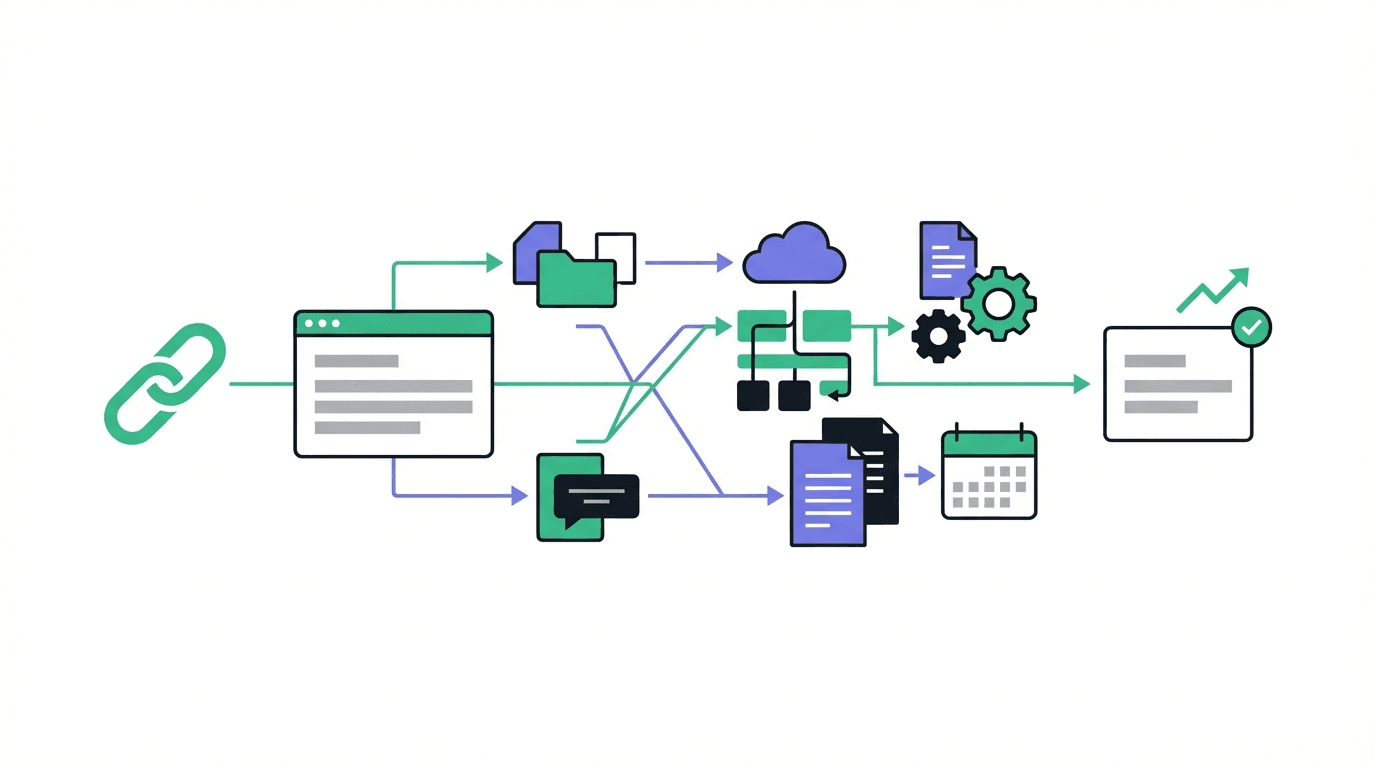
useClick's workspace-based organization changes how virtual assistants manage client links entirely. Instead of one chaotic link dump, you create separate workspaces for each client. Every link, every campaign, every piece of data stays exactly where it belongs.
The multi-client link organization system means you can switch between accounts in seconds. Monday morning client calls become easier when you pull up a workspace and see exactly what's performing. No more digging through hundreds of unrelated links to find the right campaign.
Branded short links eliminate the spam problem. Instead of random characters, your client's links reflect their brand. A coaching client gets links that look professional in their email signature. An e-commerce brand maintains consistency across all their promotional materials.
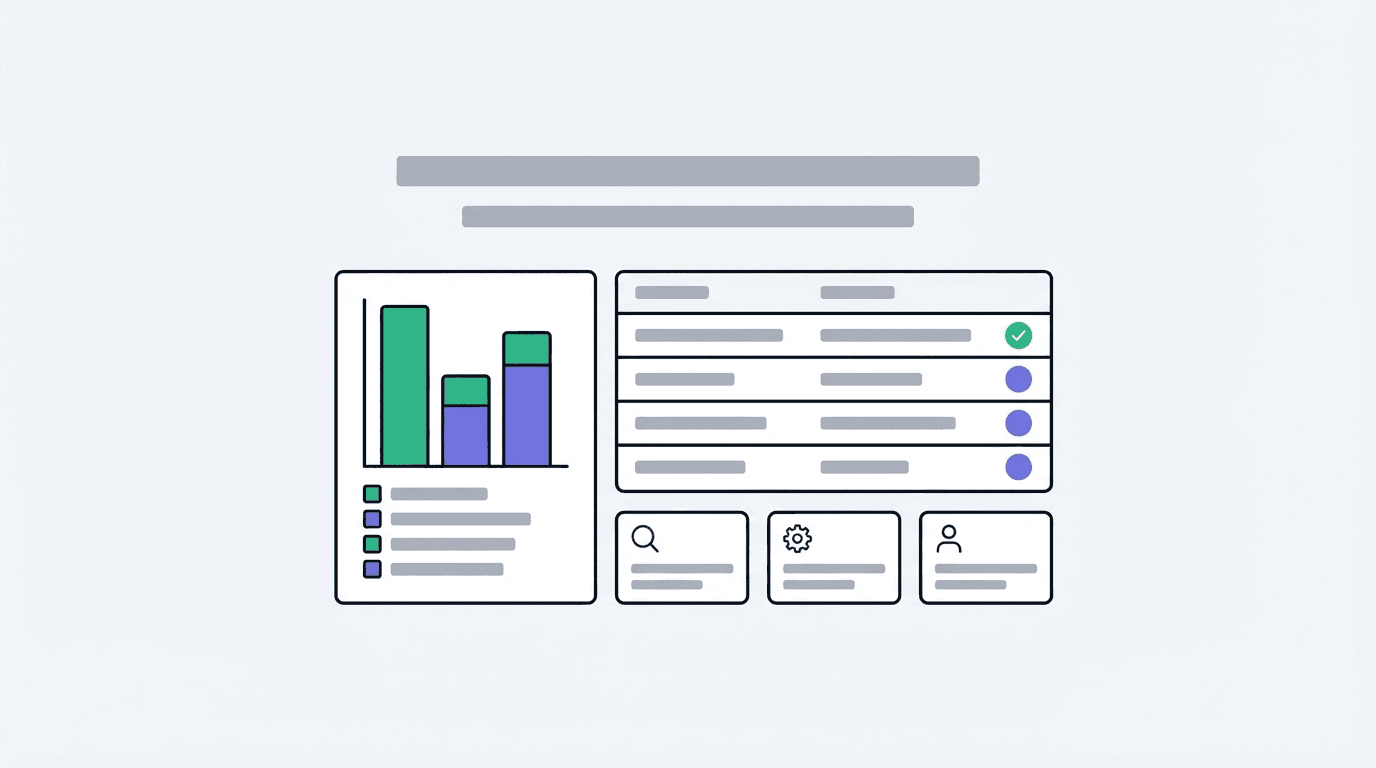
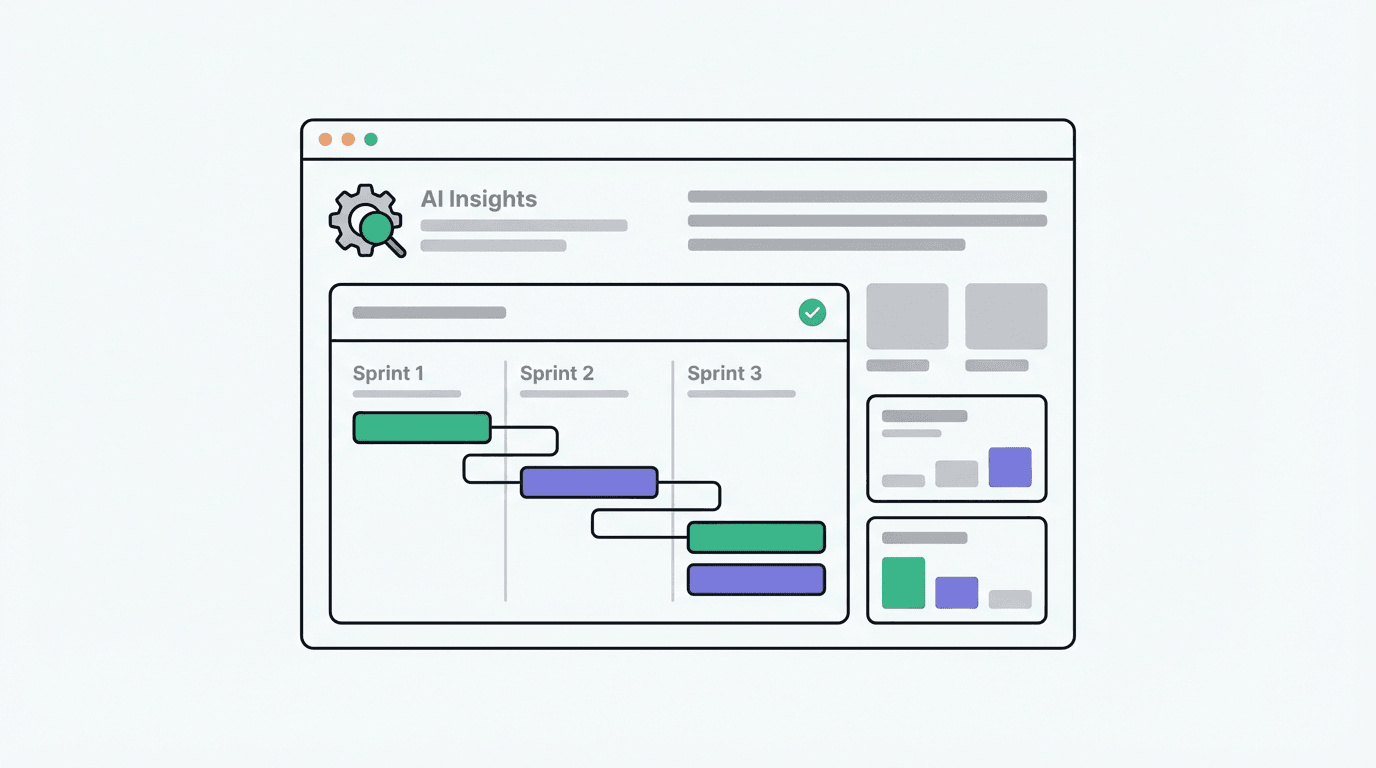
Analytics actually make sense here. Each workspace shows performance data that matters: click patterns, geographic breakdowns, device types. When clients ask about ROI, you've got answers ready without manual data wrestling. The advanced analytics dashboard shows what's working and what isn't.
Privacy compliance is built in, not bolted on. useClick operates with a European sensibility toward data protection. You won't explain awkward cookie policies to clients because there aren't any invasive tracking mechanisms to explain.
3 Specific Use Cases
- For weekly social media scheduling, create branded links for each client's content calendar, organize them by workspace, and review performance data before your Monday check-in calls. When a post drives unexpected traffic, you'll know within hours, not weeks.
- Track email campaigns by generating unique links for newsletter CTAs, landing pages, and promotional content. Track which emails drive actual clicks versus empty opens. Show clients concrete engagement data that proves your email strategy works.
- Build client reporting dashboards from workspace analytics and turn them into monthly performance summaries. Instead of manually counting clicks across platforms, export organized data that demonstrates value. Clients see exactly which links drove results.
Frequently Asked Questions
Can I manage multiple clients from one useClick account?
Yes. The workspace feature lets you create separate environments for each client. Links, analytics, and team access stay completely separated. You'll never accidentally mix up client data or send the wrong report.
Do short links work on all social platforms?
useClick links work across every major platform: Instagram bios, LinkedIn posts, Twitter, Facebook, and email campaigns. Branded domains help avoid spam filters that sometimes flag generic shorteners.
How do I prove link performance to clients?
Every link tracks clicks, geographic data, device types, and time patterns. Export reports directly from your workspace or share dashboard access with clients who want real-time visibility. The data speaks for itself.
Virtual assistants who manage links strategically stand out from those who just paste URLs. The right tool does more than shorten links. It organizes your client work, proves your impact, and maintains the professional image you've built. Branded domains alone change how clients perceive your attention to detail.
Stop losing track of links and start showing clients exactly what you deliver. The difference between a good VA and an indispensable one often comes down to systems that scale.
Ready to stop losing clicks? Start shortening links for free. No credit card required.