You've built an app. You're posting on social. Users click your link, land on a mobile web page, squint at the "Download our app" banner, maybe tap it, get redirected to the App Store, lose context entirely, and... never come back.
That's not a user journey. That's a conversion funeral.
What Is Deep Linking?
Deep linking is the practice of using a link that opens a specific screen inside a mobile app rather than a website or the app's home screen. A normal link drops people on a web page; a deep link takes someone straight to the exact product, profile, or article in the native app. A deferred deep link does the same even if the app isn't installed yet, sending the user to the app store and then to the right screen after install. The result is no "find it again" friction, which is why deep links convert so much better than plain web links.
Deep linking fixes the broken journey above by sending users from a social post directly to a specific screen inside your app, skipping the web page and the App Store detour for existing users. According to AppsFlyer's 2024 analysis, owned media conversions surged 64% when brands deployed web-to-app deep linking journeys instead of dumping users on generic landing pages. That's the difference between growth and stagnation, not a marginal improvement.
Most guides treat deep linking as a single technology. It's really three different approaches, depending on platform, user state, and what you're trying to accomplish. Get it wrong, and you're building dead-end links that frustrate users. Get it right, and you turn every social post into a direct conversion path.
What Deep Linking Actually Means (And Why It Matters Now)
A deep link takes users to a specific location inside an app (a product page, a checkout flow, a piece of content) rather than just opening the app's home screen. The "deep" part means you're linking to nested content, not surface-level.
Traditional web links can't do this. They hit a browser first. Mobile browsers are where conversions go to die: slow load times, awkward navigation, constant app download prompts that users dismiss. Deep links bypass all of it.
Branch.io's 2025 survey found that 63% of marketers now use deep linking for onboarding and 61% for ad campaign performance. The adoption spike isn't random. Privacy changes (iOS ATT restrictions, Android's Privacy Sandbox, third-party cookie death) have made traditional attribution unreliable. 71% of marketers report revenue blind spots from signal loss. Deep linking offers a privacy-compliant alternative: you're tracking link clicks and app opens without needing user-level identifiers or consent banners.
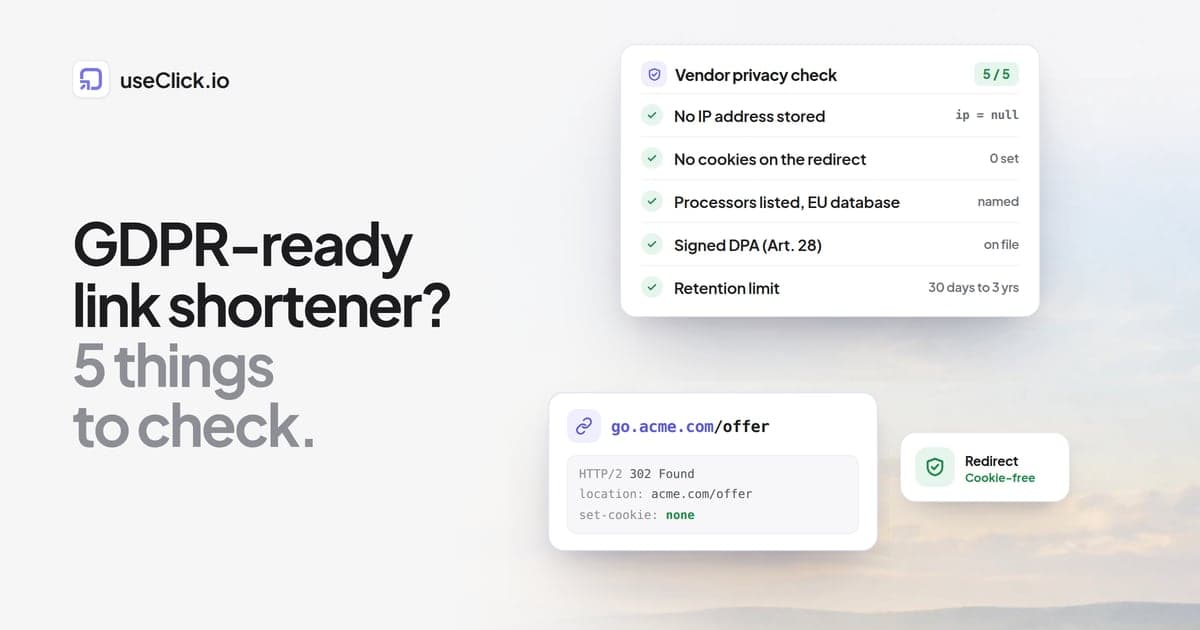
This ties directly to why server-side link tracking without cookies has become the standard for privacy-first teams. You measure the redirect, not the user.
The Three Types of Deep Links (And When to Use Each)
Not all deep links work the same way. Choose wrong, and you'll send users into error states or App Store loops.
URI Scheme Links (Custom URL Schemes)
Format: yourapp://product/12345
These are the oldest approach. Your app registers a custom URL scheme, and when a user clicks it, the OS tries to open your app. If the app isn't installed, nothing happens, or worse, the user sees an error, with no graceful fallback and no way to measure that the link failed.
Use case: internal app-to-app navigation where you know the app is already installed. That's it. Don't use these for social posts or paid ads.
Universal Links (iOS) and App Links (Android)
Format: https://yourdomain.com/product/12345
These look like normal web URLs but are configured to open your app directly if it's installed. If the app isn't installed, users land on a web page: your fallback destination. This is the privacy-friendly standard Apple and Google push because it doesn't leak data to third parties before the user consents.
Implementation requires you to host an association file on your domain (apple-app-site-association for iOS, assetlinks.json for Android) that proves you own both the domain and the app. It's technical, but it's the right approach for sending users from social media, email, or SMS into your app without friction.
One e-commerce app switched from URI schemes to Universal Links for Instagram Stories and saw their mobile conversion rate jump 43% in the first month. Existing users went straight to product pages. New users landed on a mobile web page optimized for app download with context intact.
Deferred Deep Links (Attribution + Destination)
This is where it gets powerful. A user clicks your link, doesn't have the app installed, goes to the App Store, downloads the app, opens it for the first time, and lands on the exact product or screen you linked to originally, with context preserved across the install.
The mechanism: your link management platform stores the intended destination tied to a device fingerprint or click ID. When the app opens, it queries the platform: "Did this device just click a deep link?" If yes, the app navigates to that destination.
Use case: paid acquisition campaigns where you want new users to land on high-intent content immediately after install, not a generic onboarding screen. Branch data shows 63% of marketers use this for onboarding flows, because sending someone from a sneaker ad to your app's homepage wastes the intent you paid to capture.
Why Your Social-to-App Conversion Rate Is Probably Terrible
Most mobile marketers are losing 60-70% of potential conversions between the social click and the app action. Here's why.
Friction kills mobile momentum. Every redirect, every page load, every "Continue in app" button is a 20-30% drop-off point. Stack three of them (social to mobile web to App Store to app home screen) and you've lost most users before they see what you wanted to show them.
Generic destinations destroy intent. A user clicks on your Instagram post about a specific product and lands on your app's home screen. Now they have to search for what they just clicked on. Most won't bother. Branch found that only 18% of marketers feel very confident tying installs to sources, which means 82% are flying blind on what's working. You're probably misattributing organic installs and overpaying for ads that don't convert.
You're probably not tracking the full journey. Traditional analytics break at the App Store. You see the click, you see the install, but you don't see if the user who clicked your promo link is the same one who converted three days later. Deferred deep linking with proper UTM parameter tracking solves this by passing campaign context through the install.
How to Actually Implement Deep Linking (Without Losing Your Mind)
The technical setup isn't trivial, but it's not rocket science either. Here's the practical path.
Step 1: Configure Universal Links and App Links. This means hosting the association files on your domain and updating your app to handle incoming URLs. iOS requires the file at https://yourdomain.com/.well-known/apple-app-site-association. Android needs https://yourdomain.com/.well-known/assetlinks.json. Your app developer needs to register which URL patterns your app should intercept.
Step 2: Build fallback web pages. Every deep link needs a mobile-optimized web destination for users without the app. Don't just throw up a "Download our app" interstitial. Show the actual content, product details, article preview, offer info, with a contextual app download prompt. This way, users who don't want the app can still convert on web.
Step 3: Track everything server-side. Cookie-based analytics can't follow users from web to app. You need link-level tracking that measures clicks, app opens, and conversions without relying on client-side scripts. Server-side link analytics track the redirect itself (the moment someone clicks) independent of what happens in their browser or app afterward. This is how you maintain attribution through privacy restrictions.
Step 4: Test both states obsessively. Every deep link needs to work for two user types: app installed vs. not installed. Click your own links on a device with the app, then delete the app and click again. Both paths should feel intentional, not broken.
The mistake most teams make is treating deep linking as a one-time setup. It's continuous. URLs change, app screens get redesigned, association files break when you migrate domains. Monthly audits matter: broken links rot faster than you think, and broken deep links look like app bugs to users.
Advanced Tactics: Geo-Targeting, A/B Testing, and Retargeting
Once basic deep linking works, these strategies separate high-performing mobile teams from everyone else.
Geo-target deep links by region or app store. A user in Germany clicks your link and should open the German App Store, land on a German-language screen, and see euro pricing. Geo-based link routing makes this automatic. It's especially critical for affiliate marketers running international campaigns, since sending a UK user to the US Amazon app loses the commission and frustrates the user. Smart geo-targeting keeps both the destination and the attribution intact.
A/B test destinations, not just creatives. Most teams test ad copy and images but send all traffic to the same app screen. Try this instead: send half your clicks to a product page, half to a category page. Or test onboarding flow A vs. B for new installs. A/B testing at the link level reveals which post-click experiences actually convert, not just which ads get clicks.
Retarget based on deep link clicks without cookies. Server-side link tracking lets you build audiences from click data: users who clicked but didn't install, users who installed but didn't purchase, users who engaged with specific content. You're not tracking them across the web with pixels. You're measuring link interaction and app behavior, which doesn't require consent in most jurisdictions. This is how privacy-first mobile growth works in 2025.
The Attribution Problem Nobody Talks About
Here's the uncomfortable truth: even with deep linking, attribution is still partially broken. Branch's survey found 71% of marketers face revenue impact from privacy-related signal loss. iOS ATT means you can't deterministically match a click to an install unless the user grants tracking permission, and most don't.
Deferred deep linking helps by using probabilistic matching (device fingerprints, timing windows) to infer which click led to which install. It's not perfect. You'll misattribute some installs. Organic users will get credited to paid campaigns, or vice versa.
Perfect attribution is gone. What's left is directional confidence plus qualitative insights. If campaign A drives 200 installs with 15% conversion and campaign B drives 400 installs with 3% conversion, you know which performs better even if some individual installs are misclassified. Combine link-level data with in-app event tracking and you get enough signal to optimize without needing user-level graphs.
This is also why focusing on the right link metrics matters more than tracking everything. Click-to-install conversion, post-install engagement rate, and attributed revenue tell you what's working. Session depth and device model breakdowns are noise.
Where Most Teams Underuse Deep Linking
Branch found that while 63% of marketers use deep linking for onboarding and 61% for ads, only 20% deploy it for reengagement and retention. That's a massive missed opportunity.
You've already paid to acquire these users. Sending them a push notification or email with a deep link directly to their abandoned cart, a personalized offer, or new content relevant to their behavior is trivial, and it converts at 2-3x the rate of generic "open the app" messages.
One subscription app tested deep-linked reengagement emails for lapsed users. Generic emails: 8% open, 1.2% conversion. Deep-linked emails to a personalized content feed: 12% open, 4.7% conversion. Same list, same send time, different link strategy.
If you're spending money on acquisition but ignoring deep-linked retention, you're filling a leaky bucket.
Measuring What Actually Matters
Vanity metrics will lie to you. Here's what to track:
- Click-to-open rate: Percentage of link clicks that result in app opens. Tells you if your deep linking implementation actually works or if users are hitting dead ends.
- Install conversion rate: Clicks that result in new installs. Lower than you expect? Your fallback web page probably isn't compelling.
- Post-install engagement: Do users who arrive via deep links complete onboarding, make purchases, or churn immediately? If deferred deep linking sends them to the right place, engagement should be higher than generic installs.
- Channel performance by destination: Which social platforms and which deep link destinations drive the highest lifetime value? Instagram Story to product page might crush TikTok to homepage even if TikTok delivers more clicks.
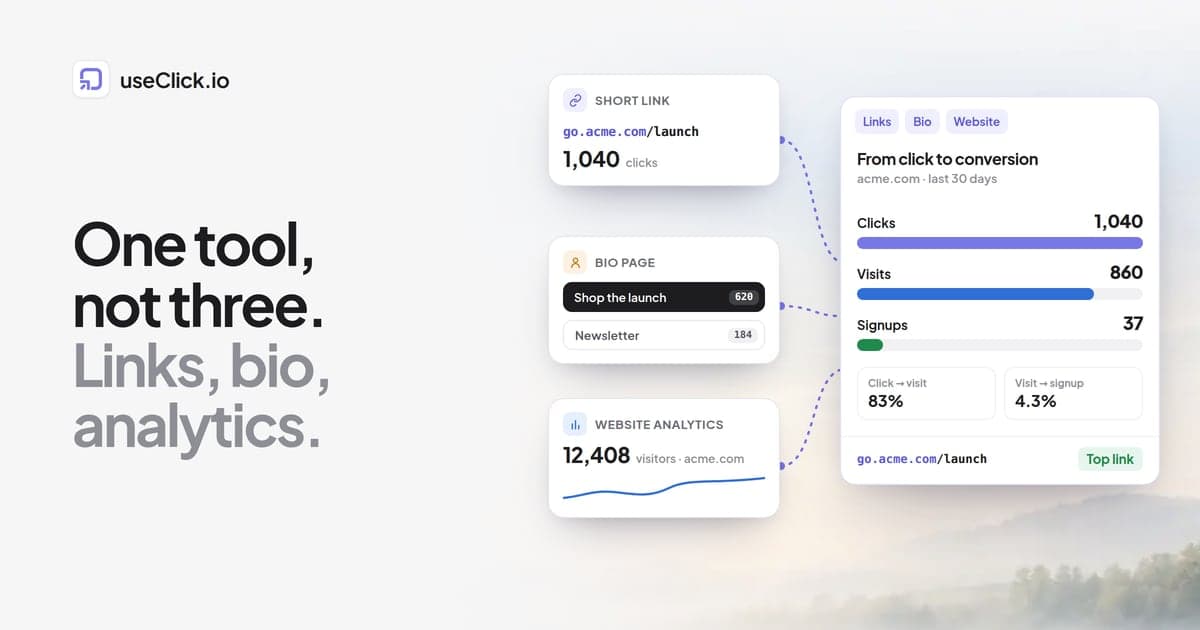
Most link management tools give you click counts and device breakdowns but can't connect those clicks to app events. You need server-side tracking that ties link interaction to post-install behavior without cookies or client-side SDKs that break under privacy restrictions.
Privacy, Compliance, and Why This Matters in 2025
Deep linking done right is privacy-compliant by design. Universal Links and App Links don't share user data with third parties before the app opens. You're not dropping tracking pixels on a web page or setting cookies. You're redirecting a URL and measuring that redirect server-side.
This is why privacy-first marketing tools are winning market share in 2025. Marketers are realizing they don't need to surveil users to measure performance. They just need to track their own links and app events.
The platforms pushing deep linking adoption (Apple, Google, even privacy-focused browsers) are doing so because it keeps data flows transparent and user-controlled. When a user taps a link and your app opens, they know what happened, with no invisible trackers or ad networks building shadow profiles behind it. Just a link that worked as expected.
Counterintuitively, this constraint makes mobile attribution more reliable, not less. Cookie-based web tracking was always probabilistic and bloated with bot traffic. Server-side link tracking and app-level events give you cleaner data on real users taking real actions.
Should You Build or Use a Platform?
You can build deep linking infrastructure yourself, hosting the association files, writing the URL routing logic, implementing deferred deep linking with fingerprinting. Plenty of apps do this.
But here's the tradeoff: you'll spend weeks on setup, ongoing maintenance when iOS or Android change requirements, and you'll have no analytics unless you build that too. For most teams, that's not a good use of engineering time.
Link management platforms with built-in deep linking support handle the technical setup, provide analytics dashboards, and let you create, test, and update deep links without deploying app updates. You trade some control for speed and reliability. For mobile marketers running dozens of campaigns across channels, that trade makes sense.
The key is making sure your platform tracks server-side, supports geo-targeting and A/B testing, and doesn't lock your data behind export paywalls. Your link data is your attribution data. You need to own it.
Deep linking is the baseline for mobile conversion optimization now, not a nice-to-have feature. The gap between teams using generic app install links and teams using contextual deep links with proper tracking is measured in double-digit conversion rate differences. In a market where acquisition costs keep climbing (Branch found 36% of marketers cite scale without overspending as their top challenge), closing that gap isn't optional.