Short Links for Coaches: Track Every Client Click
You send resources to clients constantly. Worksheets, booking links, course materials, intake forms. But here's the problem: you have no idea if they're actually clicking. Are they engaging with your content between sessions? Did they even open that email? Traditional link shorteners give you a generic URL and zero insight into what happens next.
For coaches building a practice, this blind spot costs money. Client engagement drives retention, and retention drives revenue. When you can't see how clients interact with your resources, you're guessing instead of coaching strategically. The good news: there's a better approach that gives you the data you need without compromising the trust you've built.
The Problem with Standard Tools
Generic link shorteners weren't built for coaches. They were built for mass marketing campaigns where individual click data doesn't matter. When you're working one-on-one or with small groups, you need different capabilities entirely.
First, there's the trust issue. Clients see a random shortened URL and hesitate. Is this spam? Did my coach actually send this? That moment of doubt undermines your professionalism. Some corporate firewalls and email filters block common shortened domains outright, meaning your carefully curated resources never reach clients at all.
Then there's the analytics gap. Most free shorteners show you total clicks—maybe. But you can't see which clients engaged, when they clicked, or whether they returned to the resource multiple times. For a coach trying to understand client behavior patterns, aggregate numbers are nearly useless.
The privacy concerns run deeper than most coaches realize. Cookie-based tracking tools collect data on your clients that you can't control or explain. When a client asks what happens to their information, "I don't know" isn't the answer that builds trust. GDPR made this a legal issue in Europe, but it's an ethical issue everywhere.
How UseClick Solves This
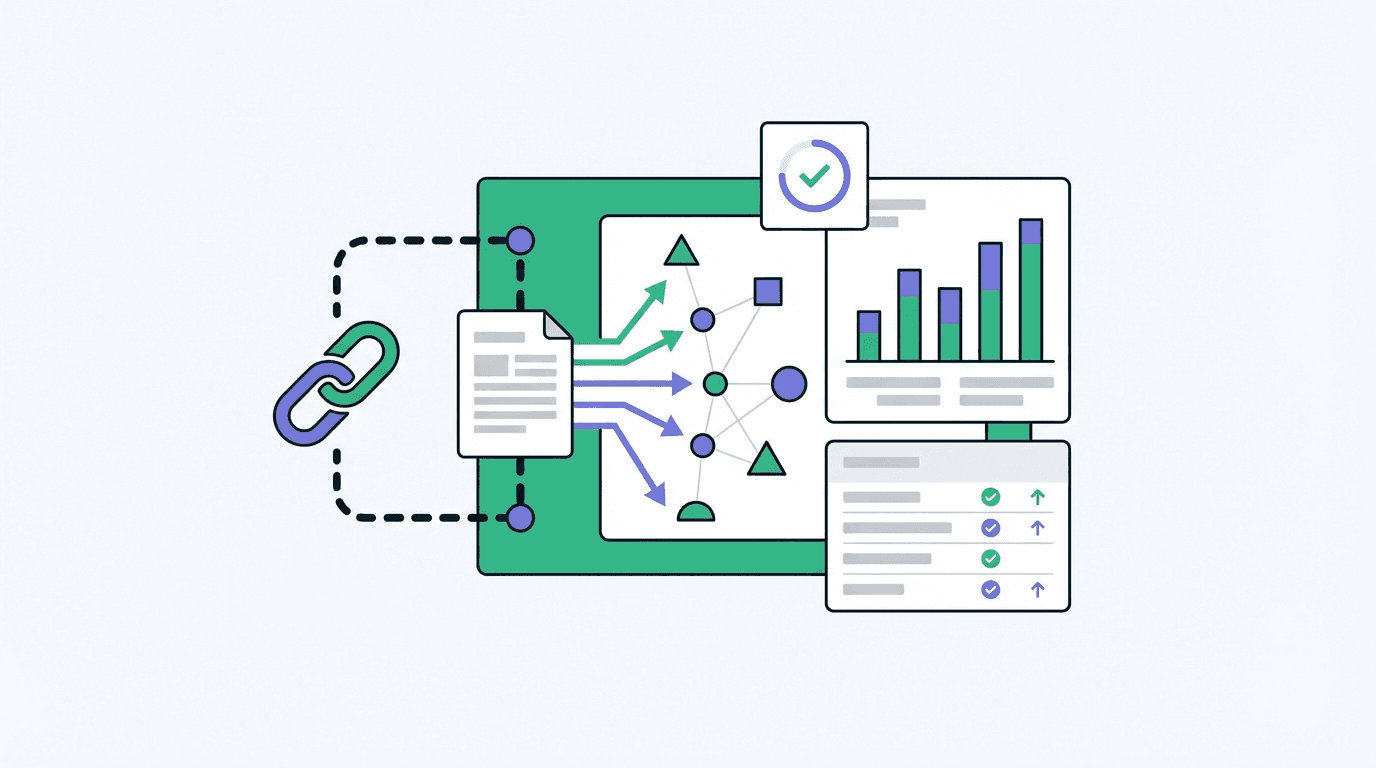
UseClick's branded short links address these problems directly. Instead of sending clients to a suspicious-looking generic URL, you share links under your own domain. YourCoachingPractice.link/intake-form tells clients exactly who's sending them where. No hesitation, no spam filters, no broken trust.
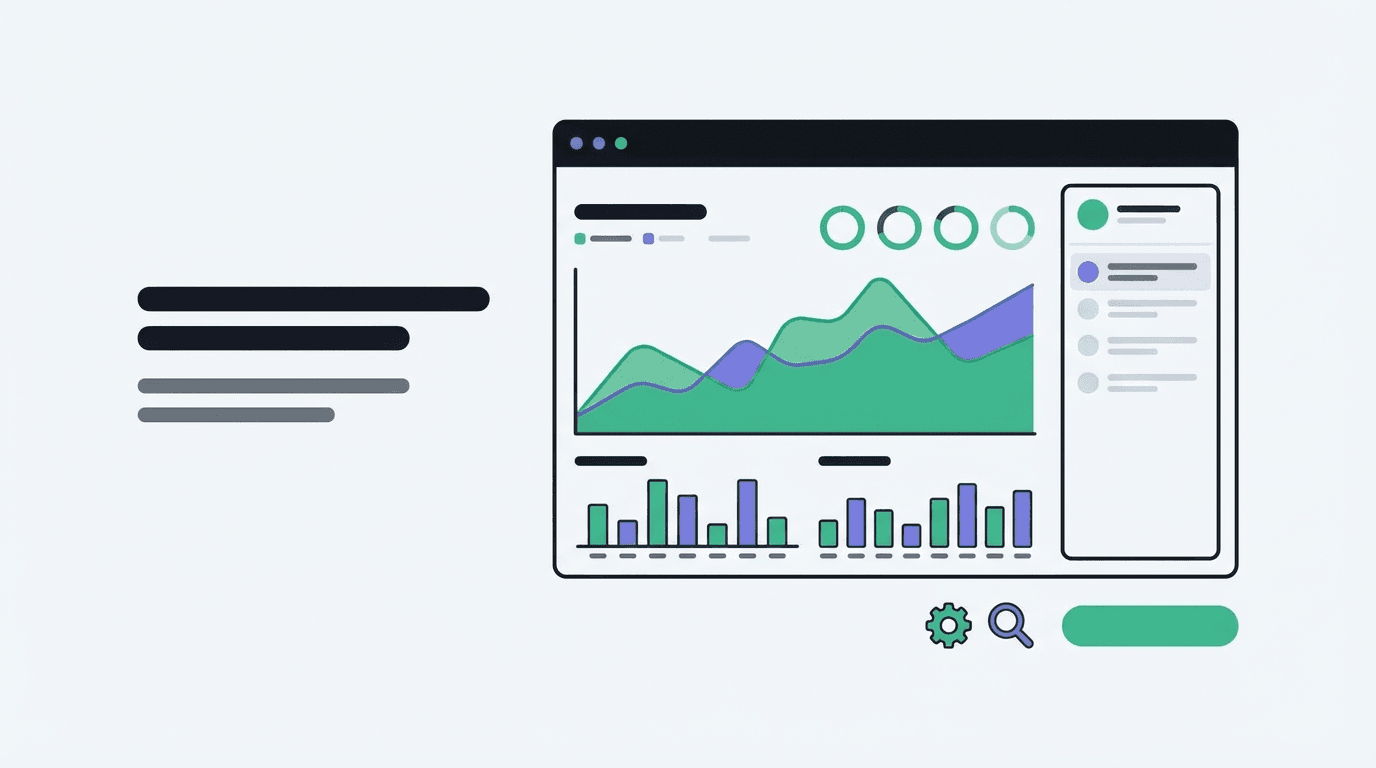
The analytics work differently too. UseClick operates without cookies, which means you get accurate click data without the privacy baggage. You'll see when clients engage with resources, how often they return to materials, and which content actually gets used. This isn't surveillance—it's the same insight you'd have if clients downloaded files directly to their computers.
For coaches specifically, this changes how you prepare for sessions. Notice a client hasn't opened their pre-session worksheet? You know to allocate time differently. See that someone watched your video module three times? That topic clearly needs more attention. The data informs your coaching without requiring clients to self-report everything.
Setting up custom branded domains takes minutes, not hours. You don't need technical skills or a web developer. Once configured, every link you create automatically uses your professional branding.
3 Ways Coaches Use Short Links Daily
- Session resource tracking: Create unique links for each client's materials. See who's doing the work between sessions and who needs gentle accountability. One coach discovered 40% of her "non-compliant" clients had email delivery issues—the links never arrived.
- Course and program analytics: If you sell digital courses or group programs, track which modules get engagement. Identify where participants drop off and optimize your content accordingly. Links with UTM parameters let you segment data by cohort or enrollment source.
- Booking link optimization: Stop wondering which platforms drive discovery calls. Use different branded links for your website, social profiles, and email signature. Know exactly where clients find you and double down on what works.
Frequently Asked Questions
Can I see which specific client clicked my link?
UseClick shows click data by link, not by individual identity. You'll see when clicks happen and from what general location, but we don't track personal information. For client-specific insights, create unique links per person—many coaches include client initials in the URL slug.
Will branded links work if I don't have a website?
Yes. You can use UseClick's shared branded domains immediately, or connect a custom domain you purchase separately. Many coaches buy a simple domain just for links—it costs under $15 per year and instantly professionalizes every resource you share.
How is this different from the link shortener I already use?
Most free shorteners offer basic click counts and nothing else. UseClick provides detailed analytics including geographic data, device types, and click timing—all without cookies. Plus, branded domains mean your links don't get blocked by corporate filters or flagged as suspicious.
Stop Guessing, Start Growing
Every untracked link is a missed opportunity to understand your clients better. Branded short links give coaches the engagement data they need while maintaining the trust they've worked to build. No privacy concerns, no blocked emails, no generic URLs that make you look like spam.
Ready to stop losing clicks? Start shortening links for free — no credit card required.