URL Shortener for LinkedIn Posts: Get Real Analytics That Matter
You're publishing LinkedIn content consistently. You're adding links to drive traffic. But when it comes to measuring what's actually working, you're flying blind. LinkedIn's native analytics tell you impressions and engagement rates, but the moment someone clicks your link, the trail goes cold.
That gap is more than a minor inconvenience. It is a fundamental hole in your marketing data. You can't optimize what you can't measure. And if you're using generic link shorteners, you're probably dealing with blocked links, zero attribution data, or analytics dashboards that require a PhD to interpret.
There's a better approach. One that gives you clean, professional links that work seamlessly on LinkedIn while capturing every click with full analytics. No cookies required. No GDPR compliance headaches. Just clear data on who's clicking, when, and from where.
The Problem with Standard Tools on LinkedIn
LinkedIn has a complicated relationship with shortened links. The platform's algorithm tends to suppress posts containing links from well-known shortening services. Your carefully crafted post gets buried because LinkedIn flags your link as potentially spammy.
Even when links aren't actively suppressed, traditional shorteners create trust issues. Your audience sees a cryptic shortened URL and hesitates. They don't know where it leads. In a professional context like LinkedIn, that hesitation often means they simply don't click.
Then there's the analytics problem. Most free shorteners give you a click count and nothing else. You have no idea if those clicks came from your LinkedIn post, your email signature, or that Slack message from three months ago. You can't see which posts drive the most engaged traffic. You can't identify patterns in when your audience clicks or what devices they use.
For marketers and founders trying to prove ROI on their LinkedIn efforts, this data gap is a real problem. You're investing hours into content creation with no clear feedback loop to improve your strategy.
How UseClick Solves This
UseClick takes a fundamentally different approach to link shortening. Instead of relying on cookies that trigger privacy warnings and get blocked by browsers, we use cookieless tracking technology that captures analytics without compromising user privacy.
For LinkedIn specifically, this means several things. First, your links don't get flagged or suppressed. You can use your own custom branded domain, making links look professional and trustworthy. A link like yourcompany.link/report looks far more credible than a generic shortener URL.
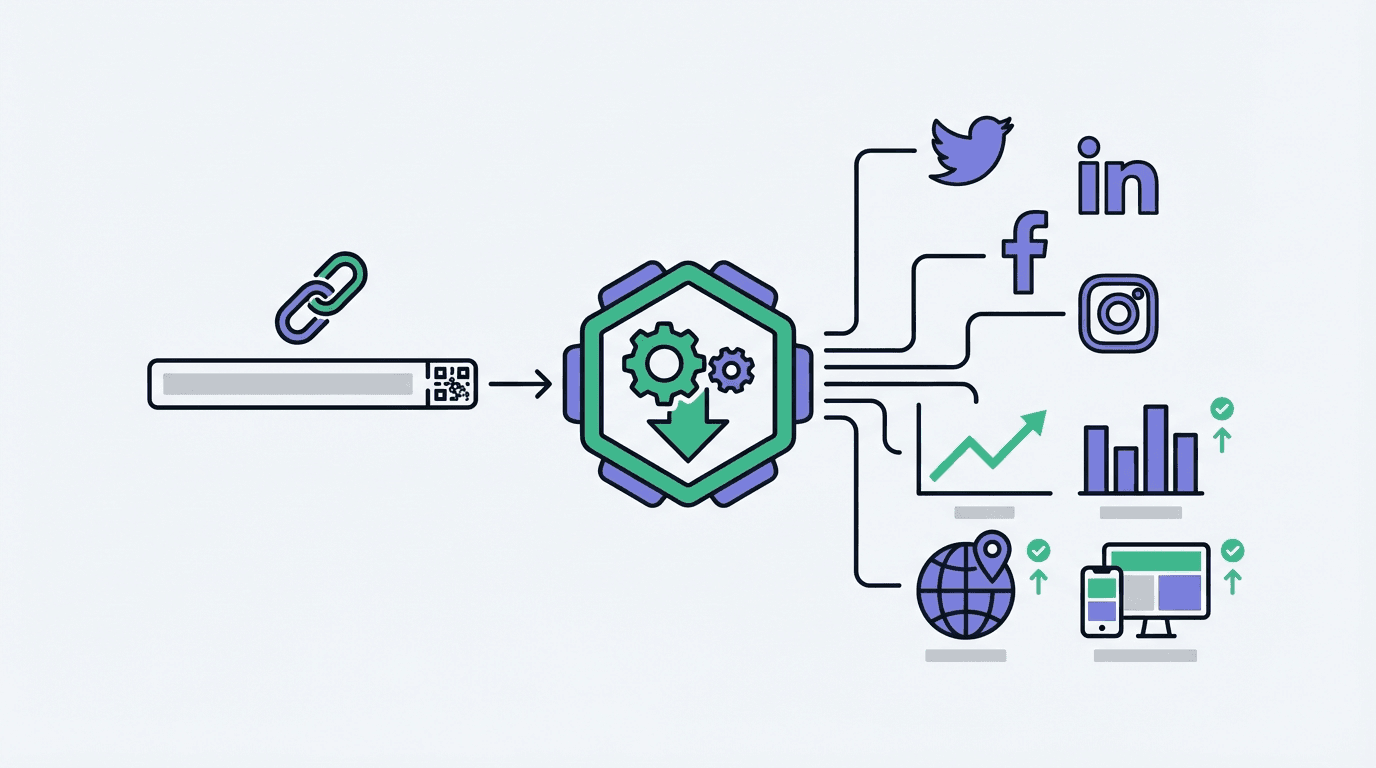
Second, you get attribution data that actually helps you make decisions. Every click is tracked with details including geographic location, device type, browser, and referral source. You can finally see which LinkedIn posts drive real traffic and which ones fall flat.
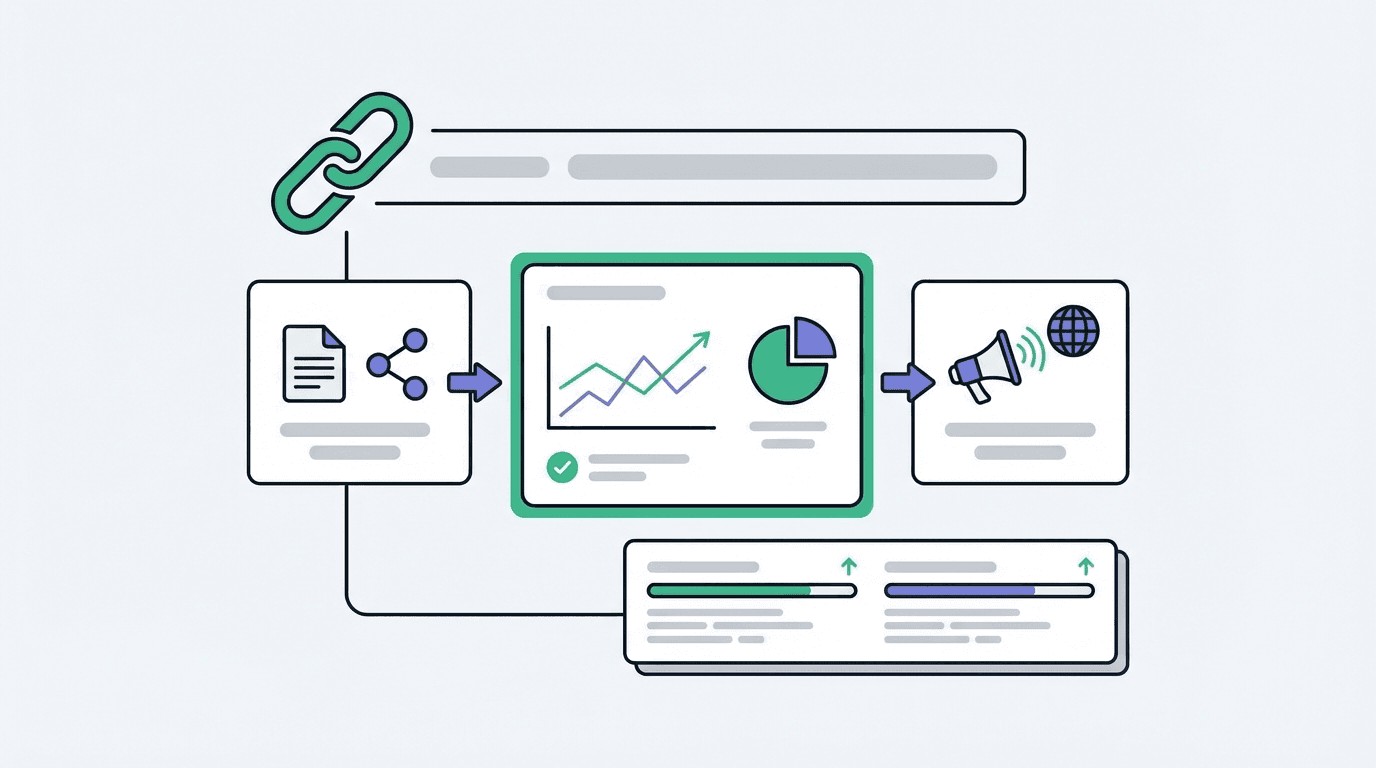
The link analytics dashboard shows you patterns over time. Maybe your audience clicks more on Tuesday mornings. Maybe mobile traffic converts better than desktop. These insights were previously invisible. Now they're actionable.
And because UseClick is built with European privacy standards at its core, you don't need to worry about GDPR compliance. There are no cookie consent banners required. No personal data stored. Just aggregate analytics that give you the full picture without the legal overhead.
3 Ways LinkedIn Creators Use UseClick Daily
- Tracking individual post performance: Create a unique short link for each LinkedIn post. Compare click-through rates across different content types, posting times, and call-to-action styles. Build a data-driven content calendar based on what your specific audience responds to.
- Measuring lead magnet effectiveness: When promoting downloadable resources or newsletter signups, use branded links that build trust and track exactly how many clicks convert. A/B test different post formats promoting the same resource to see which drives more action.
- Proving ROI on thought leadership: For founders and executives building personal brands, UseClick provides concrete data on reach beyond vanity metrics. Show stakeholders exactly how many qualified clicks your LinkedIn presence generates each month.
Frequently Asked Questions
Does LinkedIn block shortened URLs?
LinkedIn's algorithm can suppress posts with links from known shortening services. Using a custom branded domain with UseClick avoids this issue entirely because your links appear as first-party URLs from your own domain.
Can I track clicks without using cookies?
Yes. UseClick uses cookieless tracking that captures click analytics through privacy-compliant methods. You get full geographic, device, and referral data without storing any personal information or triggering cookie consent requirements.
How do I know which LinkedIn post generated each click?
Create a unique short link for each post. The UseClick dashboard shows clicks organized by link, so you can directly compare performance across all your LinkedIn content. You can also use UTM parameters for additional segmentation in your analytics tools.
Start Getting Real LinkedIn Analytics
LinkedIn is too important a platform to fly blind. Every post you publish is an opportunity to learn what resonates with your professional audience, but only if you have the right tracking in place. UseClick gives you enterprise-grade link analytics with a privacy-first approach that works seamlessly with LinkedIn's platform.
Stop guessing which content drives results. Start making decisions based on actual click data.
Ready to stop losing clicks? Start shortening links for free. No credit card required.